








Skip to content
Growform Multi Step Form Builder
Growform Vitally logo

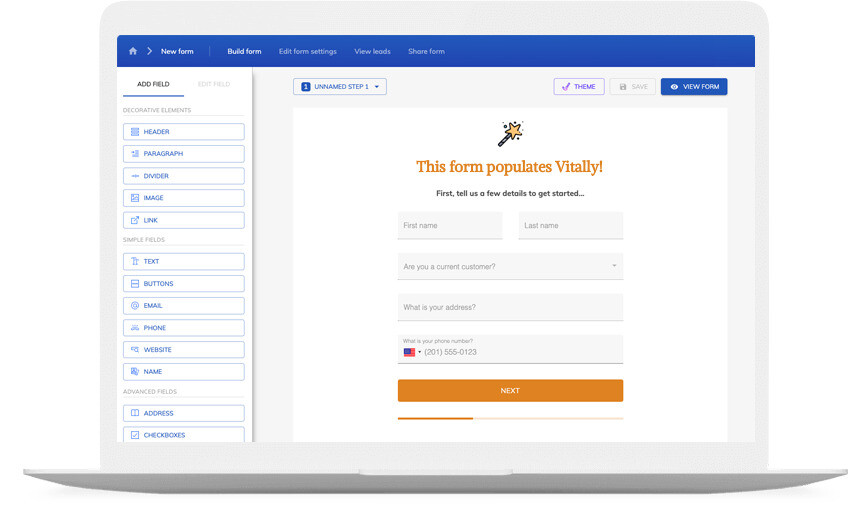
Vitally form builder

Update customer traits and create tasks with our Vitally integration form builder.

Vitally form builder

Trusted by lead gen teams and agencies

  • reformact

Send new leads straight into Vitally

You can take your form submissions to the next level. When a new form is submitted, Growform’s Vitally integration can be set up to do a variety of actions, such as updating customer traits or creating a task. This integration is perfect for companies that want to streamline their workflow and make the most out of their form submissions.

For a sales team, that means every lead lands in Vitally the moment it is submitted, with the answers from each step of the form attached, so reps can prioritize, assign and follow up without retyping anything. Multi-step forms typically collect more leads than a single long page, and conditional logic and hidden fields mean Vitally receives clean, well-qualified records with campaign data intact.

Collect up to 2x more leads and send them straight to Vitally

Growform makes it easy to build multi-step forms that get more leads.

We’ve taken years of experience in conversion rate optimization and landing page best practice and distilled it into an easy-to-use form builder.

Every submission is sent to Vitally automatically, safely and securely.

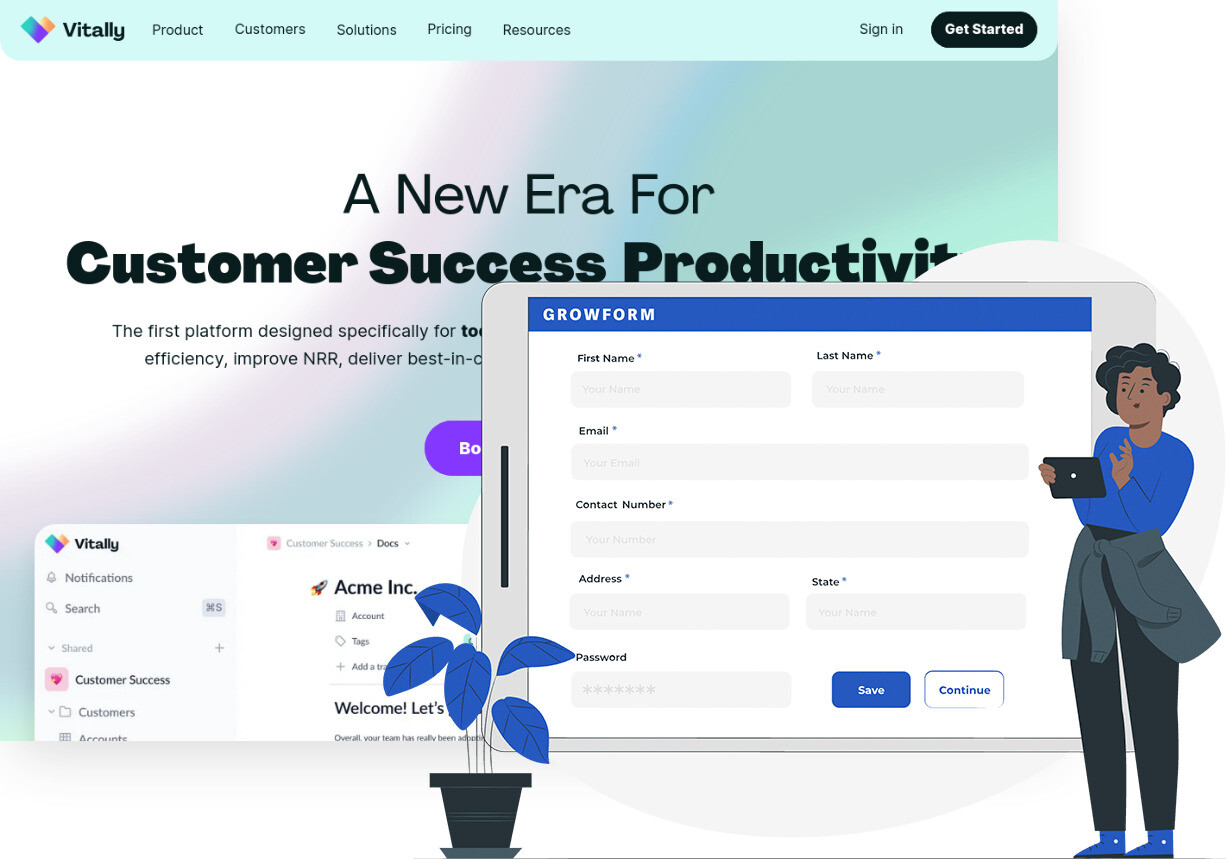
Screenshot of Vitally and the Growform form builder

A Vitally form that looks like your brand

Don’t settle for “yet another Vitally form” – use advanced customization options like custom fonts, background images and color schemes to build a form that looks just like your brand.

A good form is more than just its appearance – it’s about the user experience. Growform ensures your forms are responsive, giving your customers an exceptional experience whether they’re on a desktop or on the go with their mobile device.

If you’re not sure where to start, there’s a template for pretty much every industry!

Available actions

Here are a few things a Growform submission can do in Vitally:

  • Create Note

    Creates a new note in Vitally for each new form submission in Growform.

  • Update Customer Traits

    Updates customer traits in Vitally for each new form submission in Growform.

  • Add Customer to Segment

    Adds customers to a segment in Vitally for each new form submission in Growform.

  • Create Track

    Creates a new track in Vitally for each new form submission in Growform.

  • Find a Customer

    Finds customers in Vitally for each new form submission in Growform.

How does it work?

Vitally is great for managing customer data. Growform handles the form itself — multi-step, branded and built to convert — and passes every submission to Vitally automatically.

How it works: build the form in Growform, connect it to Vitally in a few clicks, and every submission lands in Vitally automatically.

  1. Step 1: Have a Vitally account ready

    You’ll need a Vitally account to receive the leads. If you already use Vitally, you’re set.
  2. Step 2: Create a form with Growform

    Next, create a free Growform account and build your first form — start from a template or from scratch.
  3. Step 3: Connect Growform to Vitally

    Now you’ve got your form, connect it to Vitally in a few clicks via Zapier — no code needed. Read the integration guide.
Can this be used to make single step and multi step Vitally forms?

Yes! Growform excels at creating multi-step lead generation forms, but is also a powerful tool to create single page or “one step” forms.

Is there any disadvantage to using Zapier to integrate Growform & Vitally?

No, using Zapier to integrate these systems is an industry best-practice. Millions of customers rely on Zapier to integrate systems, and it is widely considered a safe, secure and reliable way to deliver leads.

What can I build with this?

Growform can be used to build Vitally contact forms, quote forms, “wizard” style forms or simple one-page forms. You can even add conditional logic, prefilled fields or add hidden fields!

How can I embed and share my form?

You’ll be provided with some simple embed code, which lets you embed your form anywhere you wish. The form embed code works with all major website building platforms, such as WordPress, Squarespace and Unbounce.

Start your free trial

Build forms that send every lead to Vitally. 14-day free trial, no credit card required.