
Duplicate your form
Use “Duplicate” on the form card to copy the form you already run.

Coming 2026Built-in A/B testing arrives in 2026. You can split-test Growform forms today with your landing page builder.
Feature
A/B testing for forms shows two versions of a form to the same kind of traffic and compares how many leads each one produces. You change your form on evidence instead of opinion.
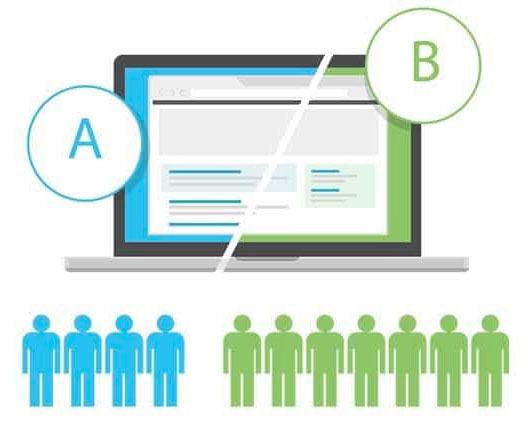
A/B testing for forms is the practice of showing two versions of a form to similar traffic and measuring which version produces more leads. It is also called split testing. Each person sees one version only, and the versions differ in one respect, so a difference in results can be traced to that change.
Form A/B testing should start with what you ask, when you ask it and how you word it, because those changes move completion the most. Form optimization of this kind usually begins with one of the following tests.
Split testing forms in Growform works today with two separate forms and the A/B testing in your landing page builder. Each variant of the landing page embeds one of the two forms, and the landing page builder divides the traffic between the variants. Built-in A/B testing is planned for 2026.
The form that turns more of its traffic into completed leads is the winner, and you count those leads in the tool that split the traffic. Growform can also fire a completion event to your ad platforms through conversion tracking. In Google Analytics 4, every step and completion event carries the form's ID, so the two forms can be compared step by step.
Use “Duplicate” on the form card to copy the form you already run.
Edit the copy so that it differs from the original in a single respect, such as the order of its steps.
Create two variants of the page in your landing page builder and embed a different form in each of them.
Let the landing page builder split the traffic, then compare the conversions recorded for each variant.
The same ad spend produces more leads when more of the people who start the form go on to finish it.
Each form keeps its own list of leads, so your sales team can report how the leads from each version turned out.
Both forms run during the same period on the same traffic, so a seasonal swing or a change of ad affects them equally.
Built-in A/B testing is planned for 2026, and the two-form method described on this page works on every plan today.
Built-in A/B testing is coming in 2026. Until then, your landing page builder splits the traffic between two Growform forms.
Yes. Both forms must be active to receive traffic, and each plan has a limit of active forms. Basic includes 3, Professional 15 and Scale 50.
Yes. Leads are listed under the form that collected them. A hidden field can also send the form name or form ID with every lead to your CRM through webhooks or Zapier.
Yes, on Professional plans and above. Growform can trigger the Unbounce conversion goal when a form is completed.
Create beautiful multi-step forms that convert, with a 14-day free trial. No credit card required.


