
Set the form for embedding
In the theme settings, set the canvas setup to “Embedded on my website” so the form appears without a header or footer.

Feature
Growform gives every form a one-line snippet that places it inside your own page. The form matches its height to each step and reads the tracking parameters of the page around it.
The same form can sit inline on a landing page, open as a pop-up from a button, or live on a link of its own.
An embeddable form builder is a tool that produces forms you can place inside pages on your own website. You build the form in Growform, paste a snippet into your page, and the form appears there as part of the page. Leads fill it in without leaving your site, and the snippet stays the same when you edit the form later.
Embedded forms load from a single script tag, which places the form on the page and keeps its height matched to the current step. There is no fixed height to set. When the lead moves to the next step, the page scrolls to the top of the form.
Your page also passes its URL parameters, cookies and referrer into the form. Hidden fields can therefore record UTMs and click IDs from the landing page. The definition of the form is cached at the edge and delivered inside the snippet itself.
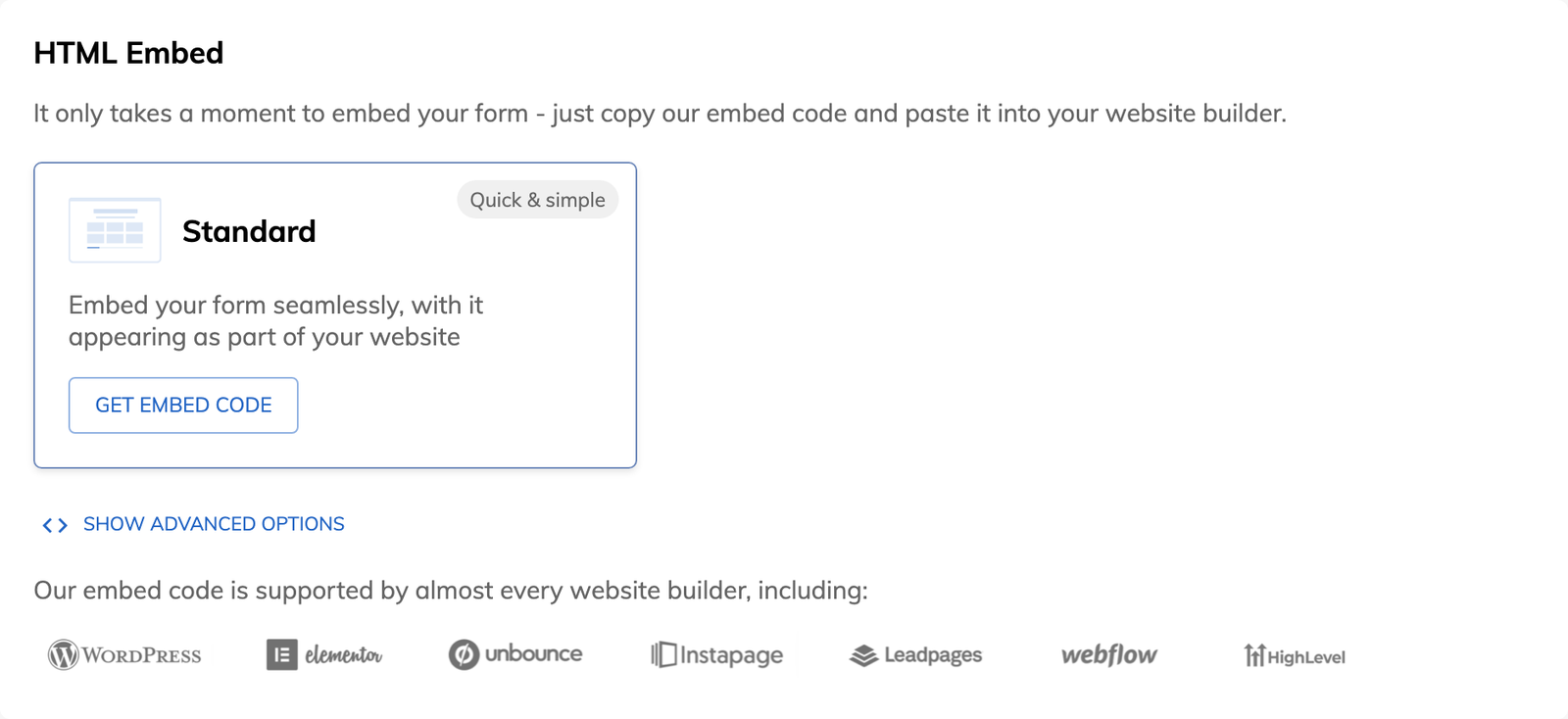
You can embed a form on a website or landing page wherever the platform accepts custom HTML. Growform includes guides for Elementor, HighLevel, Instapage, Leadpages, Unbounce, Webflow and WordPress, and a general guide for every other platform.
A form embed is one of three ways to share a Growform form. The same form can open as a pop-up when a button on your site is clicked, an option that sits under “Show advanced options” and calls for some HTML experience. Every active form also has a hosted link that works as a standalone page, and from the Professional plan that link can use your own custom domain.
In the theme settings, set the canvas setup to “Embedded on my website” so the form appears without a header or footer.
Activate the form, open “Share form” and copy the embed code.
Add a custom HTML block at the point where the form should appear, and paste the code there.
Publish the page and submit a test lead. Some page builders show the form on the published page only and leave it out of their preview.
The form appears inside the page, so there is no move to another site between the ad click and the first question.
URL parameters, cookies and the referrer are handed from the page to the form.
The script resizes the form to the height of each step as the lead moves through it.
You edit the form in Growform, and embedded copies pick up the change within about 60 seconds.
Standard and pop-up embeds come with every plan, and custom domains for hosted links begin on Professional.
You paste a script tag, and the script renders the form inside an iframe that it resizes automatically.
No. The snippet stays the same, and the changes you save can take up to 60 seconds to reach embedded forms.
A form has to be activated before it can be shared, and the number of active forms depends on your plan. The current limits are on the pricing page.
Yes. A growform_loaded event fires on your page once the form has loaded, and your own scripts can listen for it.
Create beautiful multi-step forms that convert, with a 14-day free trial. No credit card required.


