Home » Landing Page Inspiration » App landing page
App landing page examples for more downloads & engagement
A handpicked gallery of app landing pages with clean UX, sharp copy, and layouts built for conversions. Use them to make your own landing pages.
Love These Landing Pages? You Can Make Yours Convert Even Better
Create beautiful, multi-step forms that convert with a zero-commitment free trial (no credit card required).
What is an app landing page?
An app landing page is a standalone web page created to promote a mobile or web application. Its main goal is to convert visitors into users, sign-ups, or downloads by clearly presenting the app’s value and features.
Unlike a general website, an app landing page focuses entirely on driving action, removing distractions like navigation menus or unrelated content. It often includes a strong headline, concise description, and clear call-to-action.
The page is designed to engage visitors quickly, explain the app’s benefits, and guide them toward downloading or signing up in a simple, straightforward way.
Key elements of a high-converting app landing page
Clear and Compelling Headline
The headline should immediately communicate the app’s core benefit. It must grab attention and make visitors understand what problem the app solves or what value it delivers. Avoid vague statements and focus on outcomes users care about.
Concise Description
Provide a brief, scannable overview of the app. Highlight key features, benefits, and the user experience. Explain what users can achieve and why the app is worth downloading. Keep sentences short and easy to read.
Prominent call-to-action (CTA)
Place a visible CTA above the fold and repeat it strategically throughout the page. Use action-oriented text such as “Download Now,” “Get Started,” or “Sign Up Free” to guide visitors toward taking action.
App Screenshots and Visuals
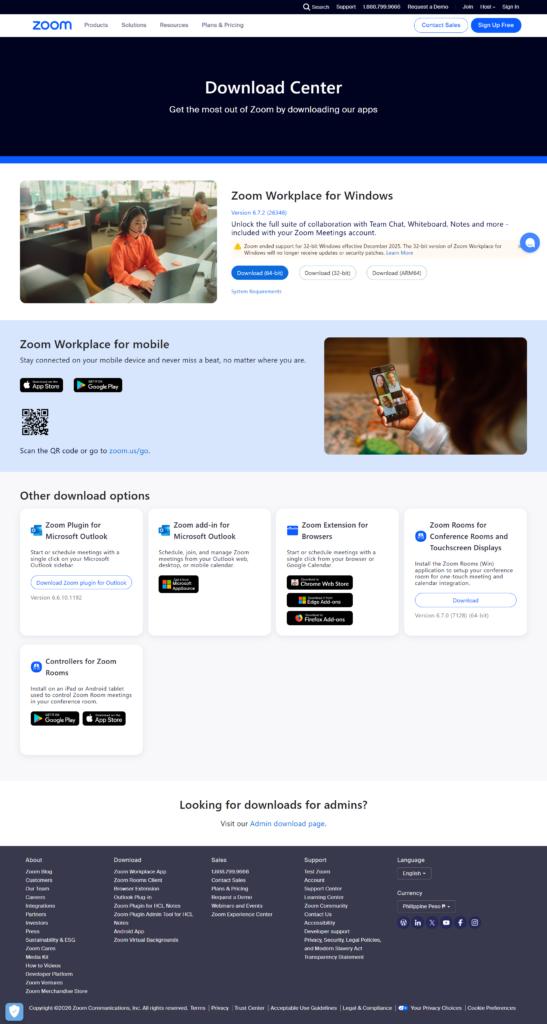
Showcase high-quality screenshots, animations, or videos of the app in use. Visuals help users understand functionality, demonstrate usability, and build trust. Ensure images are clear, relevant, and optimized for fast loading.
Social Proof
Include user testimonials, reviews, ratings, or mentions from trusted publications. Social proof reassures visitors and encourages them to take action. Highlight results or feedback that demonstrate the app’s value and reliability.
Feature Highlights
List the app’s main features in a clear and organized format. Use icons, short descriptions, or bullet points to make features easy to scan and understand. Focus on the features that solve user pain points.
Mobile Responsiveness
Ensure the landing page and visuals display correctly on all devices. Many users will access the page from a smartphone or tablet, so seamless mobile functionality is essential to maximize conversions.
Trust Signals
Include security badges, awards, or certifications if applicable. Trust signals reduce hesitation and increase confidence in downloading or signing up for the app.
Download or Sign-up Links
Make app store buttons or registration forms easy to find and use. Direct links to Google Play, Apple App Store, or web sign-up forms reduce friction and improve conversion rates.
How to use these app landing page examples
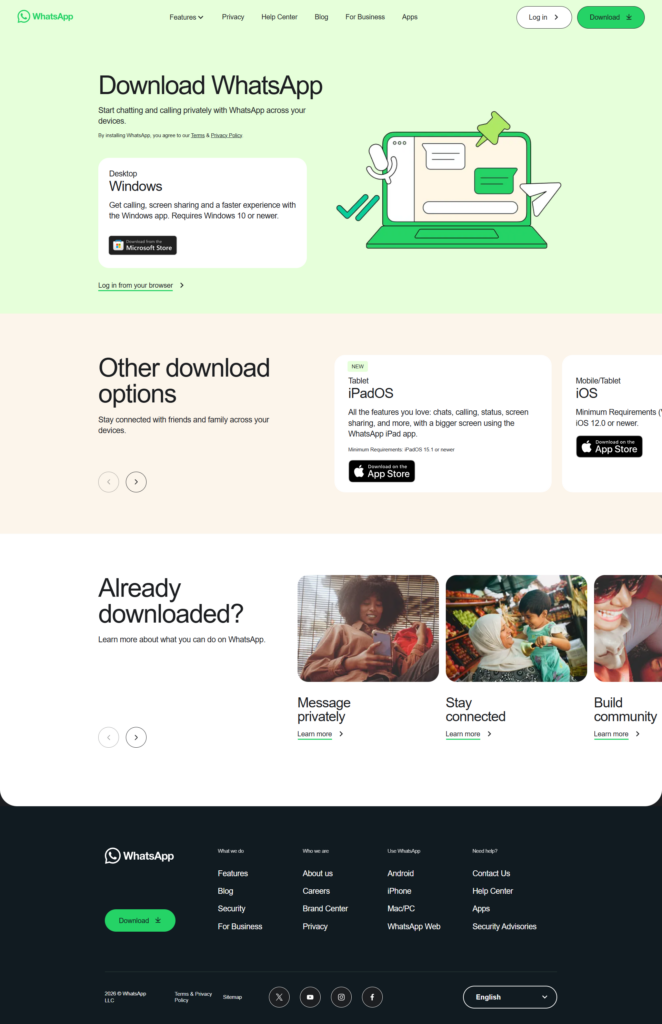
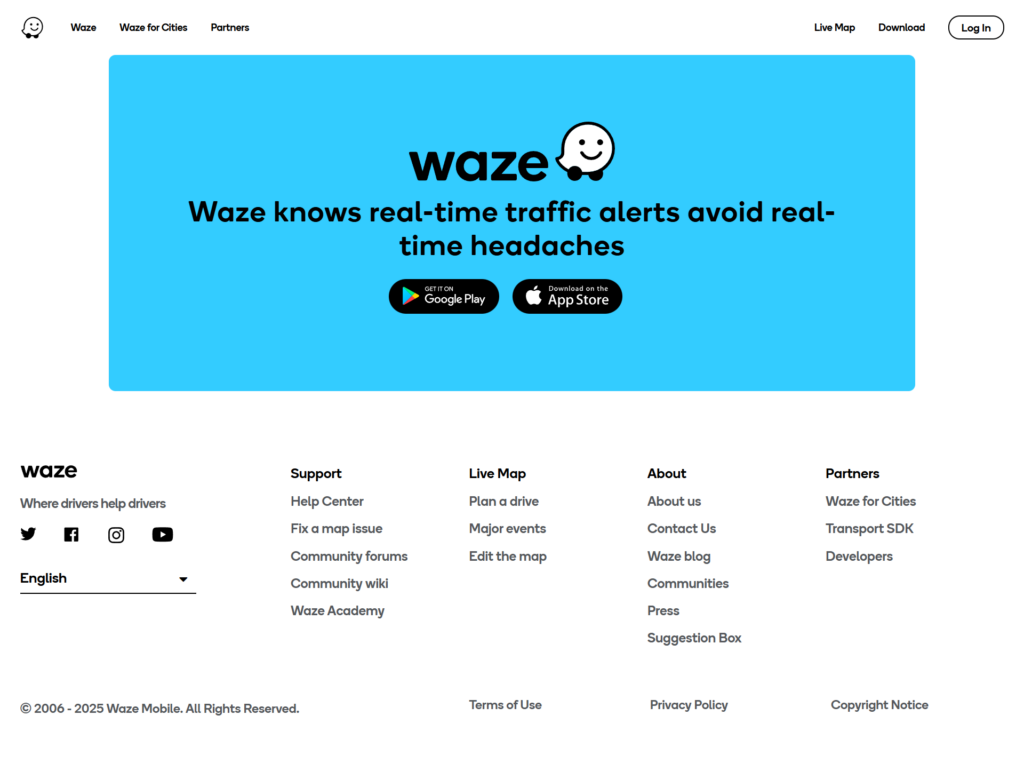
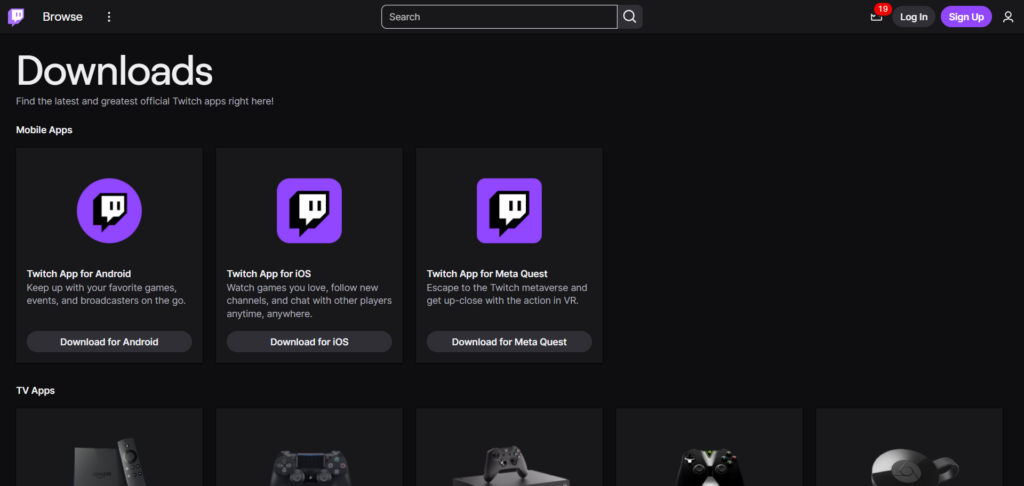
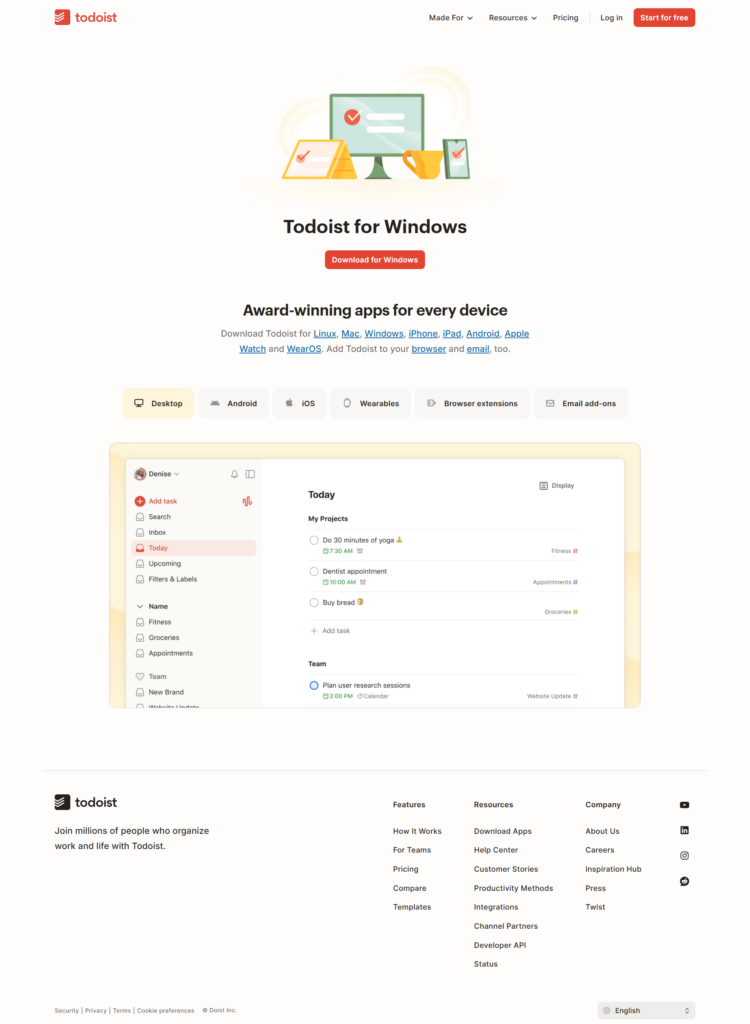
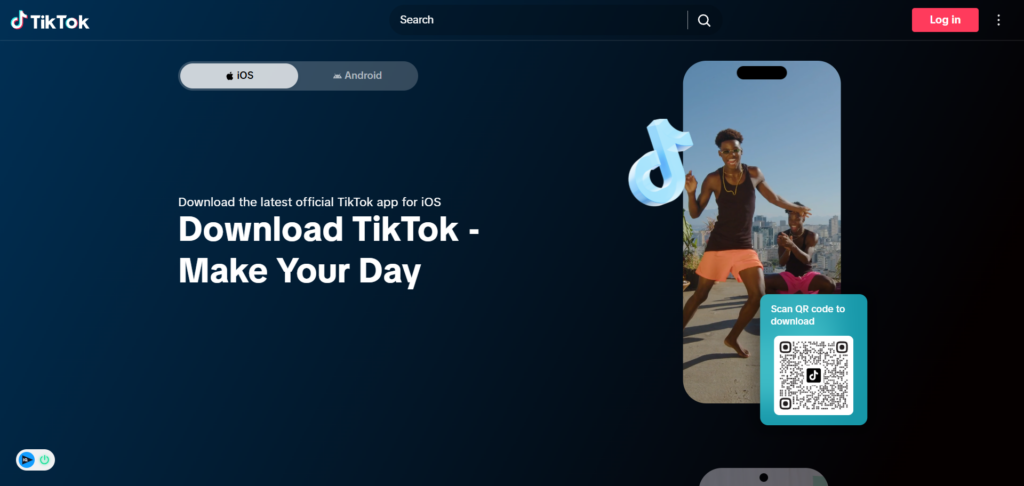
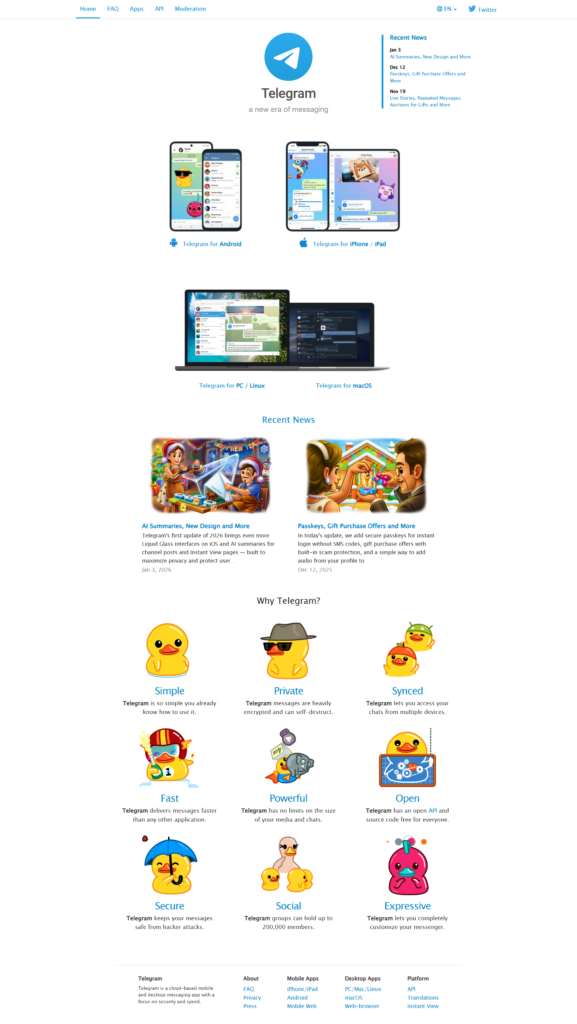
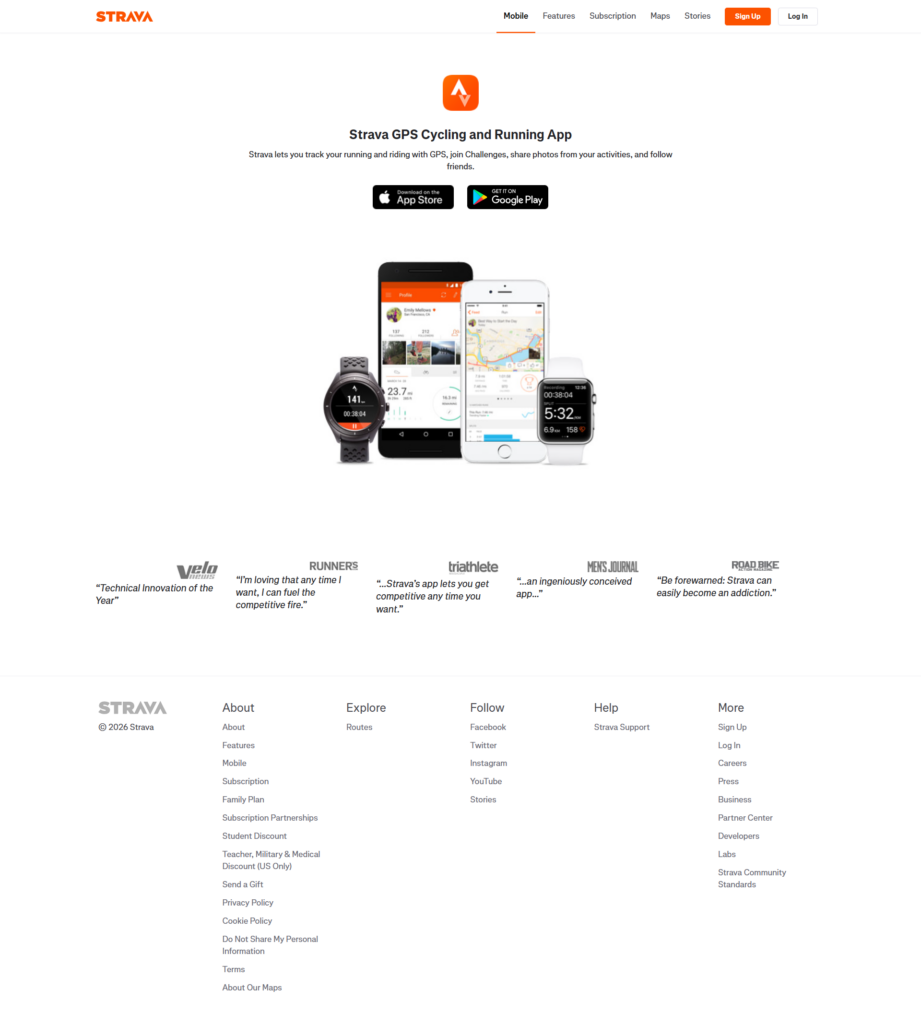
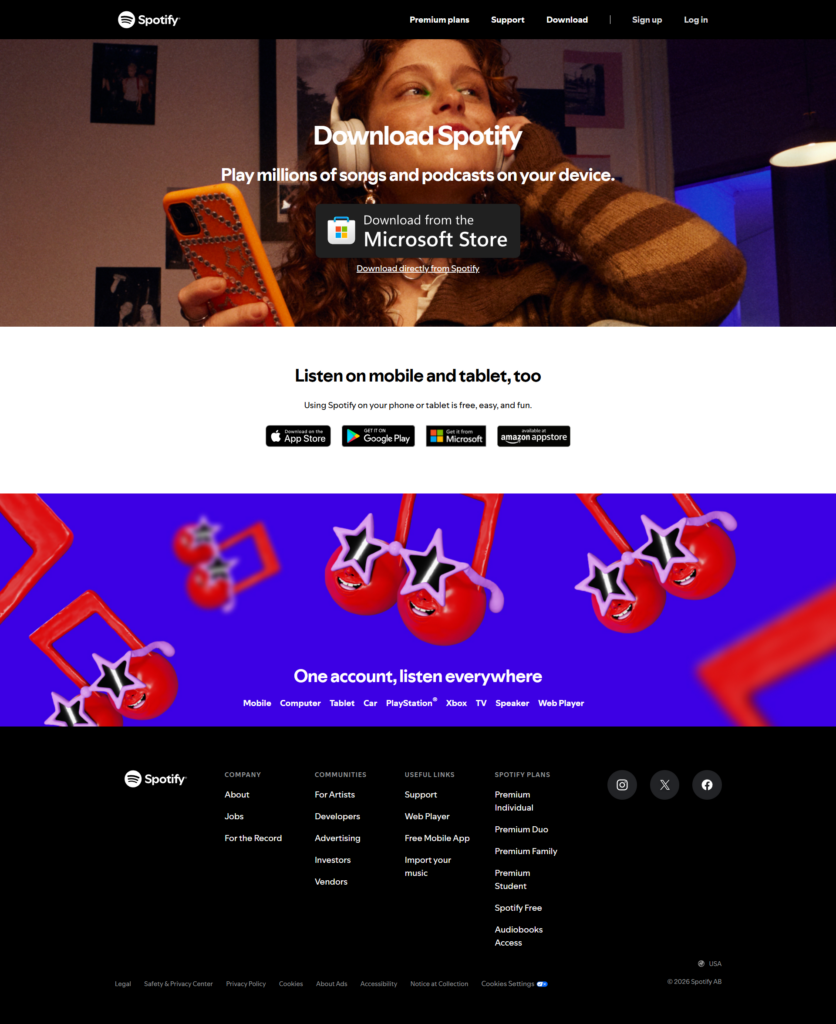
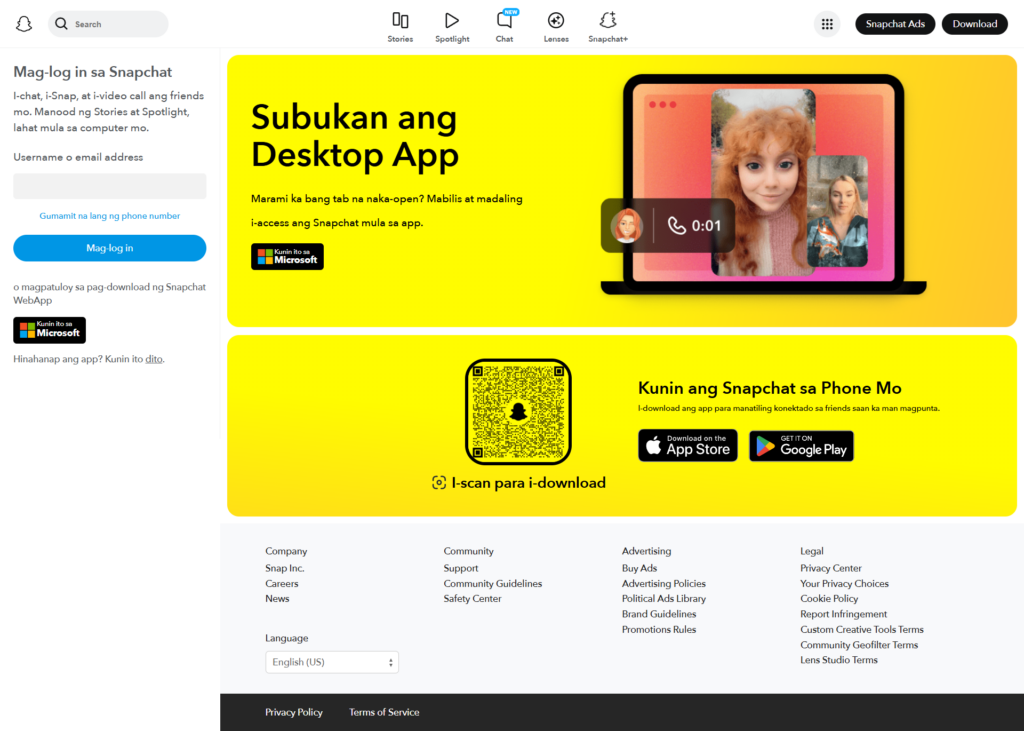
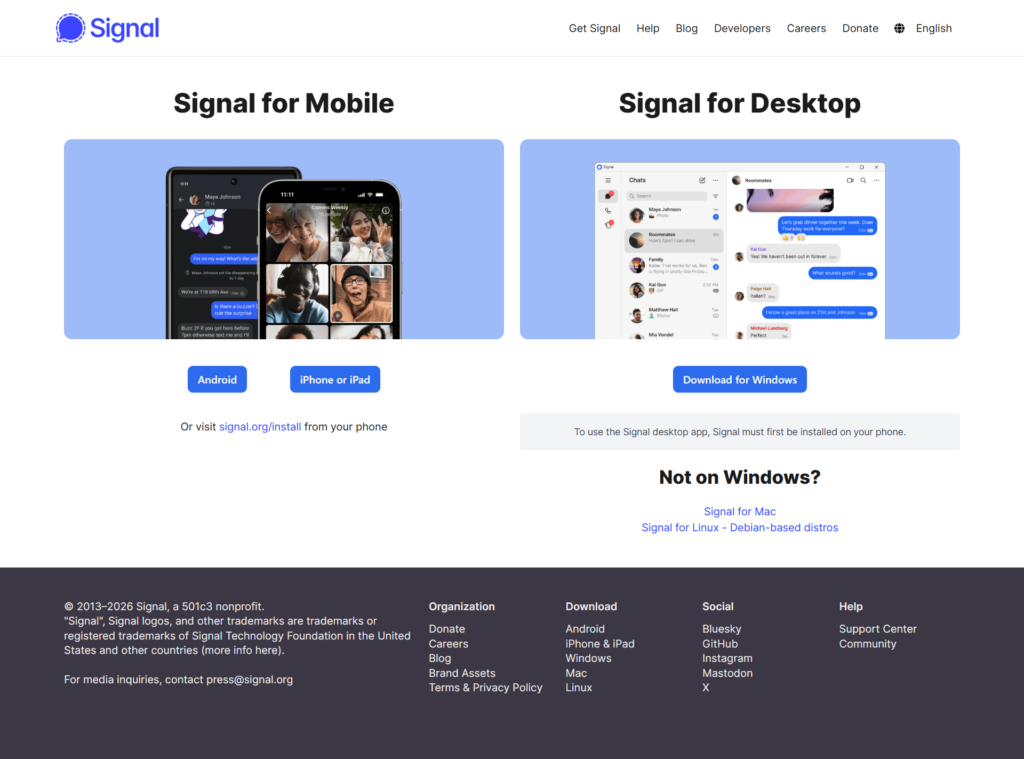
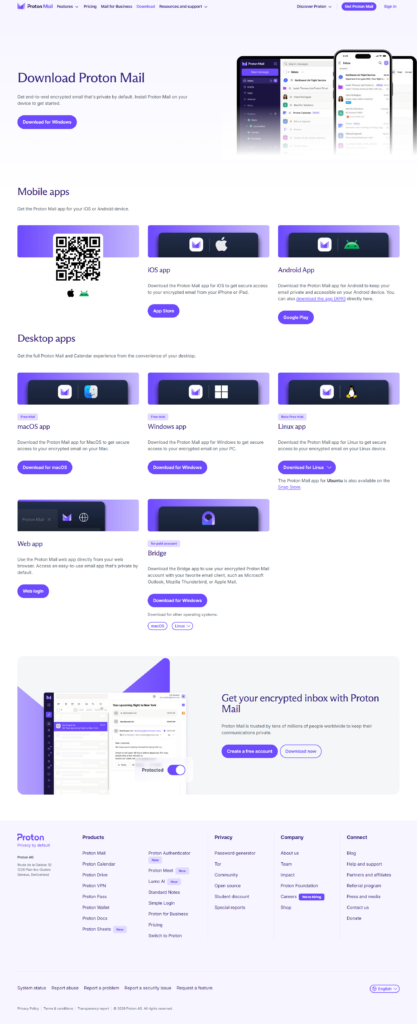
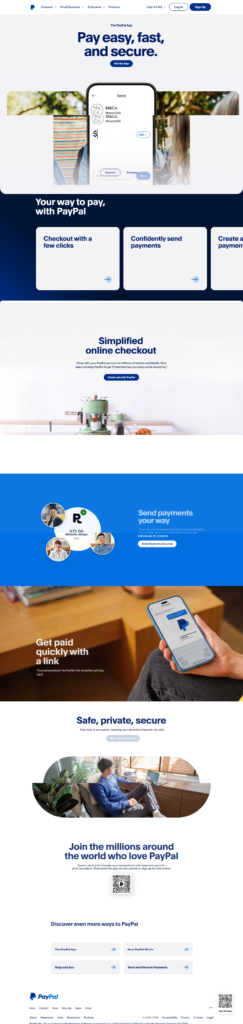
Study each example to understand how top-performing app landing pages present value and drive downloads. Focus on layout, headlines, visuals, and call-to-action placement to see what engages users and encourages action.
Analyze how descriptions highlight key features and benefits clearly, and note how screenshots or videos demonstrate the app’s functionality. Pay attention to social proof, such as reviews, ratings, or testimonials, to see how trust is built.
Compare elements with your app’s goals to identify features you can adapt, such as CTAs, incentives, or urgency tactics. Use these insights to experiment with your page design, messaging, and visuals. Test variations through A/B testing to see which combinations maximize downloads or sign-ups.
Keep your target audience in mind and adapt the examples to their preferences and behaviors to create a high-converting app landing page tailored to your app.
Frequently Asked Questions
An app landing page should be concise and focused. Include only the essential sections: headline, app description, visuals, features, social proof, and call-to-action. A single-scroll layout often works best to keep users engaged, reduce friction, and guide them efficiently toward downloading or signing up.
Yes, short demo or tutorial videos can significantly increase user understanding and engagement. Videos should be under two minutes, clearly showing the app’s main features or how to get started. Ensure the video loads quickly and works on all devices without slowing down page performance.
We’ve broken down 12 essential elements for a high-converting landing page
Use social proof like user reviews, ratings, or press mentions to reassure visitors. Highlight security certifications or privacy standards if relevant. Displaying real feedback, ratings, or recognizable brands builds credibility and reduces hesitation to download or sign up.
Absolutely. Adding an email sign-up or early access form helps capture interested users who may not download immediately. These leads can be nurtured via email campaigns to encourage future downloads or engagement. Ensure forms are simple and mobile-friendly to maximize conversions.
One landing page can work for both, but ensure download buttons clearly link to the correct platform. Highlight platform-specific features if needed. For large campaigns, creating tailored pages for each store can improve conversions by targeting users with precise messaging.