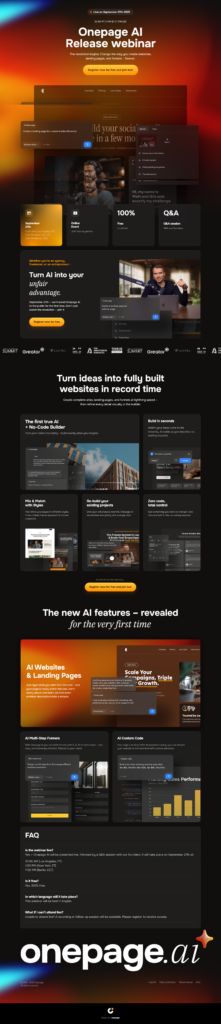
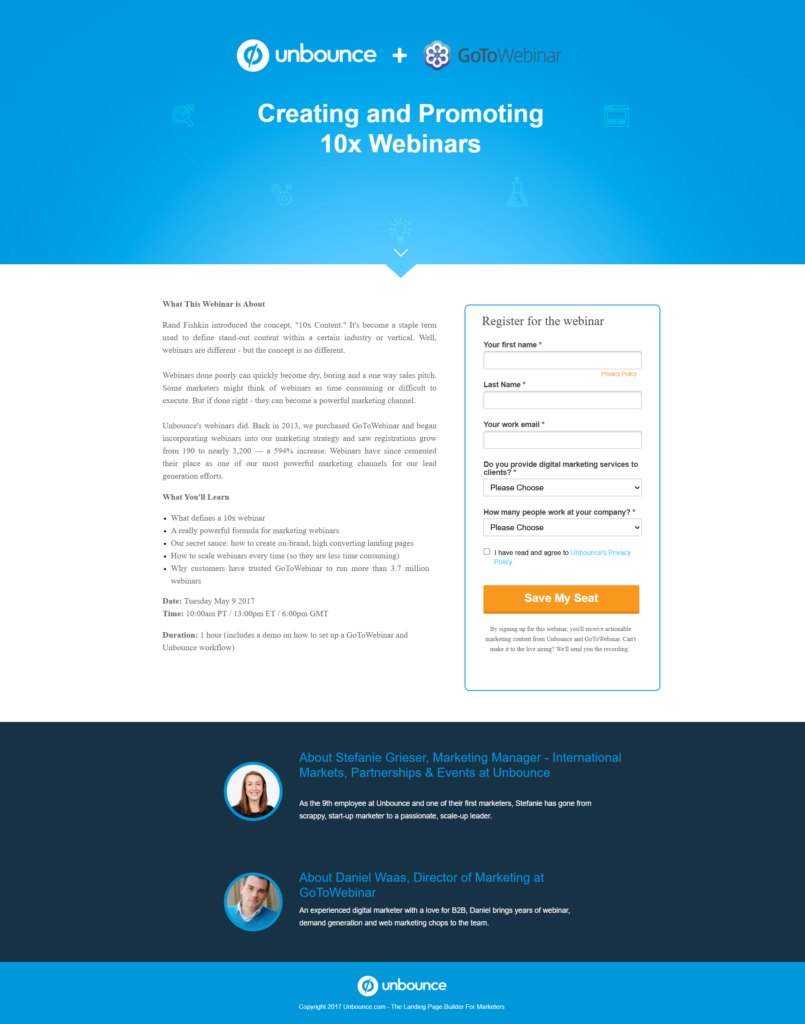
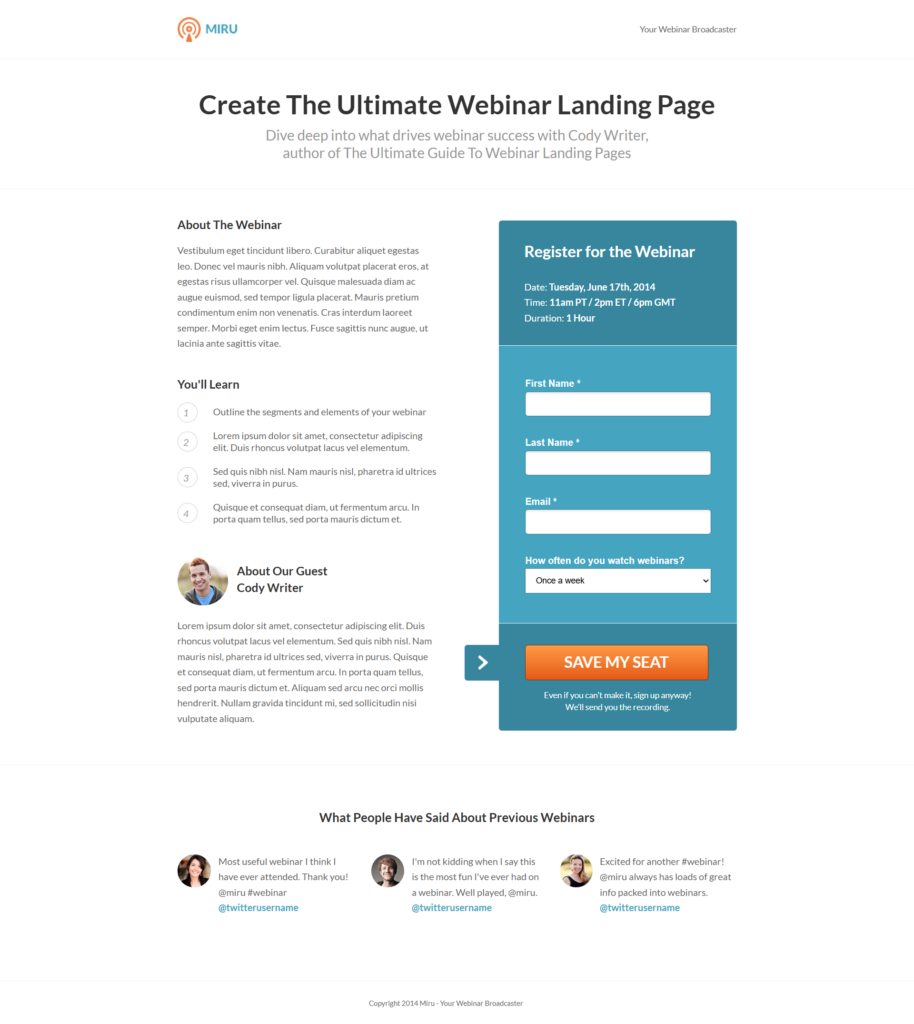
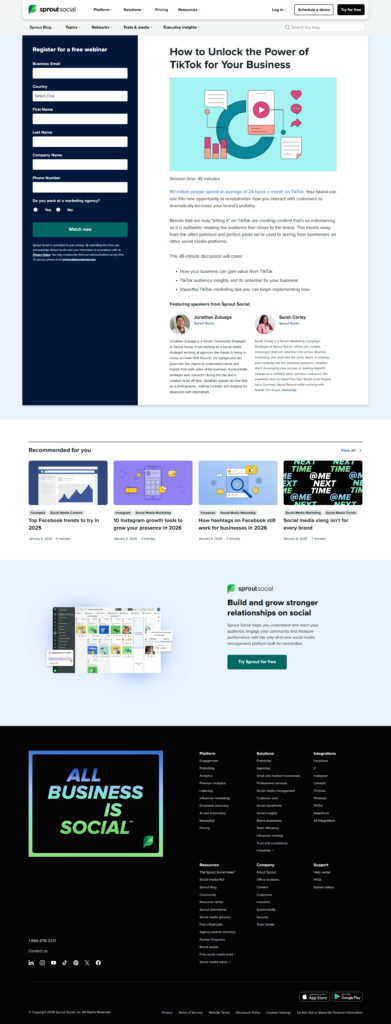
Top 1% Webinar Landing Page Design Examples & Inspirations

Discover top-performing webinar landing page designs to inspire your next campaign. Explore examples that engage audiences, boost sign-ups, and convert visitors into attendees with layouts, copy, and visuals proven to drive results. Use these ideas to create your own high-converting pages quickly and effectively.

 Love These Landing Pages? You Can Make Yours Convert Even Better

Create beautiful, multi-step forms that convert with a zero-commitment free trial (no credit card required).


What is a webinar landing page?

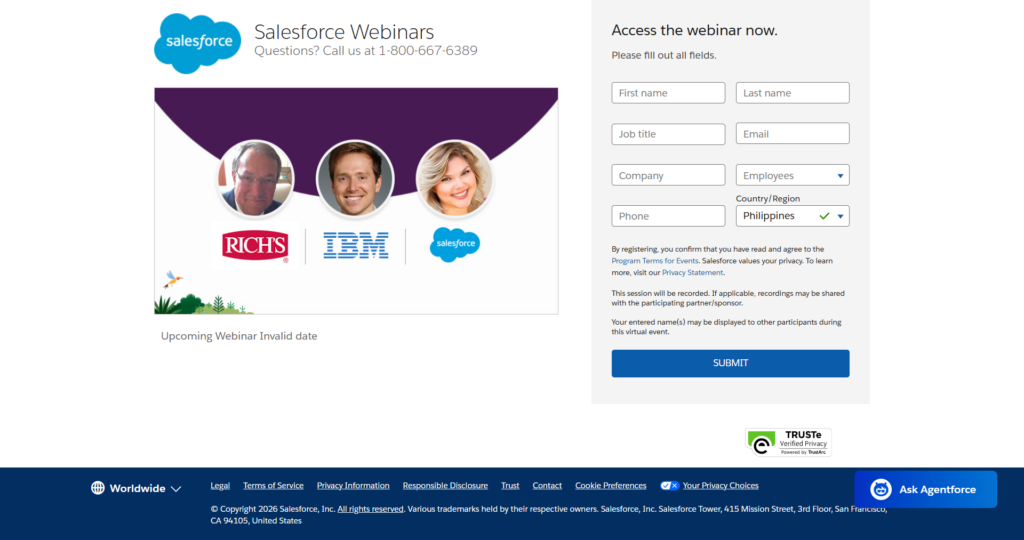
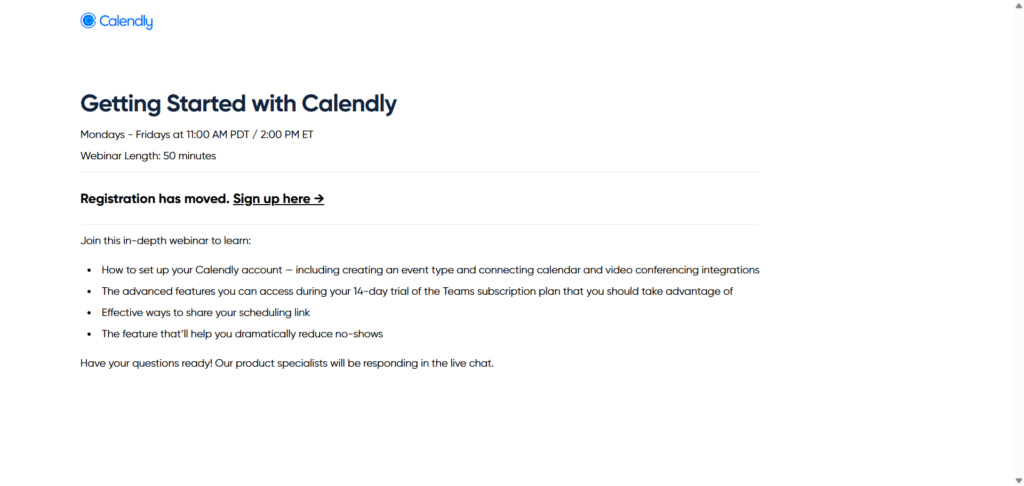
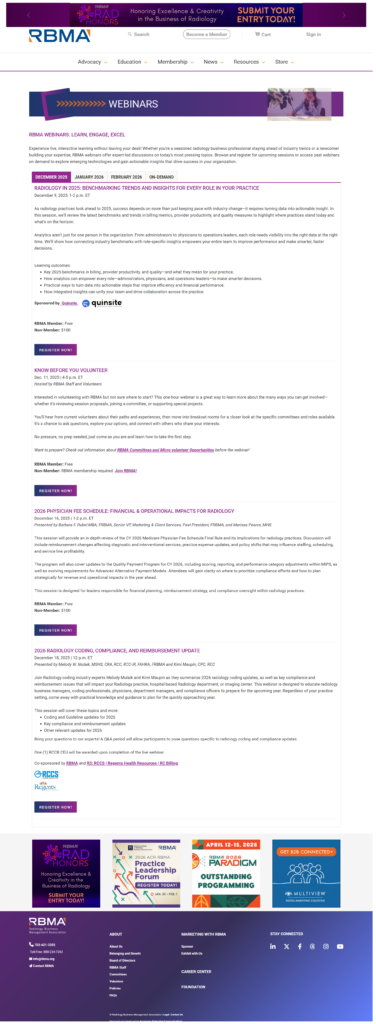
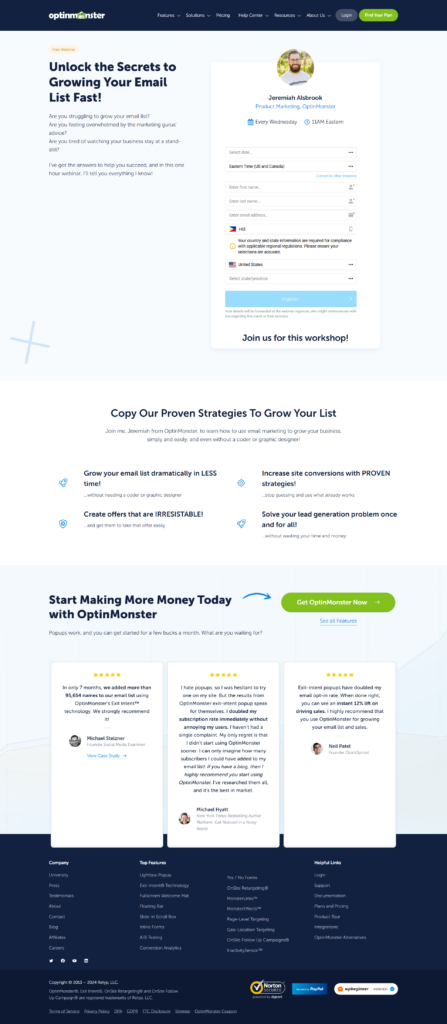
A webinar landing page is a standalone web page designed specifically to promote and register attendees for an online webinar. Its main goal is to convert visitors into sign-ups by providing clear information about the event, including the topic, date, time, and host. 

Unlike general web pages, webinar landing pages remove distractions like navigation menus or unrelated content, keeping the focus on registration. They often include a strong headline, a concise description, and a prominent call-to-action button. 

Essentially, it’s a focused tool to capture leads and drive participation in your webinar.

Key elements of a high-converting webinar landing page

Clear and compelling headline

The headline should immediately communicate the value of the webinar. It needs to grab attention, highlight the main benefit, and make visitors want to read more. Avoid vague statements. Be specific about what attendees will gain.

Concise description

Provide a brief overview of the webinar, focusing on outcomes and takeaways. Explain what the audience will learn, who the speaker is, and why the webinar matters. Keep it clear and easy to scan.

Prominent call-to-action (CTA)

The CTA button must be visible above the fold and repeated strategically throughout the page. Use action-oriented text like “Reserve Your Spot” or “Register Now” to guide visitors toward signing up.

Date and time information

Clearly display the webinar schedule, including time zone. This helps reduce confusion and increases the likelihood of registration.

Visual elements

Images or videos of the speaker, past webinars, or related content can build credibility and engagement. Ensure visuals are relevant and high quality to maintain professionalism.

Registration form

Keep the form simple, asking only for essential information such as name and email. Growform multi-step forms can be used for longer registration flows, but simplicity usually improves conversions.

Social proof

Include testimonials, past attendee numbers, or brand logos to establish trust. Highlighting positive experiences from previous webinars can reassure potential registrants.

Urgency and scarcity

Adding limited spots or countdown timers can encourage immediate action. Be careful to keep this genuine to maintain credibility.

SEO and tracking

Optimize the page for relevant keywords to attract organic traffic and integrate analytics to monitor performance. Tracking registrations helps refine and improve future campaigns.


How to use these webinar landing page examples

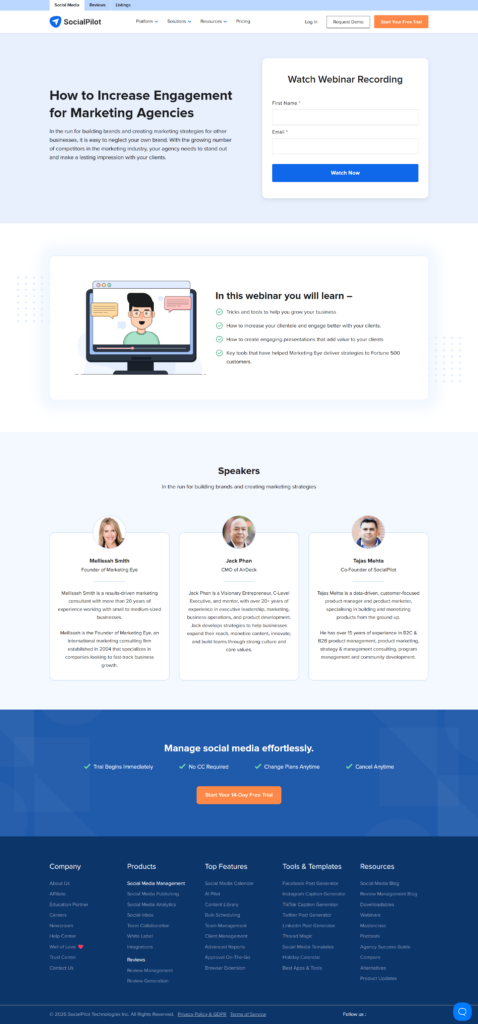
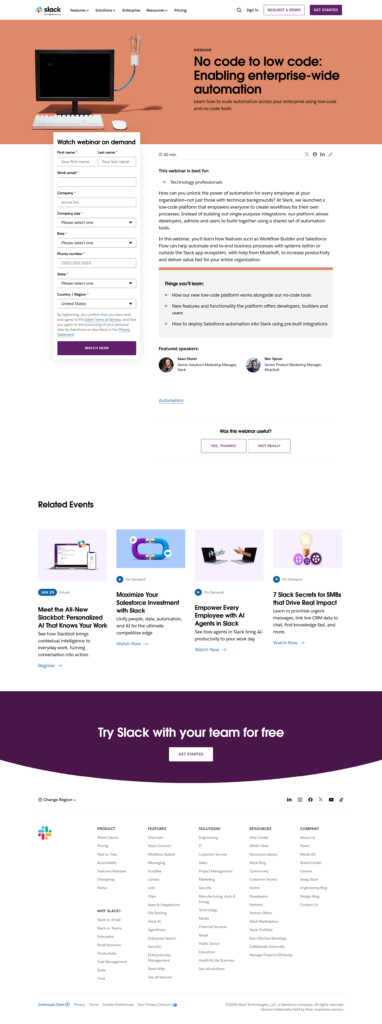
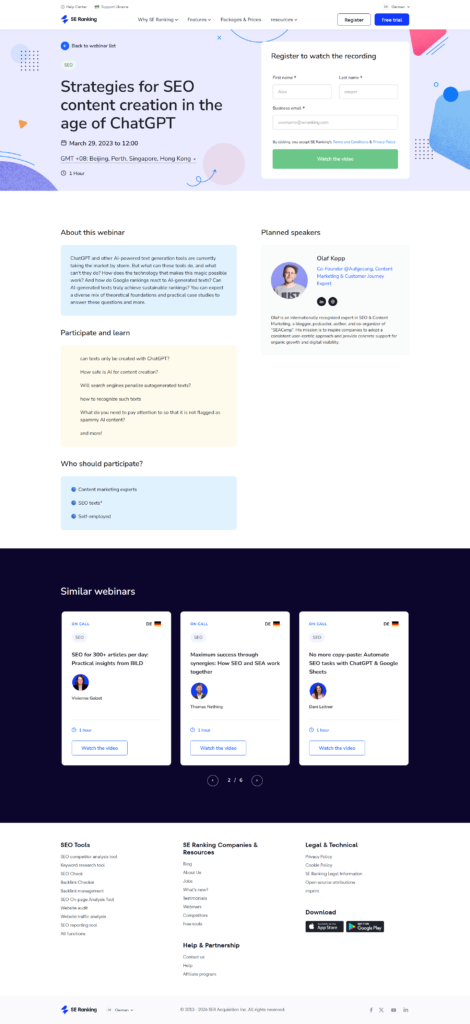
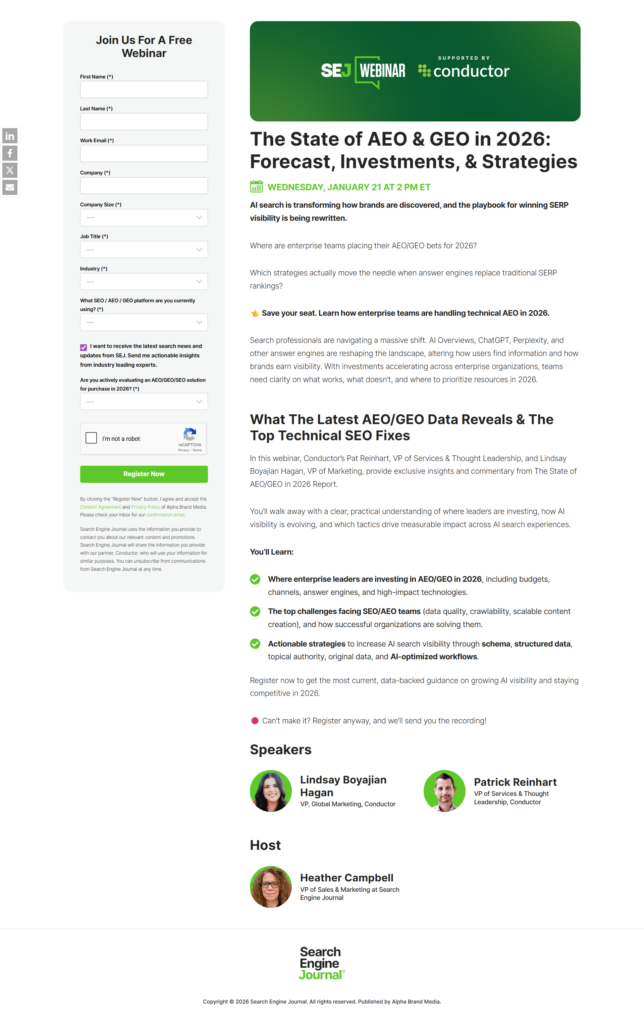
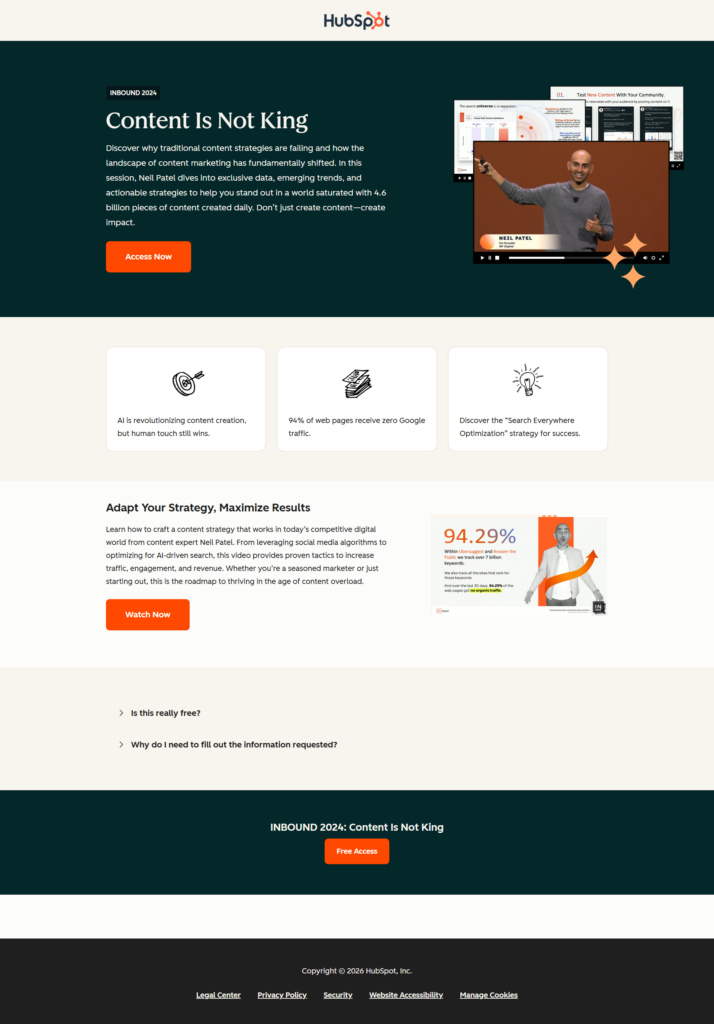
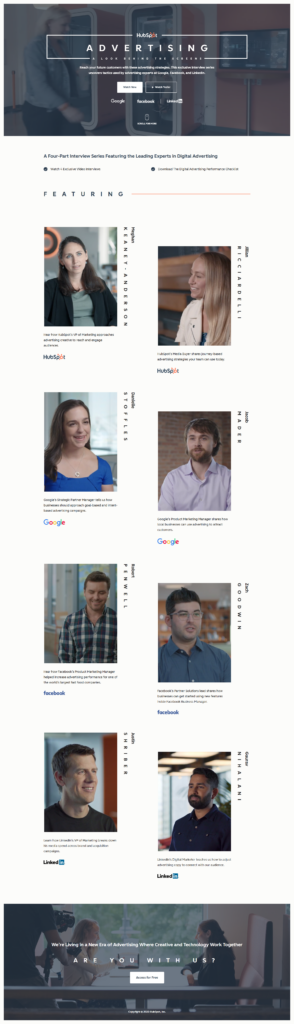
Study each example to understand how top-performing pages structure their content and design. Focus on how headlines communicate value, how descriptions highlight key takeaways, and how CTAs drive action. Pay attention to layout, use of visuals, and form placement to see what captures attention and encourages sign-ups.

Compare the examples with your own webinar goals to identify elements you can adapt, such as urgency tactics, social proof, or mobile-friendly design. Use these insights to experiment with your page, A/B test variations, and refine messaging and visuals.

Keep the target audience in mind; tailor the design and copy to what resonates with them. 

Frequently Asked Questions

A webinar landing page should be concise but informative. Focus on key details like the topic, speaker, date, and benefits of attending. Typically, a single scroll page works best, with clear sections for registration, visuals, and social proof. Avoid overwhelming visitors with unnecessary content to keep conversions high.

Videos aren’t mandatory but can significantly increase engagement. A short clip introducing the speaker, outlining the webinar topic, or showing past event highlights can build credibility and excitement. Ensure the video is professional, loads quickly, and doesn’t distract from the main call-to-action.

Here are 10 key elements that make a good landing page.

Offering incentives, like downloadable resources, exclusive insights, or limited bonuses, can boost sign-ups. Make the benefits clear above the fold and ensure they align with your webinar topic. Avoid gimmicky offers, as these can reduce perceived value and trust.

Optimize your landing page with a clear headline, compelling copy, visible CTA, and social proof. Promote across email, social media, and ad campaigns. Testing different layouts, copy variations, and urgency tactics like countdown timers can also improve conversions.

Yes, integration is highly recommended. Connect your registration form to your CRM or email marketing platform to automate follow-ups, reminders, and post-webinar nurturing. Tools like Growform make this seamless, capturing leads directly and syncing with 300+ destinations for efficient campaign management.