


Basecamp form builder
Collect project requests, client briefs and quote enquiries with a multi-step form, and have each one appear in Basecamp as a to-do or a new project. Nothing is retyped and nothing waits in an inbox.
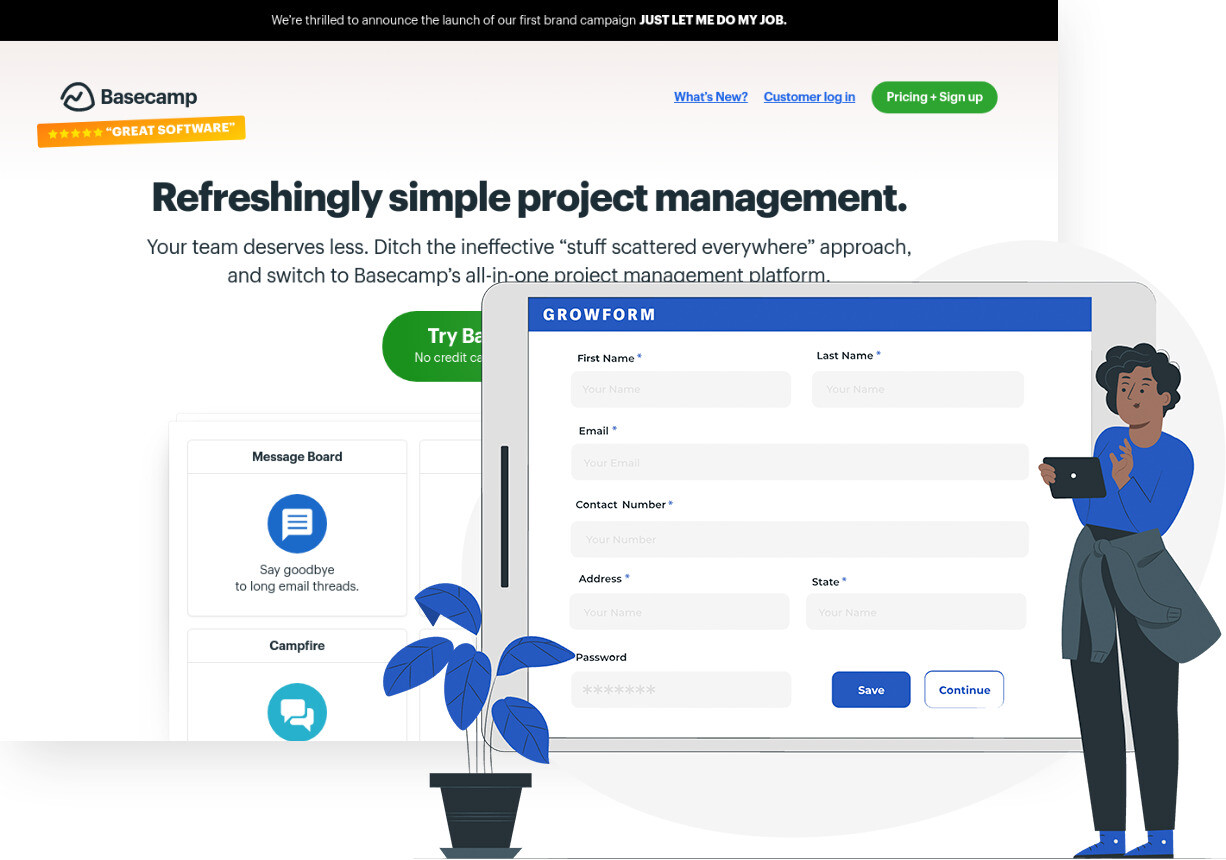
Trusted by lead gen teams and agencies




Turn form submissions into Basecamp to-dos
Basecamp keeps a project's to-dos, message board, schedule and files on one page, so the first job for any request that arrives through a form is to get it onto that page. Growform does that for you. When a client, prospect or colleague completes the form, the submission can create a to-do on the right list, add a comment to a message, create a whole project or add a person to one.
For a team that sells its time, that closes the gap between someone filling in the form and someone owning the work. A website quote request becomes a to-do assigned to the account manager with the answers in the description. An onboarding form for a new client creates the project and adds the client to it. Because Growform forms are multi-step, you can ask for the scope, the budget and the deadline across a few short screens, and conditional logic shows the follow-up questions only when they apply.
Collect up to 2x more leads and send them straight to Basecamp
Growform makes it easy to build multi-step forms that get more leads.
We’ve taken years of experience in conversion rate optimization and landing page best practice and distilled it into an easy-to-use form builder.
Every submission is sent to Basecamp automatically, safely and securely.
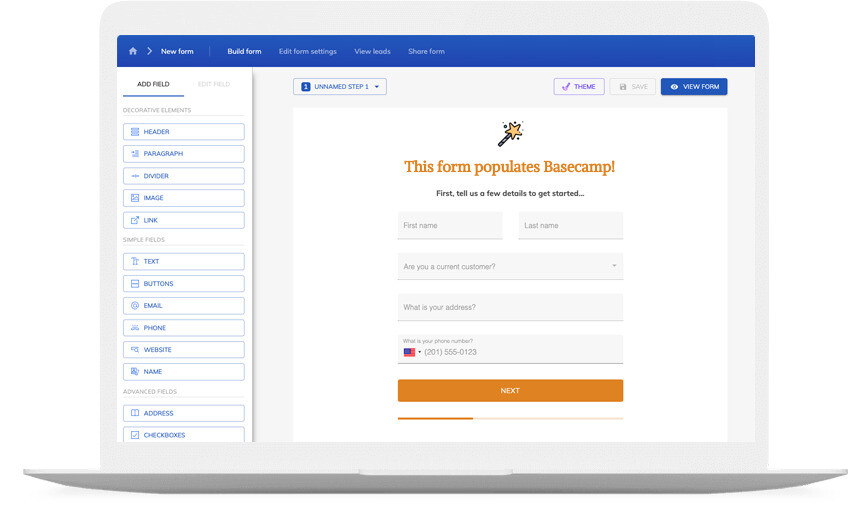
A Basecamp form that looks like your brand
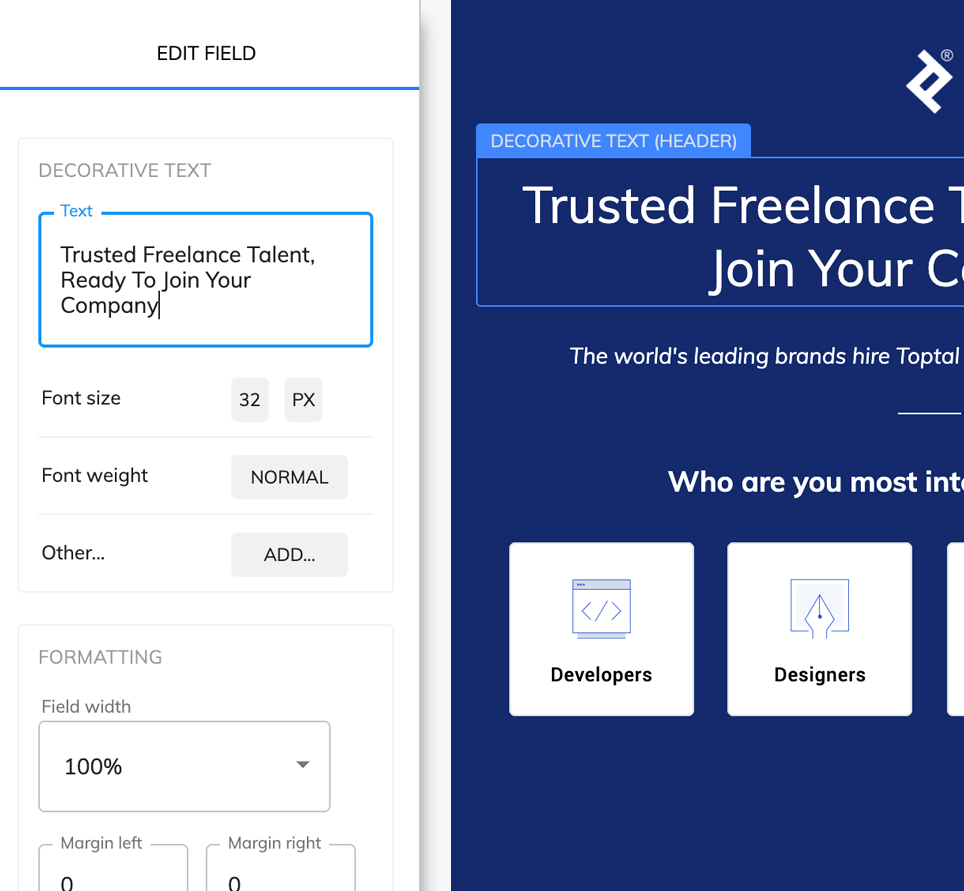
Don’t settle for “yet another Basecamp form” – use advanced customization options like custom fonts, background images and color schemes to build a form that looks just like your brand.
A good form is more than just its appearance – it’s about the user experience. Growform ensures your forms are responsive, giving your customers an exceptional experience whether they’re on a desktop or on the go with their mobile device.
If you’re not sure where to start, there’s a template for pretty much every industry!
Available actions
Each Growform submission can run one or more of these Basecamp actions:
-
Create To-Do
Adds a to-do to a list in the project you choose, assigns it and sets the due date from the form answers.
-
Create Project
Starts a new Basecamp project named from the submission, for example one per new client.
-
Create Project From Template
Starts a project from one of your Basecamp templates, so the standard to-do lists are already in place.
-
Add Person to a Project
Adds the person who filled in the form to a project, using the email address they gave.
-
Create Comment on Message
Posts the answers as a comment under a message board post.
-
Create Campfire Message
Posts a line in the project's Campfire chat so the team hears about the submission at once.
-
Find or Create Project
Looks for a project that matches the submission and creates it when none exists, which keeps repeat requests together.
How does it work?
Basecamp has no built-in form, so the connection runs through Zapier, where Growform publishes a trigger called New Form Submission and Basecamp publishes the actions above. You pick the form, pick the action and map each question to a Basecamp field once. From then on every completed form runs the Zap, and the to-do or project appears within a few minutes.
Teams use the connection in three common ways. An agency puts a project brief form on its website and each brief becomes a to-do on the new enquiries list, assigned to the owner on duty. A consultancy uses a client onboarding form to create the project from a template and add the client as a person on it. An internal request form for the design team drops a comment on the weekly planning message, so requests are discussed where the plan lives.
-
Step 1: Decide where submissions should land in Basecamp
Pick the project and the to-do list, or the project template, that should receive new requests. If each submission should become its own project, note the template you will start from. -
Step 2: Build the form in Growform
Create a free Growform account, start from the quote request template or a blank form, and give every field a clear name. Those names are what you will map to Basecamp fields. -

Step 3: Connect the two through Zapier
Choose Growform (Latest) as the trigger and New Form Submission as the event, sign in with the API key from your Growform account page, then add the Basecamp action and map the fields. Send a test through Preview form, check the to-do and switch the Zap on.
- Does Basecamp have its own form builder?
No. Basecamp collects work through to-dos, messages and Campfire and leaves forms to other tools. Growform supplies the form, and the connection moves each submission into the Basecamp project you choose.
- Can one submission create a to-do and tell the team at the same time?
Yes. A Zap can run several Basecamp actions in sequence, so the same submission can create a to-do on a list and post a Campfire message in the project.
- Will the client's answers reach the to-do, or only their name?
Every field you map arrives. Put the long answers in the to-do's description, the requester's details in the notes and a date field into the due date.
- Can I send the same submission somewhere other than Basecamp as well?
Yes. A form can feed Basecamp and a CRM, a spreadsheet or Slack at once, through further Zap actions or one of the up to 10 webhooks a form can carry.
Start your free trial
Build forms that put every request on the right Basecamp list. 14-day free trial, no credit card required.