


PostgreSQL form builder
Build a multi-step form and write each submission into a PostgreSQL table as a row. Your team keeps its own database as the system of record and never copies leads out of a form tool.
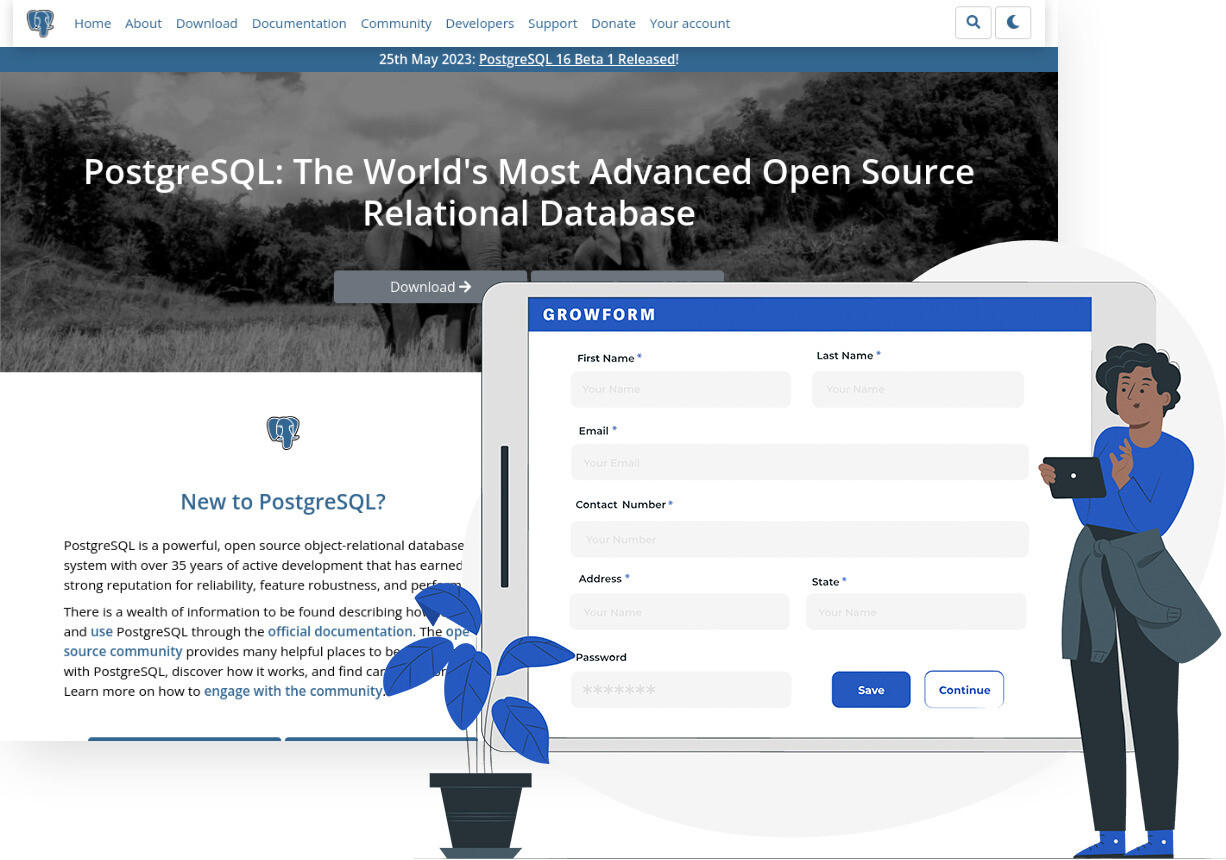
Trusted by lead gen teams and agencies





Send every submission to your PostgreSQL database
PostgreSQL is the open source relational database many product and data teams already run, with ACID transactions, JSON and JSONB columns and nearly 40 years of development behind it. If leads live there, reporting, routing and billing can all be written in SQL against one table. Connecting Growform to PostgreSQL inserts a row for each completed form, or finds and updates a row when the same person comes back.
For a lead generation business the point is ownership. The lead table carries the answers, the submission ID, the timestamp and the UTM and click ID hidden fields, so attribution and buyer reporting run from the database rather than from exports. A multi-step form collects more complete records than a single long page, and conditional logic means the columns that do not apply to a given lead are null rather than guessed.
Collect up to 2x more leads and send them straight to PostgreSQL
Growform makes it easy to build multi-step forms that get more leads.
We’ve taken years of experience in conversion rate optimization and landing page best practice and distilled it into an easy-to-use form builder.
Every submission is sent to PostgreSQL automatically, safely and securely.
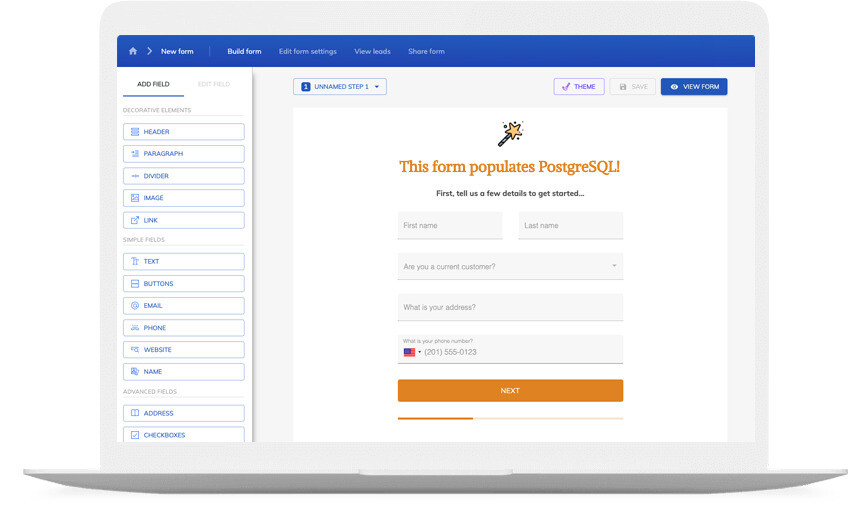
A PostgreSQL form that looks like your brand
Don’t settle for “yet another PostgreSQL form” – use advanced customization options like custom fonts, background images and color schemes to build a form that looks just like your brand.
A good form is more than just its appearance – it’s about the user experience. Growform ensures your forms are responsive, giving your customers an exceptional experience whether they’re on a desktop or on the go with their mobile device.
If you’re not sure where to start, there’s a template for pretty much every industry!
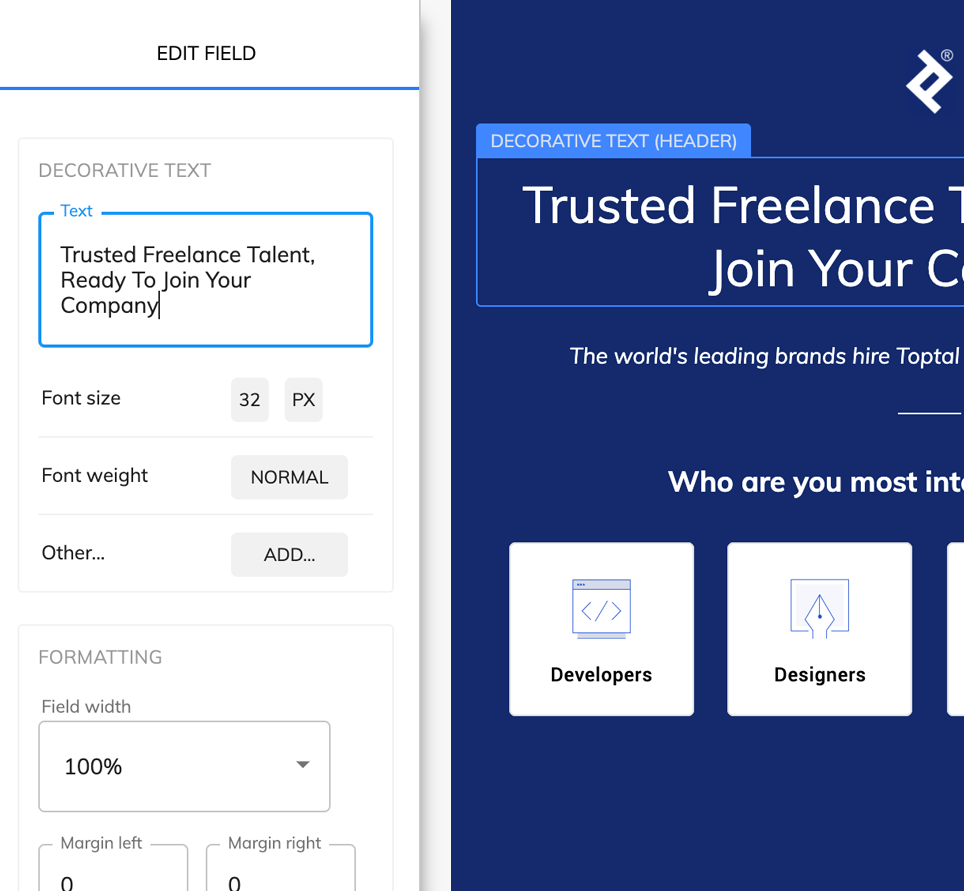
Available actions
These PostgreSQL actions are available to a Growform submission:
-
New Row
Inserts a row into the table you choose, with each mapped form field in its own column.
-
Update Row
Updates a row that an earlier step found, for example setting a status when a lead completes a second form.
-
Find Row
Looks up a row by a column value, such as email, before a later step uses it.
-
Find Row via Custom Query
Runs a SQL query you write to find the row, for matching on more than one column.
-
Find Rows via Custom Query
Returns a set of rows from a query, for checks such as whether a phone number has already been submitted this month.
How does it work?
Growform reaches PostgreSQL through Zapier, which connects to your database over a network connection you allow and publishes the row actions above. Growform's New Form Submission trigger supplies the data. Where you have your own HTTP endpoint in front of the database, Growform's webhook is the direct route. It posts the whole submission as JSON when the form is completed, retries failed deliveries and keeps a delivery log, so a short outage does not lose a lead.
Three setups are common. A lead seller writes every submission into a leads table and runs ping and post from there. A SaaS company inserts demo requests into the same database its product uses, so the sales dashboard queries one source. A data team stores the raw submission in a JSONB column and the mapped fields in typed columns, which keeps every answer while the schema evolves.
-
Step 1: Create the table in PostgreSQL
Add a table with one column per form field, plus columns for the submission ID, the submission time and any hidden fields. Allow a connection from Zapier, or stand up the endpoint your webhook will post to. -
Step 2: Build the form in Growform
Create a free Growform account, build the form and name every field, because the names become your column mapping. Add hidden fields for UTM parameters if attribution belongs in the table. -

Step 3: Connect through Zapier, or add a webhook
In Zapier, choose Growform (Latest) as the trigger and New Form Submission as the event, sign in with your API key, add the PostgreSQL New Row action and map the columns. Or open the form's settings, choose Alerts and integrations, add a Webhook and paste your endpoint URL. Send a test from Preview form and check the row.
- Does Growform connect to PostgreSQL directly?
Growform posts to an HTTP endpoint through its webhook, and Zapier handles the database connection itself. Most teams either let Zapier write the rows or put a small endpoint in front of the database and use the webhook.
- What is in the webhook payload?
The contents of every field with its fixed external field ID, the submission ID, the form ID, the webhook version, your hidden fields, the parts of any address and the disqualification reasons for a lead that matched a rule.
- What if the database or endpoint is down?
A webhook delivery that fails is retried after 30 seconds, 5 minutes and 60 minutes, and every delivery is listed with its status and response, where you can retry it by hand.
- Should I store the submission as JSON?
PostgreSQL recommends JSONB for most JSON storage, because it is held in a binary form that is faster to process. A JSONB column for the raw payload beside typed columns for the fields you report on works well.
Start your free trial
Build forms that write every lead into your own PostgreSQL database. 14-day free trial, no credit card required.