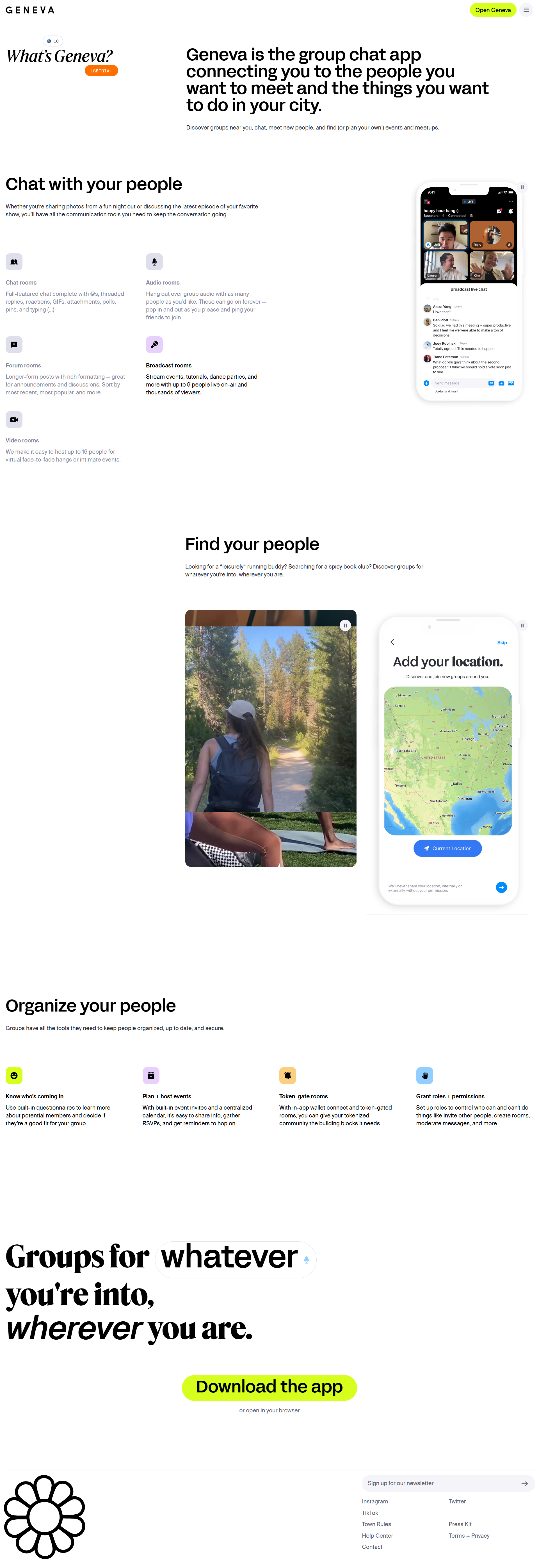
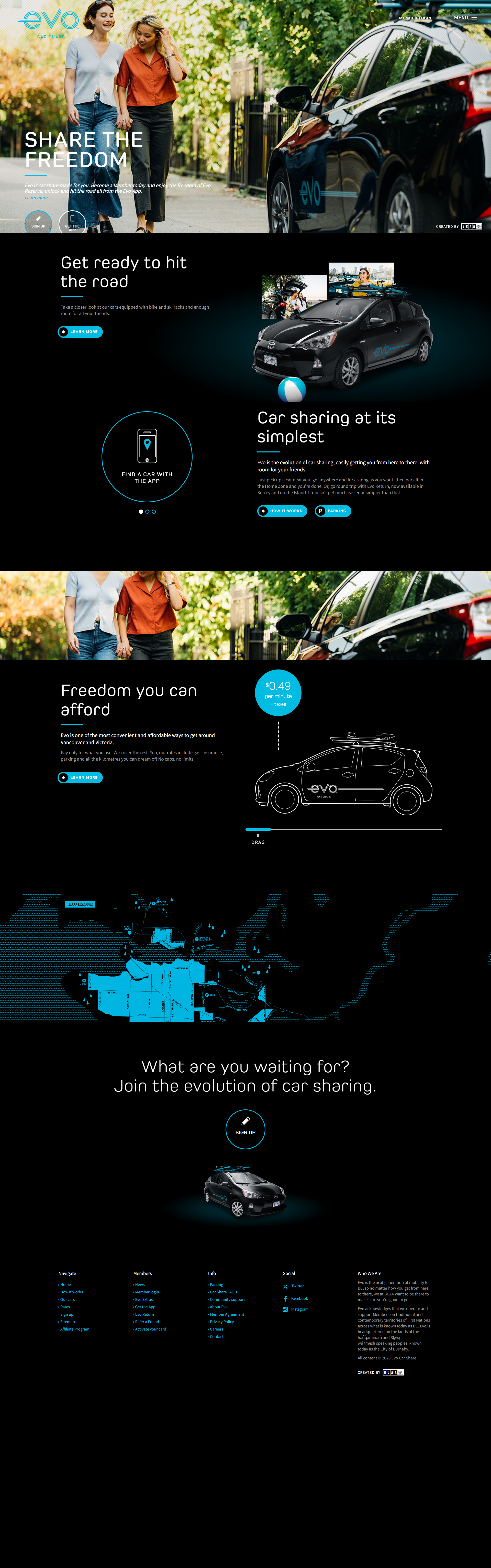
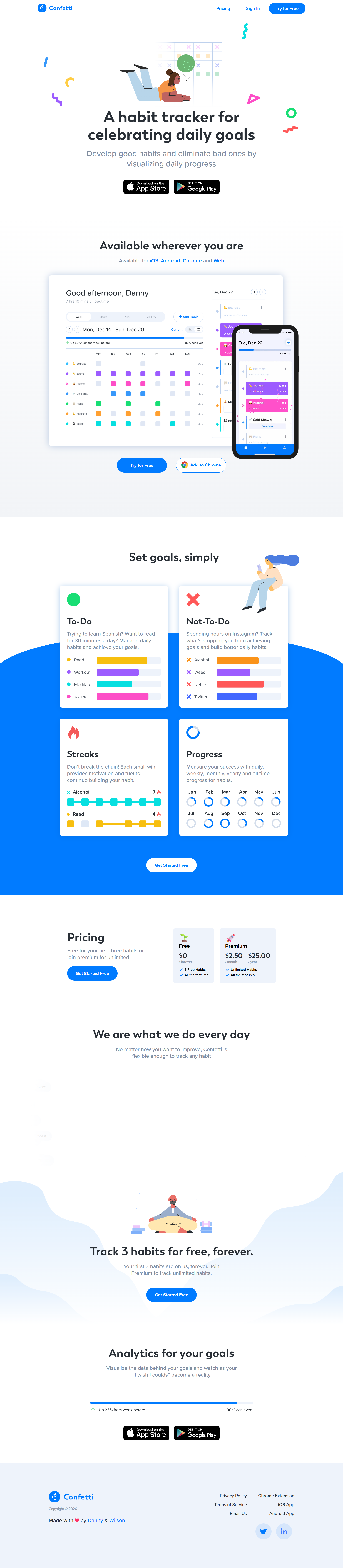
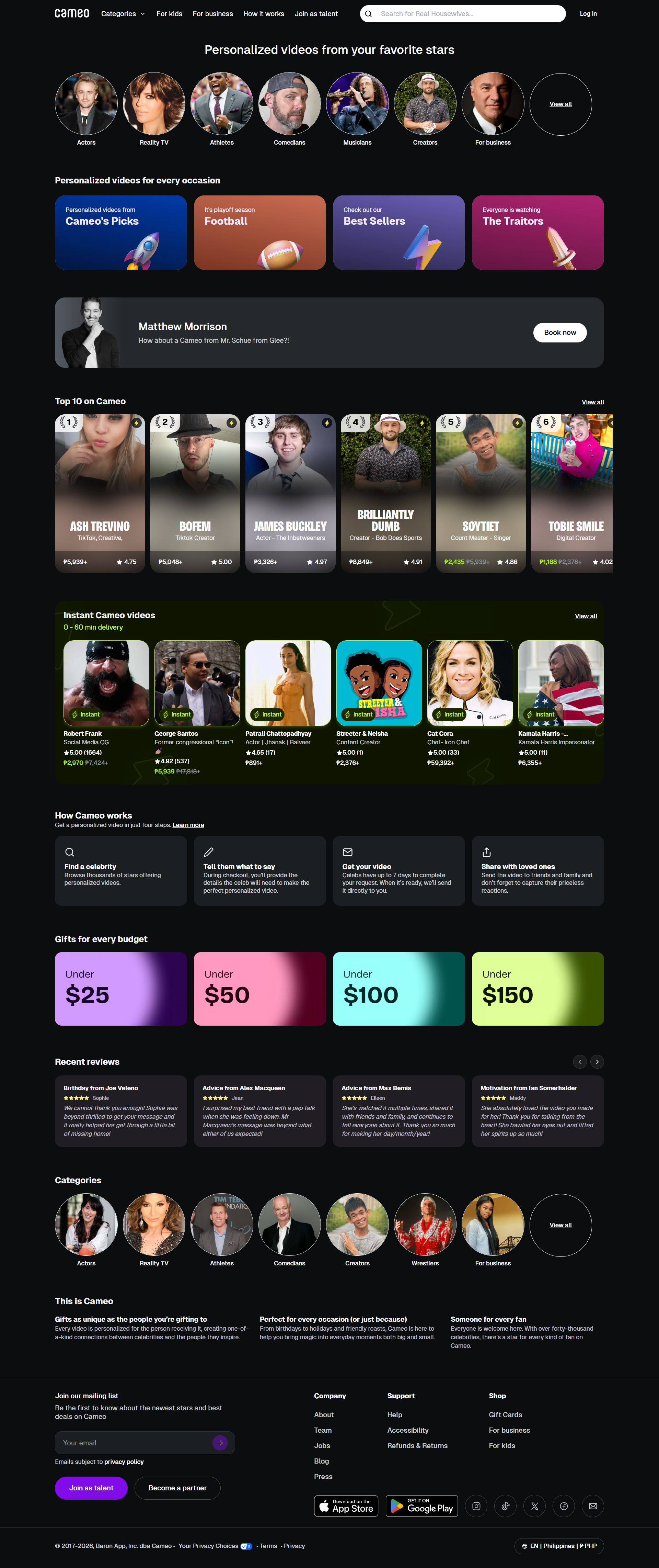
100+ Mobile app landing page examples that drive downloads

A gallery of mobile app landing pages you can pull ideas from. See how they use screenshots, benefits, and CTAs to make the app easy to understand.

 Love These Landing Pages? You Can Make Yours Convert Even Better

Create beautiful, multi-step forms that convert with a zero-commitment free trial (no credit card required).

Search


What is a mobile app landing page?

A mobile app landing page is a standalone web page created to promote and drive downloads for a mobile app. Its primary goal is to convert visitors into users by clearly presenting the app’s purpose, features, and benefits. 

Unlike general websites, it removes distractions such as navigation menus or unrelated content, keeping the focus entirely on the app. These pages often include compelling headlines, concise descriptions, visuals, and strong calls-to-action.

Essentially, a mobile app landing page is a focused marketing tool designed to increase app installs and user engagement efficiently.

Key elements of a high-converting mobile app landing page

Clear and Compelling Headline

The headline should immediately communicate the app’s main benefit. Use concise, specific language that tells visitors what problem the app solves or the value it delivers. 

Concise Description

Provide a brief overview of the app’s features and benefits. Focus on what users will gain, how the app improves their experience, and why it stands out from competitors. Keep the text scannable with short sentences and bullet points if needed.

Prominent call-to-action (CTA)

CTAs must be visible above the fold and repeated strategically throughout the page. Use action-oriented text like “Download Now” or “Get the App” to guide visitors toward installing the app. Buttons should contrast with the background and be mobile-friendly.

Visuals and Screenshots

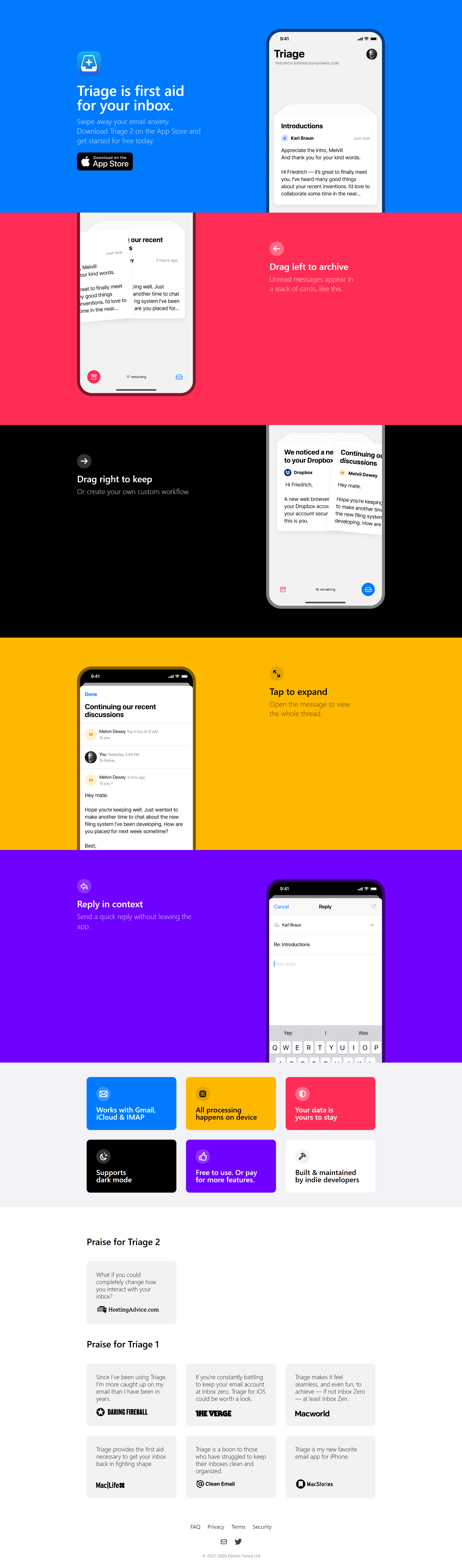
High-quality images, screenshots, or videos of the app in action help users understand its interface and functionality. Show real usage scenarios, key features, or user interactions to make the app tangible and trustworthy.

Social Proof

Include reviews, ratings, or testimonials to build credibility. Highlight endorsements, user counts, or mentions in media to reassure visitors that the app is trusted and valuable.

Feature Highlights

List the app’s main features in a clear and organized format. Use icons, short descriptions, or bullet points to make features easy to scan and understand. Focus on the features that solve user pain points.

App Store Links

Provide clear, clickable links to download the app from relevant platforms like Apple App Store or Google Play. Include icons or badges that users immediately recognize.

Mobile Responsiveness

The page must function seamlessly on all devices, especially mobile. Forms, buttons, and media should resize and load quickly to ensure a smooth experience for users on smartphones and tablets.

Urgency and Incentives

Limited-time offers, exclusive features, or early-access benefits can motivate immediate downloads. Make these elements genuine and clearly communicated without distracting from the core message.


How to use these mobile app landing page examples

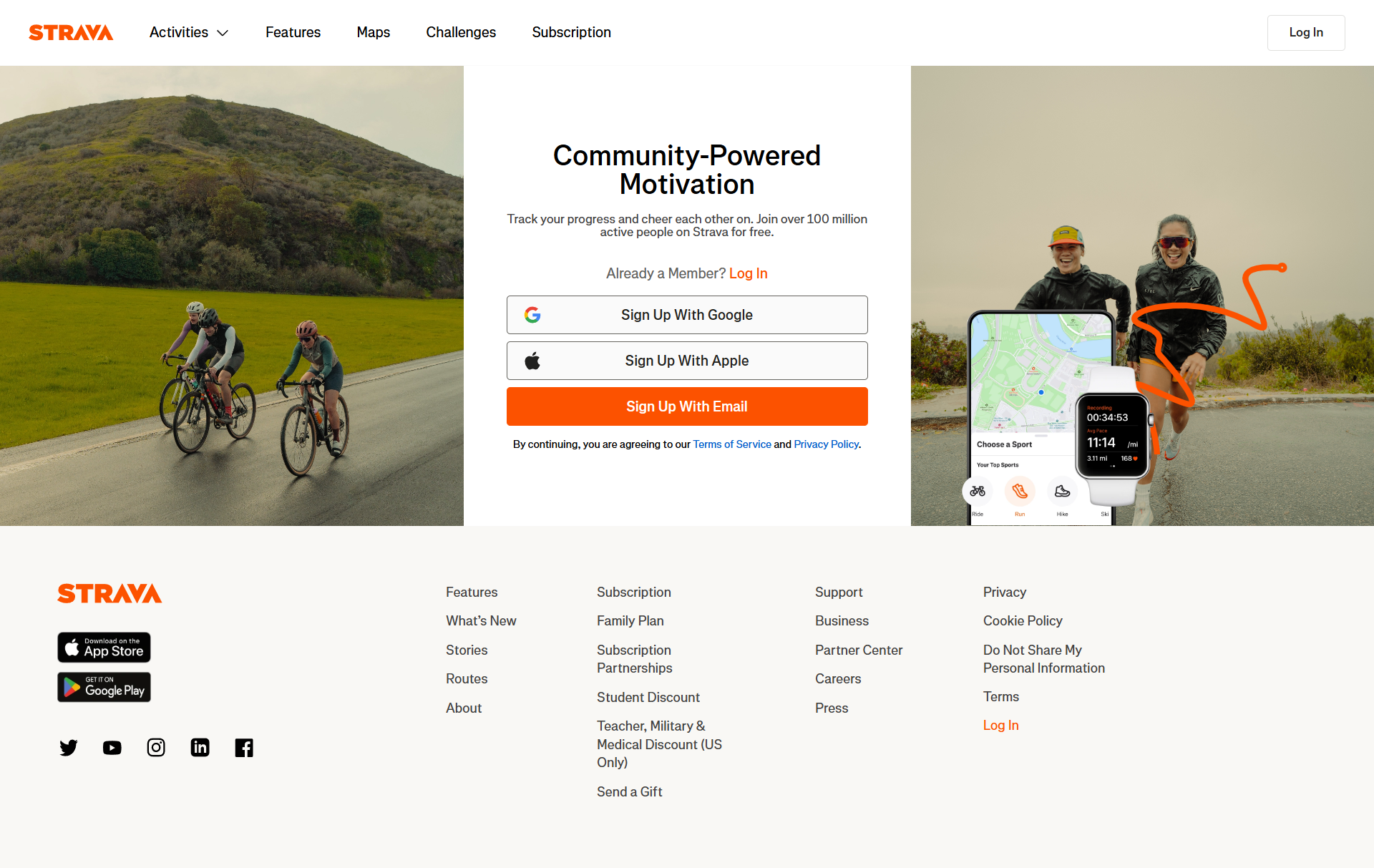
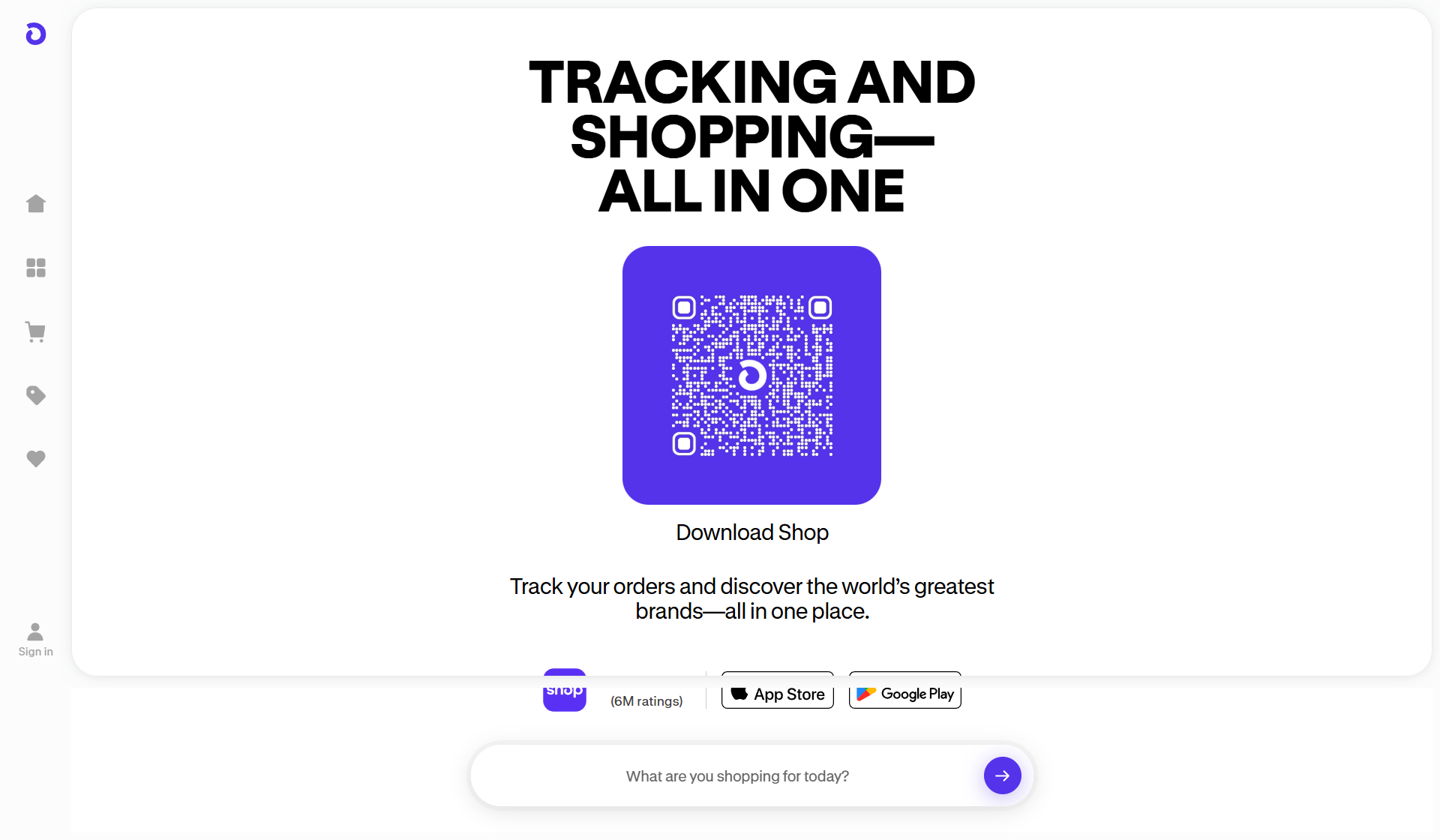
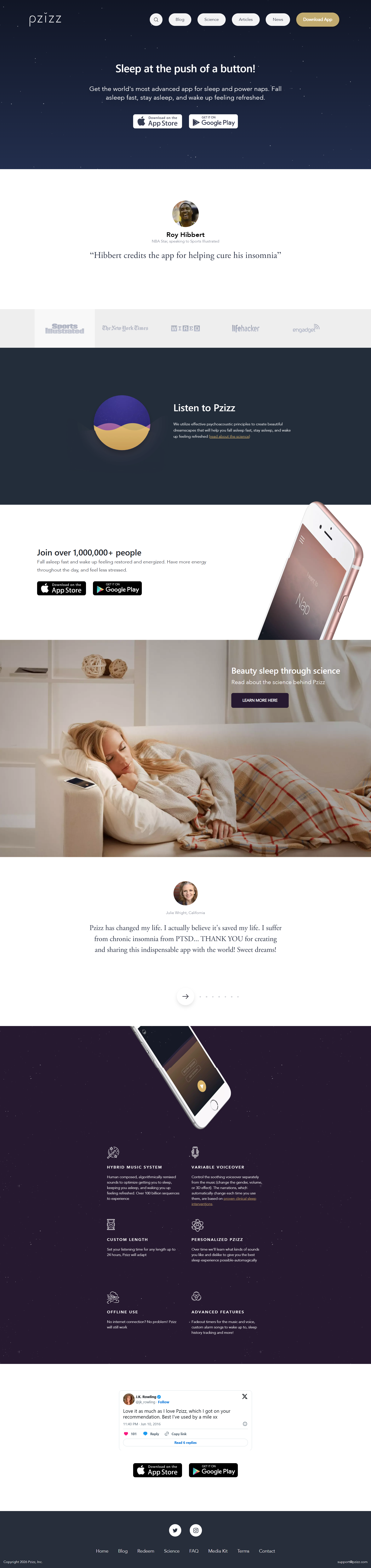
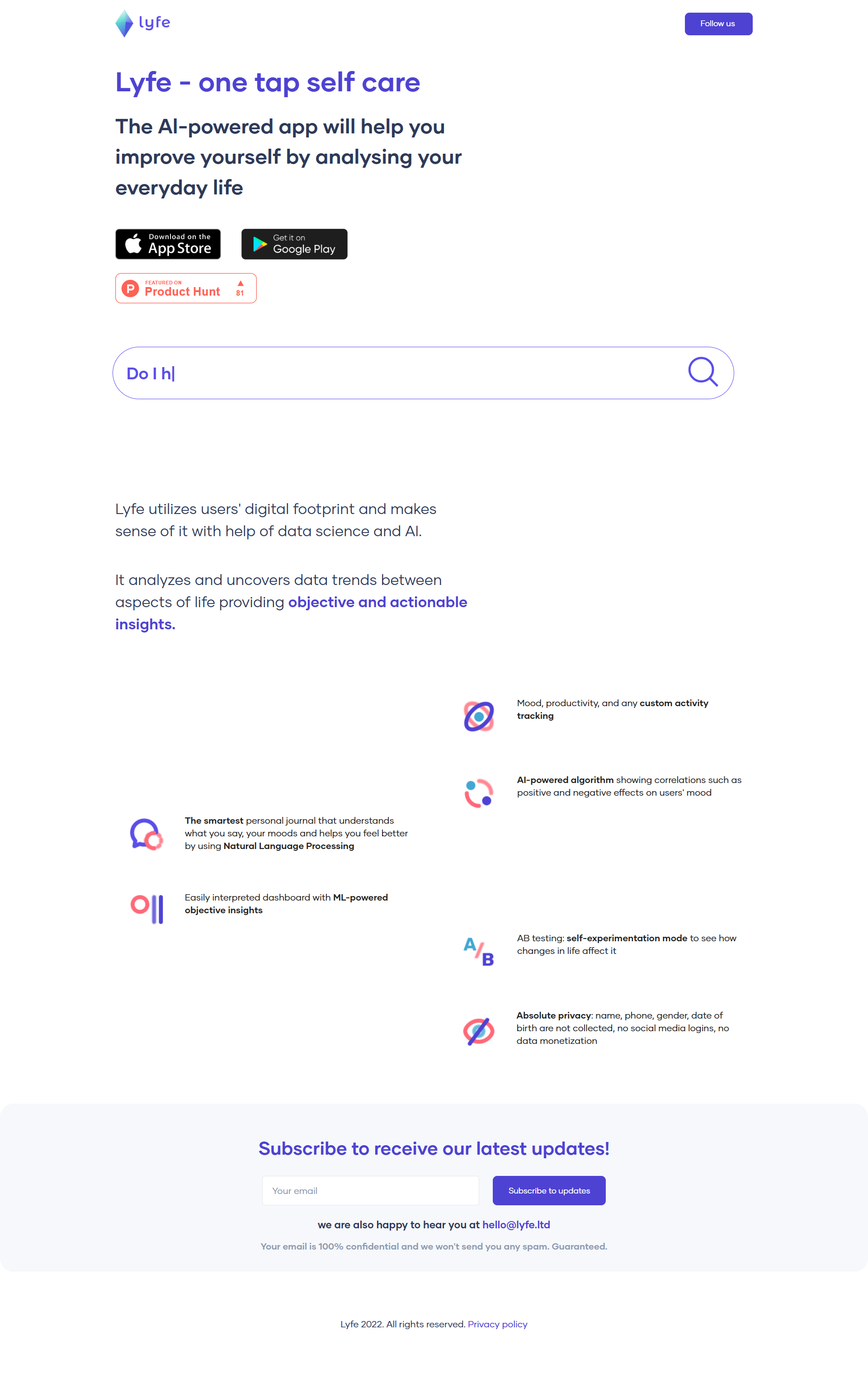
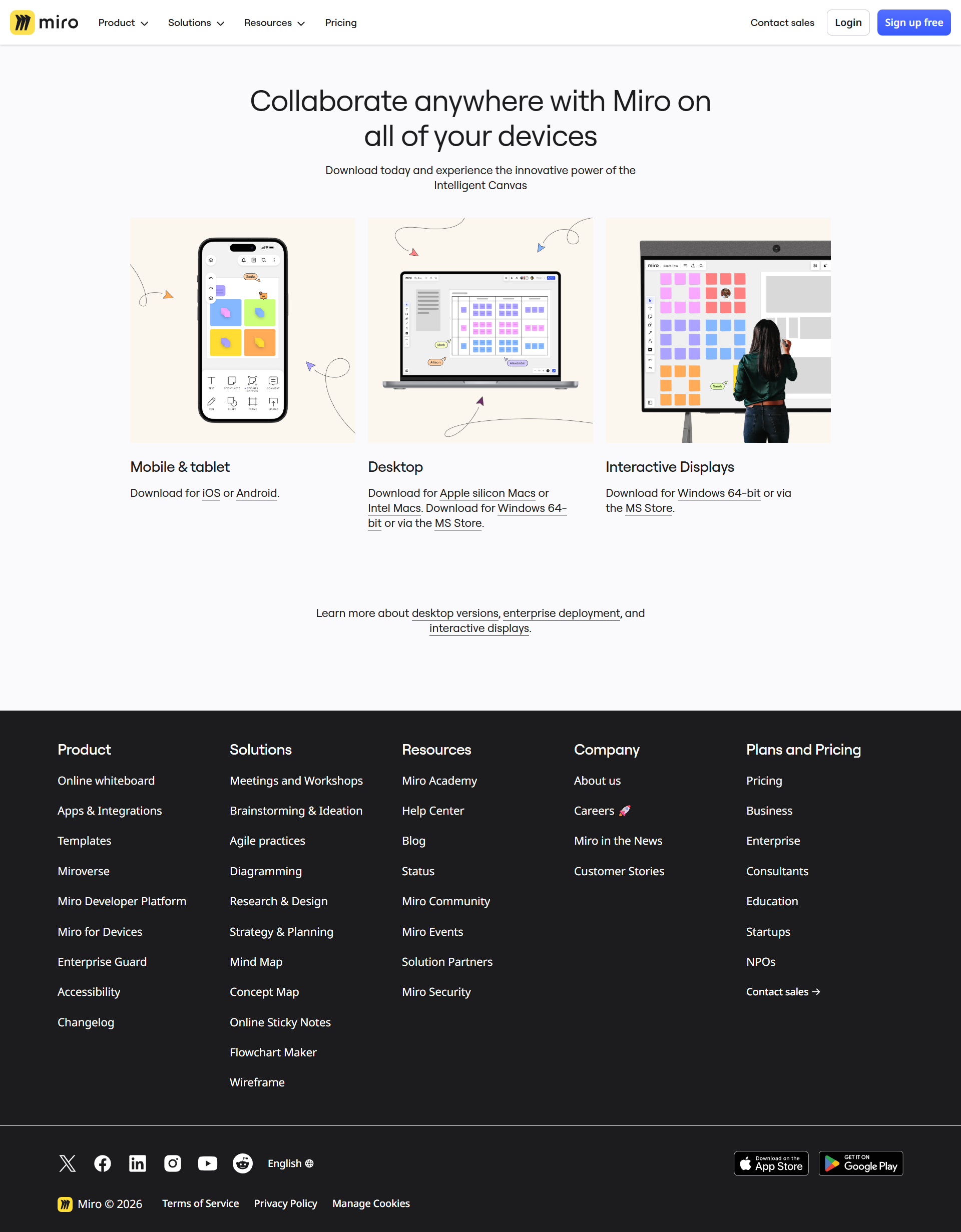
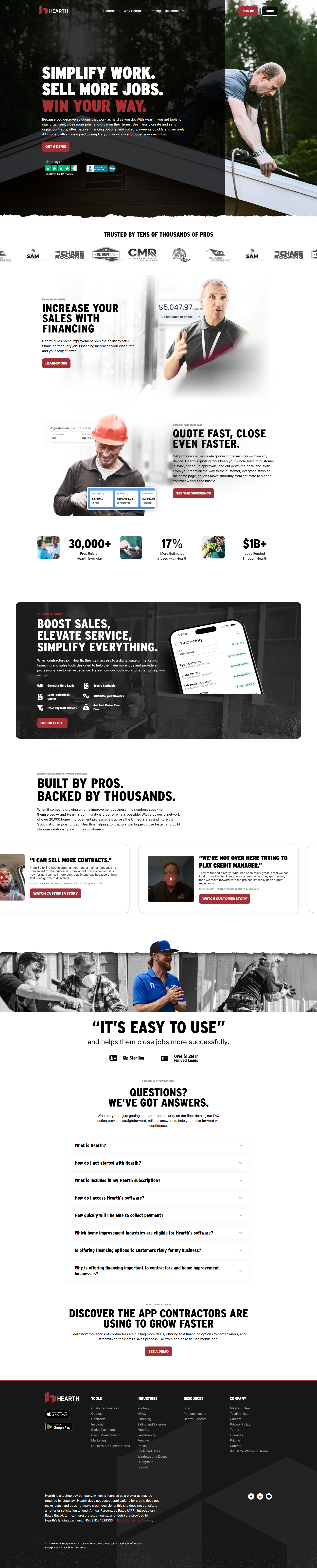
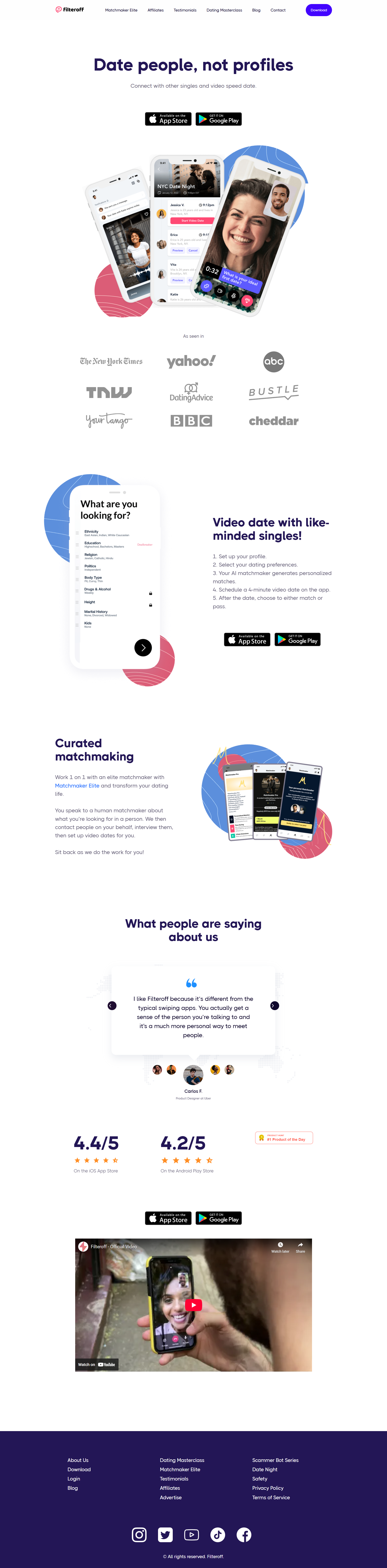
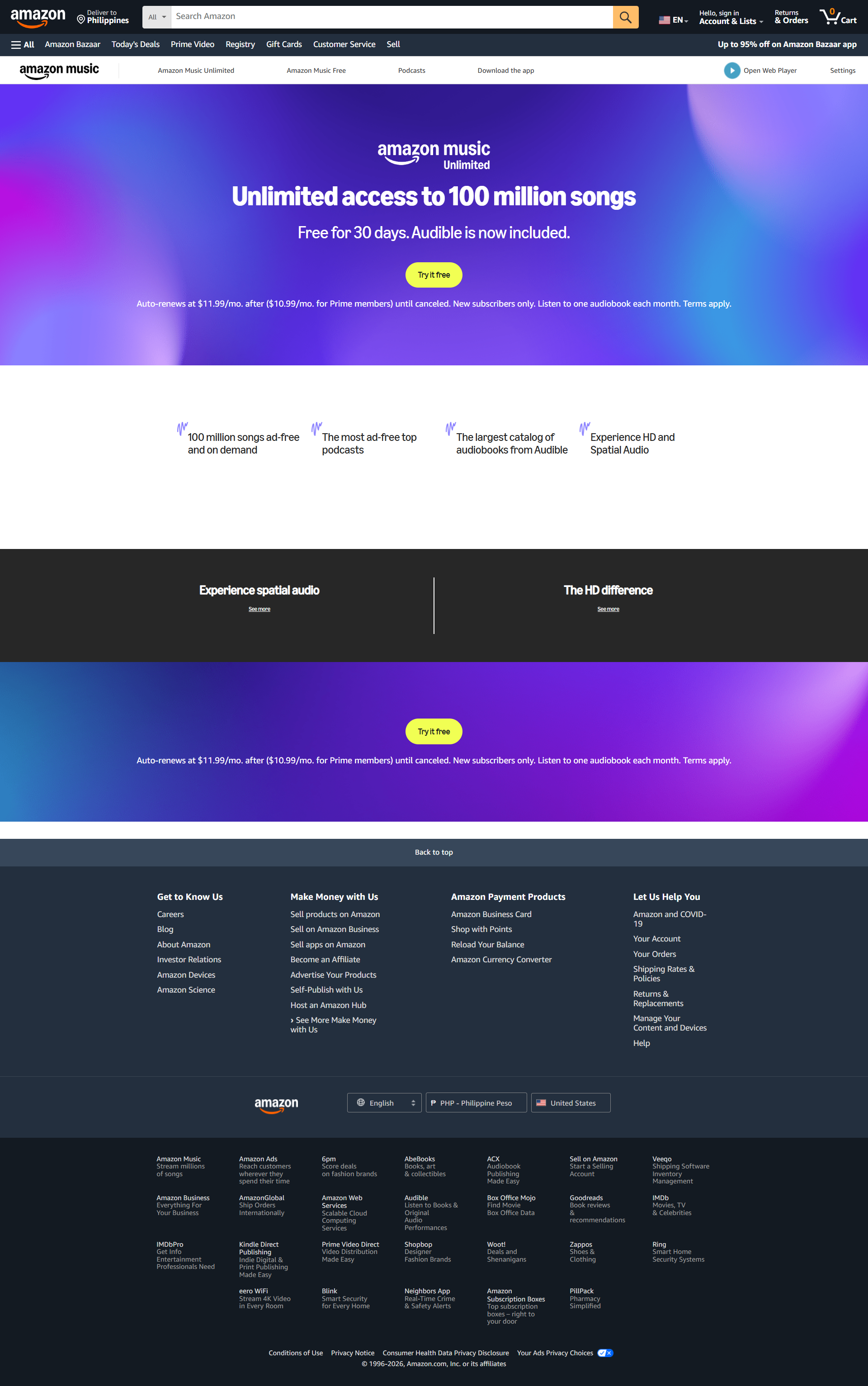
Study each example to understand how top-performing pages present their app’s value. Pay attention to headline clarity, feature descriptions, and the placement of CTAs to see what drives installs. Observe how visuals, screenshots, or videos demonstrate the app in action and how social proof builds trust.

Compare layouts, copy styles, and design choices with your own app goals. Identify elements you can adapt, such as download buttons, feature highlights, or urgency tactics. Note which approaches are most effective for mobile users and test them in your own context.

Use these examples to experiment with messaging, visual hierarchy, and page structure. A/B testing variations inspired by these pages can help refine your approach, increase app downloads, and improve user engagement while ensuring your landing page is optimized for clarity and conversion.

Frequently Asked Questions

A mobile app landing page should be long enough to clearly convey the app’s value but concise enough to keep users engaged. Focus on key benefits, screenshots, and CTAs. Typically, a single-scroll page works best, with clear sections for features, social proof, and download buttons to maximize conversions.

Yes, a short demo video can improve engagement and understanding. Show real use cases, highlight key features, and emphasize benefits. Keep it under 60 seconds, ensure it loads quickly on mobile, and position it near the CTA to guide visitors toward downloading.

We’ve broken down 12 essential elements for a high-converting landing page

We’ve broken down 12 essential elements for a high-converting landing page

Optimize your page by testing headlines, CTAs, and visuals. Use social proof, highlight unique features, and make download buttons clear and prominent. Consider A/B testing different layouts or incentive strategies like early access or limited-time offers to see what increases installs most effectively.

Not necessarily. One landing page can work for both, but ensure download buttons clearly link to the correct platform. Highlight platform-specific features if needed. For large campaigns, creating tailored pages for each store can improve conversions by targeting users with precise messaging.

Yes, include a simple form to capture emails for updates, early access, or beta testing. Growform multi-step forms with minimal fields can improve lead quality without disrupting the download flow. Make it optional to avoid reducing install conversions.