


Systeme.io form builder
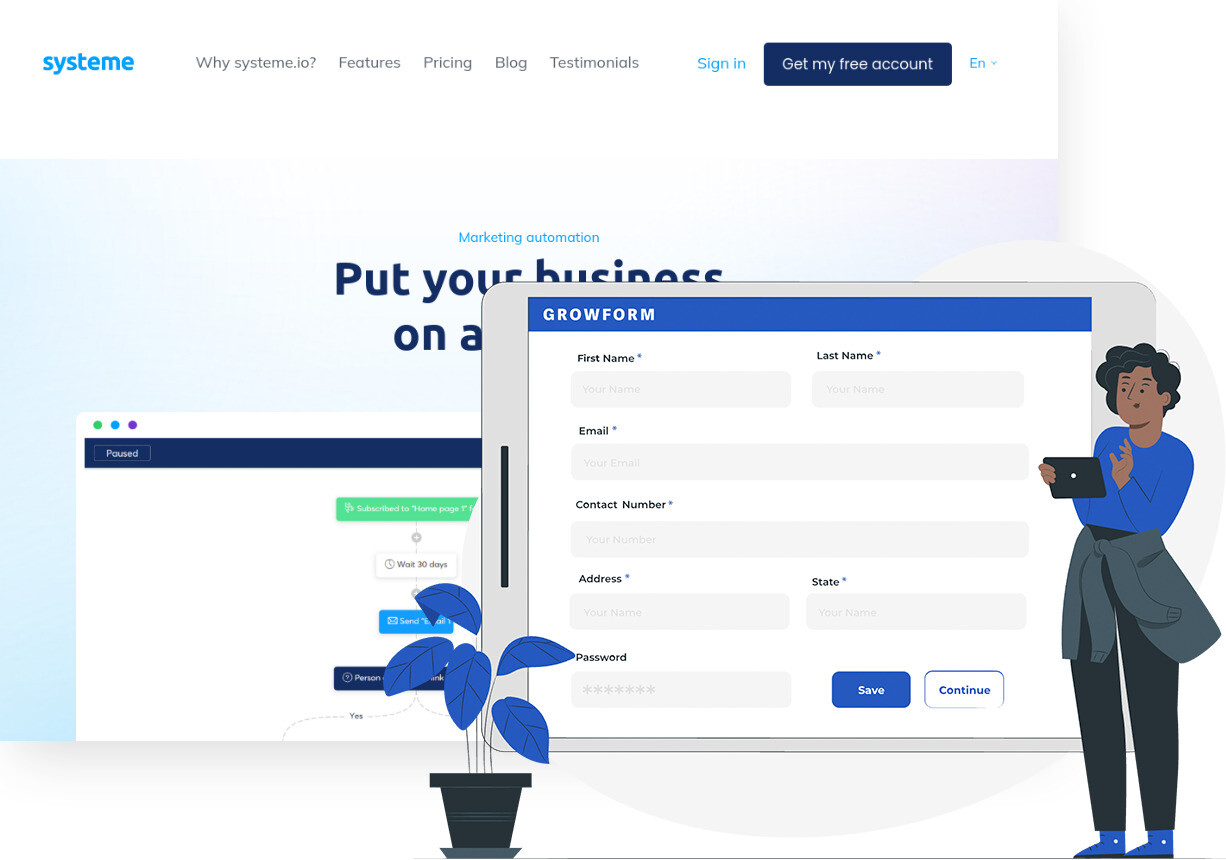
Capture leads with a multi-step form and have each one created in Systeme.io with the right tags and subscribed to the campaign that matches their answers. Your funnel starts with better information.
Trusted by lead gen teams and agencies





Start Systeme.io campaigns from every form submission
Systeme.io is an all-in-one platform for funnels, email campaigns, courses and automation rules, used by more than 500,000 entrepreneurs by its own count. Its automation rules act on contacts and tags. Connecting Growform to Systeme.io gives those rules richer input, because a completed form can create or update the contact, add tags from the answers, subscribe the person to a campaign and grant access to a course.
In practice a coach or course creator uses the form to ask what the visitor wants to achieve, how experienced they are and when they want to start, then tags each answer. Systeme.io's rules then send the beginner sequence to beginners and the advanced offer to the rest. Because the form is multi-step and mobile-first, those extra questions cost little in conversion, and hidden fields record which ad or affiliate the person came from.
Collect up to 2x more leads and send them straight to Systeme.io
Growform makes it easy to build multi-step forms that get more leads.
We’ve taken years of experience in conversion rate optimization and landing page best practice and distilled it into an easy-to-use form builder.
Every submission is sent to Systeme.io automatically, safely and securely.
A Systeme.io form that looks like your brand
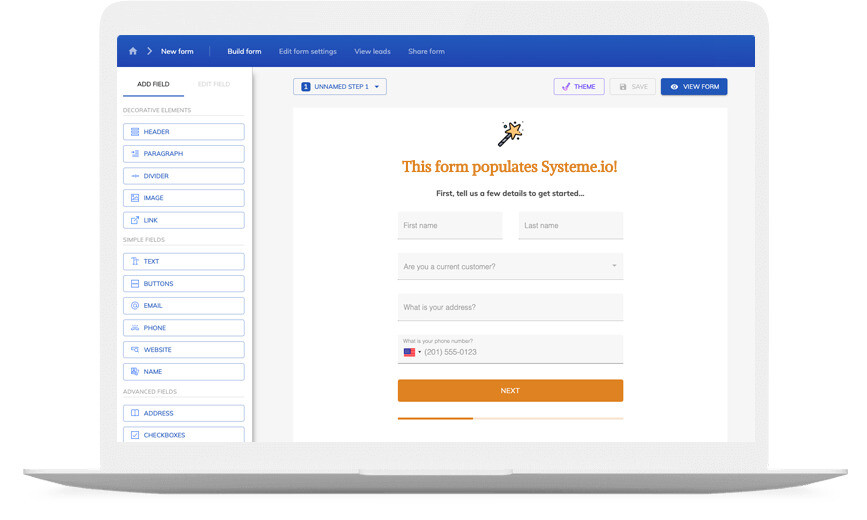
Don’t settle for “yet another Systeme.io form” – use advanced customization options like custom fonts, background images and color schemes to build a form that looks just like your brand.
A good form is more than just its appearance – it’s about the user experience. Growform ensures your forms are responsive, giving your customers an exceptional experience whether they’re on a desktop or on the go with their mobile device.
If you’re not sure where to start, there’s a template for pretty much every industry!

Available actions
A Growform submission can run these Systeme.io actions:
-
Create or Update a Contact, Including Adding Tags
Creates the contact or updates an existing one by email, and adds the tags you map from the answers.
-
Subscribe to Campaign
Adds the contact to one of your email campaigns, so the sequence starts as soon as the form is completed.
-
Create or Update a Contact and Grant Access to Course
Creates or updates the contact and enrolls them in a course, for a free course used as a lead magnet.
-
Remove Tag
Removes a tag, for example clearing a prospect tag when someone submits a purchase form.
-
Unsubscribe From Campaign
Takes the contact out of a campaign, such as ending the nurture sequence once they have booked a call.
How does it work?
Systeme.io publishes its contact and campaign actions on Zapier, and Growform's New Form Submission trigger feeds them. You map the form's fields and tags once and switch the Zap on, and each completed form then updates Systeme.io within a few minutes. Systeme.io's own automation rules take over from the tag or the campaign subscription.
Three uses stand out. A course creator runs a quiz-style form that ends on a result page and tags the contact with their result, so each segment gets a different sequence. A consultant uses an application form that subscribes qualified applicants to the booking campaign and tags the rest for a longer nurture. An agency offers a free mini-course as a lead magnet and grants access with the same action that creates the contact.
-
Step 1: Create the tags and campaign in Systeme.io
Set up the tags you want to apply and the campaign new contacts should join. If the form will give access to a course, publish the course first. -
Step 2: Build the form in Growform
Create a free Growform account, build the form from a template or from scratch, and use conditional logic to end the form on the result or thank-you page that fits the answers. -

Step 3: Connect through Zapier and map the tags
Choose Growform (Latest) as the trigger and New Form Submission as the event, sign in with the API key from your Growform account page, then add Systeme.io's Create or Update a Contact action, map the fields and tags, and add Subscribe to Campaign. Send a test from Preview form, check the contact and its tags, and switch the Zap on.
- Can different answers lead to different tags?
Yes. Map the answer itself to the tag field, or add a filter step in the Zap for each branch, and Systeme.io's automation rules act on the tag that results.
- Will the contact's source be recorded?
Yes. Growform's hidden fields capture UTM parameters, click IDs and affiliate IDs from the landing page URL, and you can map them to tags in Systeme.io.
- Can a submission give access to a course?
Yes. The Create or Update a Contact and Grant Access to Course action enrolls the person in the course you choose, which suits a free course offered in exchange for the form.
- What if someone fills in the form twice?
Systeme.io matches contacts by email, so the second submission updates the existing contact and adds any new tags rather than creating a duplicate.
Start your free trial
Build forms that start the right Systeme.io campaign for every lead. 14-day free trial, no credit card required.