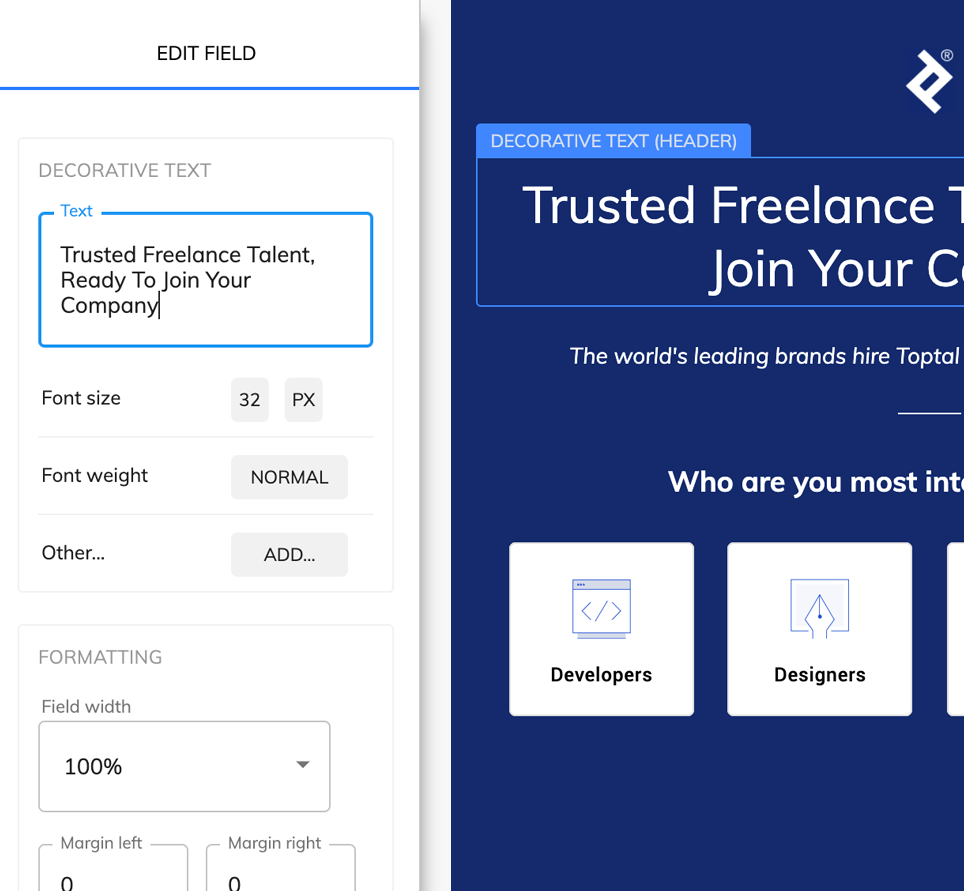
A flexible Heyflow alternative without frustrating limitations

HeyFlow produces gorgeous forms, but custom code or CSS requires an expensive business plan. And what's with those traffic caps? Free yourself from artificially imposed limitations.

Heyflow vs Growform

Heyflow is a great tool for building lead gen forms and mobile funnels, but we think Growform is more flexible and easier to use – why not try it out?

Heyflow (Pro Plan)Growform (Agency plan)
Create single or multi-step formsYesYes
Embed forms on your websiteYesYes
Custom style & designYesYes
Forms allowed10Unlimited
Traffic allowed20,000Unlimited
Add custom JavaScriptNoYes
Add custom CSSNoYes

What makes Growform so different?

Much like Heyflow, Growform was built specifically to let you create beautiful forms that generate more leads.

Founded by a marketer tired of poor-converting that looked out of place, Growform is rapidly gaining traction as a best-practice in landing page design.

It contains 20+ best-practices templates built in, allows for complete customization and works beautifully on all devices.

Let us know how it stacks up a Heyflow alternative - there's a 14 day free trial with no credit card required.


Built for conversion rates

Create a lead capture form that really converts

We’ve taken years of experience in conversion rate optimisation & landing page best practices and distilled our learnings into one, simple to use lead generation form builder.

  • 53% of mobile users abandon forms that take over 3 seconds to load
  • Creating a form with a simple question upfront increases the % of users who will start the form
  • Multi-step forms are hugely effective due to the "sunk cost" fallacy - people naturally feel compelled to finish what they started.
Embed anywhere

Choose from 3 simple embedding options

No need to mess about with code - you can embed on WordPress, Unbounce, Wix - or pretty much any landing page / website HTML editor out there:

  • Embed inline with other content (HTML snippet)
  • Show growform as an overlay when somebody clicks a button (advanced HTML snippet)
  • Link to growform from an email, social post or website (simple link)

Start building better forms today

We think you'll find Growform to be a great alternative to Heyflow - why not try it out and let us know if you agree?

Frequently Asked Questions (FAQs)

What makes Growform a good alternative to Heyflow?

Growform was built specifically for lead generation. Unlike Heyflow, which restricts custom code and caps traffic, Growform offers unlimited forms, unlimited submissions, and full customization, even on lower-tier plans. This makes it more flexible and cost-effective for businesses that care about results.

Does Growform support multi-step forms like Heyflow?

Yes. Multi-step forms are at the core of Growform. They’re designed to improve user engagement and boost conversion rates by guiding visitors through small, simple steps instead of overwhelming them with long, single-page forms.

Can I use custom CSS and JavaScript with Growform?

Absolutely. Growform allows both custom CSS and JavaScript on your forms without forcing you onto an expensive business plan. This gives you complete freedom to align forms with your brand identity or add advanced functionality.

Are there any traffic or submission limits with Growform?

No. Unlike Heyflow, Growform does not impose artificial caps on traffic or the number of leads you can collect. You get unlimited forms and unlimited submissions, regardless of how much traffic you generate.

How easy is it to embed Growform on my website?

Embedding is simple and flexible. You can add your form inline with other content, display it as an overlay when a user clicks a button, or share it via a direct link. Growform works seamlessly with WordPress, Unbounce, and most website builders.

Do I need coding skills to use Growform?

Not at all. Growform was designed for marketers, agencies, and business owners who don’t want to involve developers. The drag-and-drop builder makes it easy to create professional-looking, high-converting forms without touching code.

Does Growform provide templates like Heyflow?

Yes. Growform includes 20+ best-practice form templates designed with proven conversion strategies in mind. You can start with a template and customize it fully to match your brand, saving hours of design and testing.

Can Growform integrate with my existing tools?

Definitely, Growform integrates with 300+ apps through Zapier, plus direct email notifications out of the box. You can send leads straight into CRMs, spreadsheets, or automation tools. If you need advanced workflows, Growform also supports webhooks.

What kind of support can I expect with Growform?

Growform offers responsive customer support and a detailed knowledge base to help you get the most from your forms. Unlike larger platforms, you’ll find us approachable and focused on helping you capture more leads.

Is there a free trial available?

Yes. Growform offers a 14-day free trial with no credit card required. You can test all the features, build forms, and see how it compares to Heyflow—risk free.