Skip to content
Growform Multi Step Form Builder

Typeform vs Growform

A Typeform alternative built for lead generation, not surveys

Typeform is built for surveys and general use, whereas Growform excels in multi-step form creation and lead qualification.

Prices and limits checked on 6 October 2026

Rated 5.0 by marketers on Capterra, G2, Software Advice 5.0 5.0 5.0

Typeform's 7 deadly sins

Typeform scores well on reviews, but value for money is its lowest mark at 4.2 and the drawbacks below share one cause: it is a product built for surveys.

  1. I Pride

    One question per screen is the default, by design

    Typeform says it popularized asking one question at a time, and in 2021 told customers wanting grouped fields "This isn't a feature we're developing". Growform is built for lead forms, so a step holds every field you need.

    Source: Typeform's AI info page and its community thread on grouped questions, read 1 October 2026, and its help center article on multiple questions on a form page, read 6 October 2026

    “the inability to place two questions on the same screen makes some flows feel less streamlined than they could be.”
    4 out of 5 on Capterra Patricia D. Capterra, Apr 2026 Read the review
  2. II Greed

    Conversion tracking starts at Business, $129 a month

    On Typeform, the pricing page lists conversion tracking under "Business", and its help center says Google Tag Manager and the Meta pixel both need a Business account, at $129 a month. Growform fires Google Ads, Meta and GA4 key events on its $79 Basic plan, while Professional adds your own GTM containers.

    Source: Typeform pricing page, Business plan, and its help center articles on Google Tag Manager and the Facebook pixel, all read 6 October 2026

    “They also charge a lot for callbacks to ad platforms like FB and Adwords.”

    Joshua Weissburg Product Hunt, Oct 2025 Read the review
  3. III Wrath

    At 100% of your responses, every form goes private

    Typeform's help center says that when you reach 100% of your response limit, your forms will go into Private mode until the next month begins or you upgrade. The limit counts across every form, and deleted responses still count. Growform's limits are soft, so an alert arrives first and every lead still reaches your CRM.

    Source: Typeform help center, "Response limits", read 6 October 2026

    “There's a 10 response per month limit. They hide this and I had to...pay $43 to continue the survey I had already sent out.”

    1 out of 5 on Trustpilot Nico Trustpilot, Aug 2026 Read the review
  4. IV Gluttony

    Lead scoring and routing cost $379 a month

    On Typeform, automated lead scoring and lead routing sit on Growth Flow, a plan at $379 a month. Growform qualifies leads on every plan from $79, with conditional follow-ups, disqualification reasons that end the form early and ad conversions that count qualified leads only.

    Source: Typeform pricing page, Growth Flow plan, read 6 October 2026

  5. V Envy

    Drop-off rates wait for Business, at $129

    On Typeform, drop-off rates arrive with Business at $129 a month, listed on its plan card beside conversion tracking. Growform sends a Google Analytics event for every completed step on every plan, so a GA4 funnel shows the step where leads leave.

    Source: Typeform pricing page, Business plan, read 6 October 2026

  6. VI Lust

    The first paid plan buys 100 responses

    Typeform's pricing page gives its free plan a limited number of responses per month without printing the figure, and 2026 reviewers put it at ten. Basic is $39 a month for 100 responses, 39 cents each. Growform Basic is $79 for 300 leads with branding removed, custom CSS, webhooks and ad conversion events.

    Source: Typeform pricing page, Basic plan and FAQ, read 6 October 2026

    “they lure you in with the free plan and then they limit you to 10 form responses”

    1 out of 5 on Trustpilot max lincoln Trustpilot, Sep 2026 Read the review
  7. VII Sloth

    Live chat waits for the $129 plan

    On Typeform, the plan comparison lists standard support as support via email, and live chat and priority support arrive with Business at $129 a month. Growform's own team answers every ticket, on every plan, and priority support comes with Professional.

    Source: Typeform pricing page, Business plan and the support rows of the plan comparison, read 6 October 2026

    “Huge waste of time, I was not able to speak to someone”

    1 out of 5 on Trustpilot Courtney P Trustpilot, Aug 2026 Read the review

Typeform vs Growform at a glance

  • Multi-step forms built for lead generation, not surveys

    Typeform

    No

    Growform

    Yes
  • Conditional logic and hidden fields for UTMs

    Typeform

    Yes

    Growform

    Yes
  • Webhooks and Zapier

    Typeform

    Yes

    Growform

    Yes
  • Forms on your own subdomain

    Typeform

    Yes

    Growform

    Yes
  • Several fields on one step

    Typeform

    One question per screen by default

    Growform

    Yes, any fields
  • What happens at the response cap

    Typeform

    Every form goes private

    Growform

    Soft limit, an alert first
  • Ad conversion events for Google Ads, Meta and GA4

    Typeform

    Business plan, $129 a month

    Growform

    Every plan
  • Drop-off by step

    Typeform

    Business plan, $129 a month

    Growform

    Every plan, through GA4
  • Remove vendor branding

    Typeform

    Plus plan, $79 a month

    Growform

    Every plan
  • Custom CSS

    Typeform

    No

    Growform

    Every plan
  • TrustedForm and Jornaya

    Typeform

    No

    Growform

    Yes
  • Live support

    Typeform

    Live chat on Business, $129 a month

    Growform

    Our own team on every plan
  • Included
  • Higher plan or paid add-on
  • Not offered

Prices and limits as of 6 October 2026. Sources: Typeform pricing page (6 October 2026), Typeform help center on response limits (6 October 2026), Typeform help center on adding multiple questions to a form page (6 October 2026), Typeform help center on the Facebook pixel (6 October 2026).

Start free trial 14-day free trial · No credit card required

When Typeform is the better choice

Choose Typeform for the work it was made for, surveys and conversational data collection. Its one-question-at-a-time layout, video questions and Research Flow suit market research, customer feedback and candidate screening, and a free plan with unlimited forms suits a project that gathers a few responses a month.

Choose it too when you want enrichment of every response inside the form tool, which Growth Flow carries at $379 a month, or when SSO, HIPAA and a choice of US or EU data center come first, all of which sit on Enterprise. Among Typeform competitors, Growform is the one to pick once the form sits under an ad budget and every field has to earn its place.

How to switch from Typeform to Growform

A Typeform with ten screens becomes a Growform form with three or four steps. The questions paste across and the embed is a snippet.

Rebuild from a template and group the questions

Pick the quote or lead template closest to your Typeform, paste the questions in and put related ones on the same step, with the contact fields last. Open the Theme panel to set your primary color, font and progress bar, and reach the rest with custom CSS.

Plug the leads back in

Point a webhook or a Zap at the HubSpot, Pipedrive or Google Sheet your Typeform fed, paste your Google Ads and Meta conversion IDs under Tracking & tagging, and add your GTM container on Professional.

Swap the embed and close the old form

Replace the Typeform embed on your landing page with the Growform snippet, keep the page URL your ads point at, then close the Typeform so its response count stops.

Start free trial 14-day free trial · No credit card required

Growform is built for the industries that live on leads

Pick your industry to see what the form asks, how the leads arrive qualified, and about the live template you can start from today.

Finance & insurance

Qualified applicants, with the consent certificate attached.

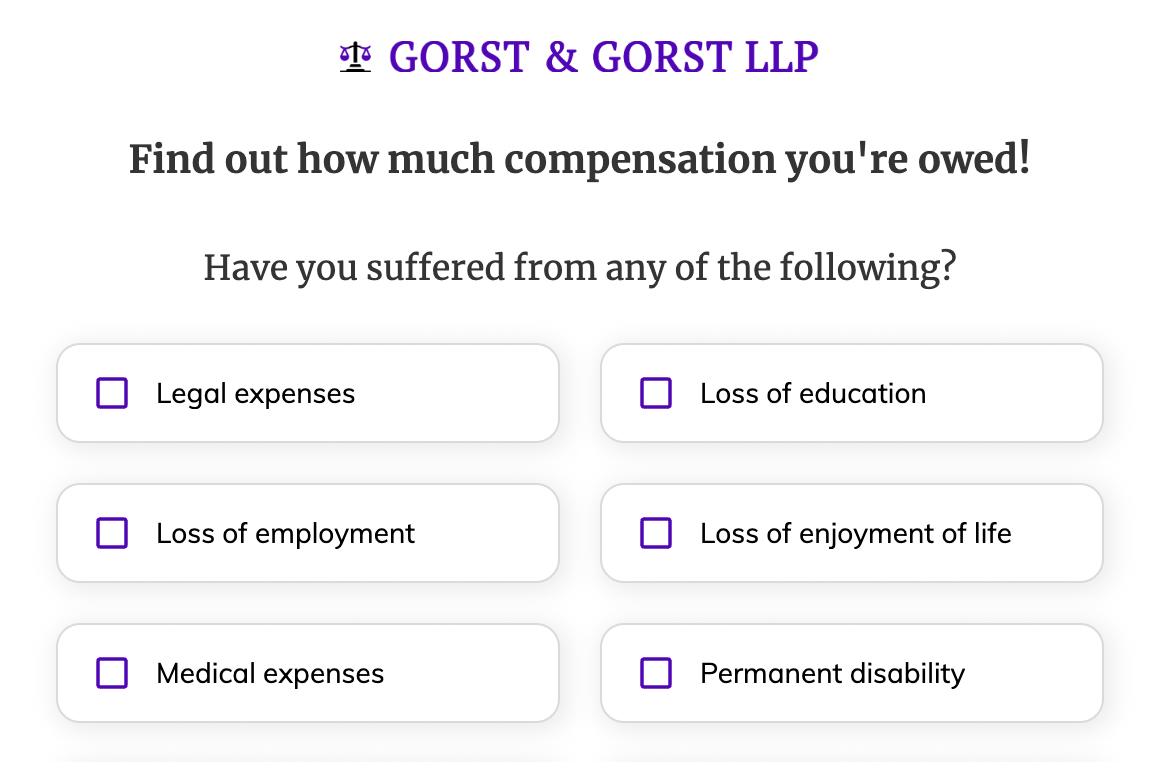
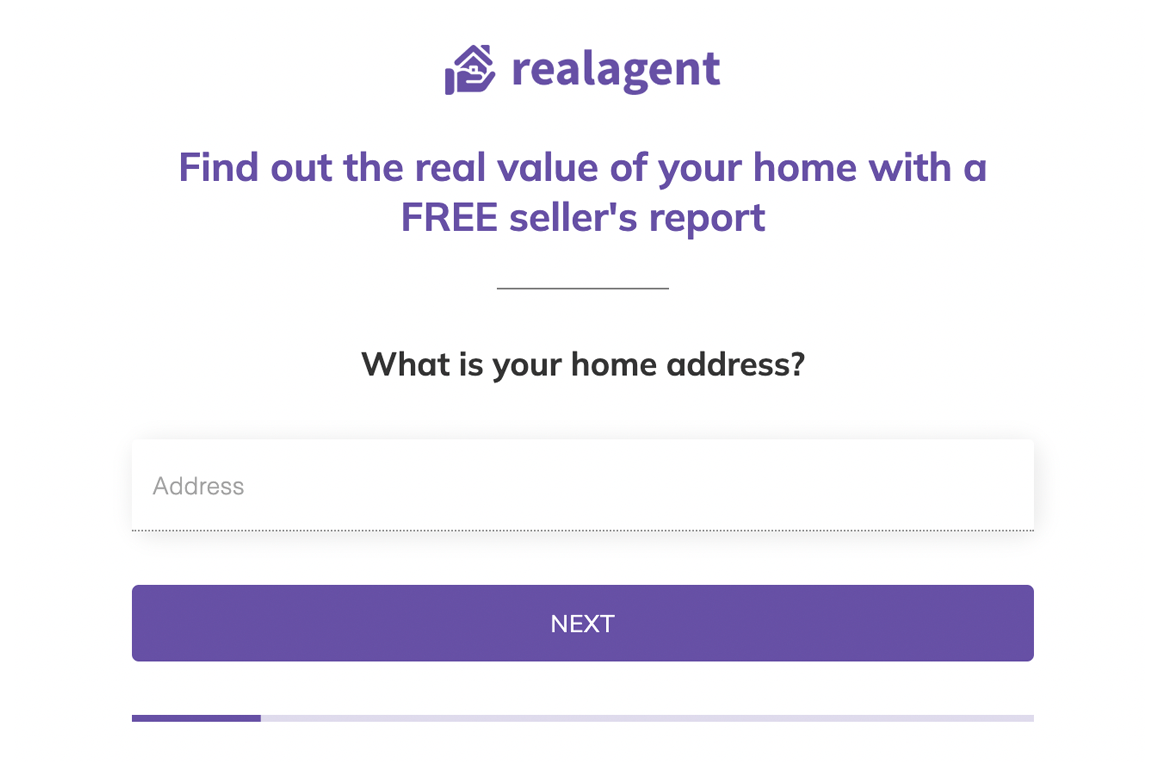
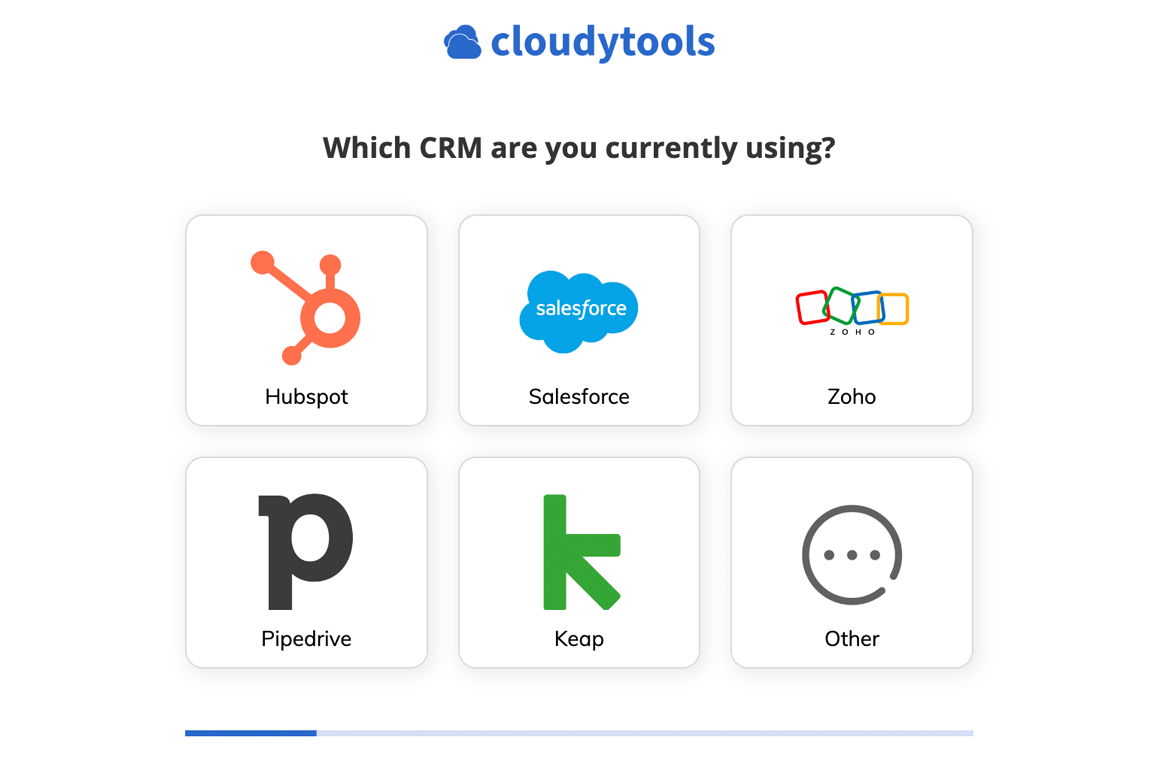
Lead buyers want proof of consent, and call centers want fewer people who were “just researching prices”. Our best-practice life insurance template first asks about coverage, health and stage before anything personal, can verify the phone number before it’s submitted, and can record a TrustedForm or Jornaya certificate with every submission.

Live template · Life insurance
First step of the Life insurance template
  • TrustedForm and Jornaya consent certificates in one click
  • Asks about a second applicant only when there is one
  • Phone and email verified before the lead is submitted

Typeform alternative FAQ

What is the best alternative to Typeform for lead generation?

Growform is the best Typeform alternative for lead generation. Typeform's pricing page puts conversion tracking on its Business plan at $129 a month, while Growform fires Google Ads, Meta and GA4 conversion events on every plan from $79. Typeform remains the better choice for surveys and research.

Among other Typeform alternatives, involve.me and Outgrow suit quiz funnels and Jotform suits general forms. We compared six in our Typeform alternatives round-up.

Is Typeform good for lead generation?

Not in our opinion. It collects leads, and it was designed for surveys. Its own summary says it is "Not ideal for very high response volumes on minimal budgets", its layout asks one question per screen, and the pixel and tag manager a paid campaign needs arrive with Business at $129 a month. A lead form under an ad budget needs grouped fields, a contact step at the end and a cap that keeps the form open, which is the case we make in why you shouldn't use Typeform on your landing page.

Can Growform show several questions on one page?

Yes. Every step takes as many fields as you drop into it, from picture buttons and sliders to address lookup, and the last step usually holds name, email and phone together. Typeform's help center now describes adding multiple questions to a form page, for 17 question types, with one question per page as the default. See multi-step forms.

Does Growform work with the Meta pixel and Google Ads?

Yes, on every plan. Paste the conversion ID under Tracking & tagging and the event fires when the form completes, for Google Ads, Meta, X and GA4 key events, with an option to count qualified leads only. Professional and Scale add your own Google Tag Manager containers, which see every step as it is completed. See conversion tracking.

What happens when I go over my Growform plan?

Your leads carry on arriving. Growform's limits are soft, so passing 300 leads on Basic brings an alert and time to move up, while every submission still reaches your CRM, your webhook and your inbox.

Does Growform have a free plan?

Every Growform plan starts with a 14-day free trial, with no credit card to enter, so you can build the form, embed it and watch real leads arrive before paying. Typeform's free plan carries a response allowance that its pricing page describes as limited without printing the figure, and every paid tier is laid out in our Typeform pricing breakdown.

Start your free trial

Create beautiful multi-step forms that convert, with a 14-day free trial. No credit card required.