
Copy the pop-up code
Open your form and choose “Share form”. The pop-up code is under “Show advanced options”, where it is labelled “Requires HTML experience”.

Feature
Growform opens your form in a pop-up over the page when someone clicks a button you choose. Your landing page keeps its full width for the offer, and the form appears once the customer is ready.
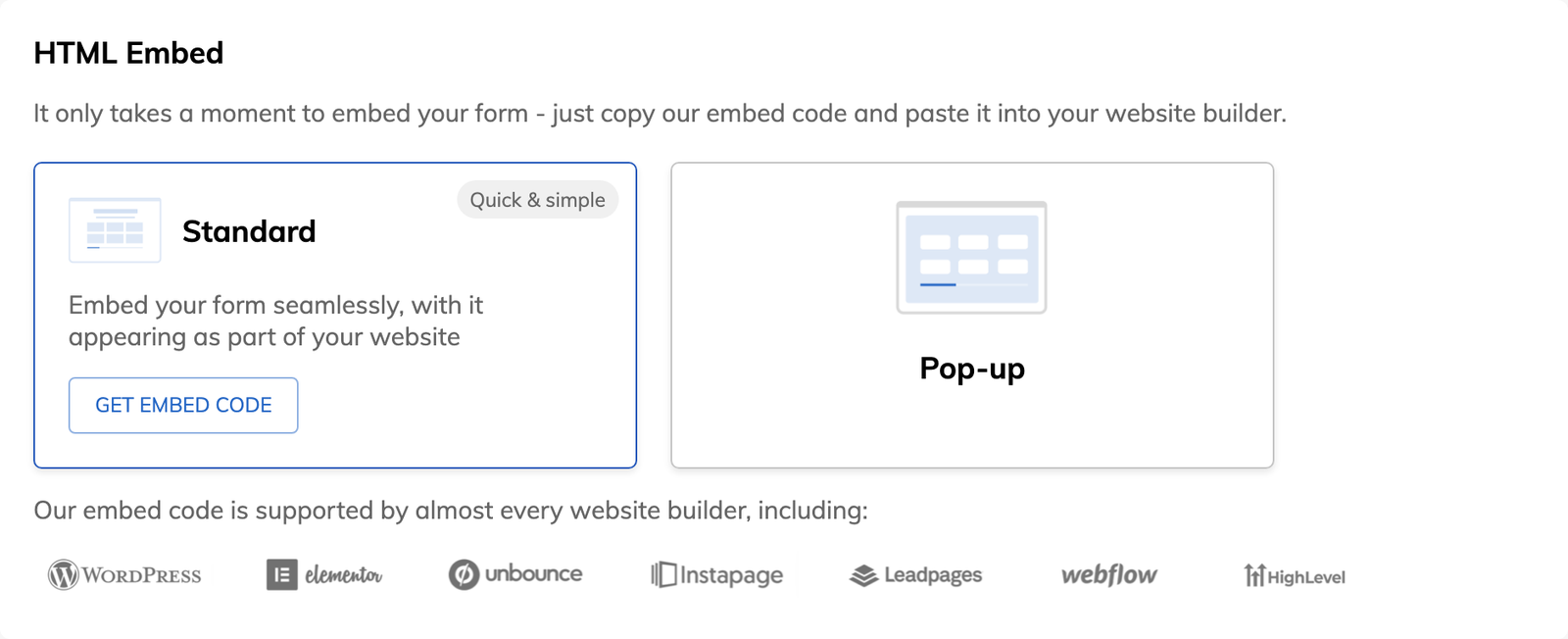
You can embed the form in the page, open it as a pop-up from a button, or share it as a link. The steps, logic and tracking stay the same in all three.
A pop-up form is a form that opens in a window over the page when someone clicks a button or link. It is also written as popup form, and some page builders call it an overlay form. The page stays where it is, and the customer starts on step one without being sent to another address.
Growform's pop-up is triggered by a click. It opens because the person asked for it, which is different from a pop-up that interrupts them.
Yes, any number of buttons can open the same form. Give each button the same class name and add the pop-up code once, at the end of the page. The button in your hero, the one in your header and the one in your footer then all open the form in place.
You can target an ID, or a class the button already has. Replace growformTargetClass with growformTargetId in the code and enter the ID without the “#”. To find an existing class, right-click the button in your browser and inspect it.
Growform has in-app pop-up guides for Elementor, HighLevel, Instapage, Leadpages, Unbounce, Webflow and WordPress, and a generic guide for any other site.
Open your form and choose “Share form”. The pop-up code is under “Show advanced options”, where it is labelled “Requires HTML experience”.
Add a class name such as open-growform to the button. Set the button's link to “#” and keep it opening in the same tab.
In the pop-up code, replace the placeholder value of growformTargetClass with the class name you chose.
Paste the code into the page below the button, because it only works when it comes later in the page. Publish, then click the button.
The form takes no space in the layout until someone clicks, so the headline, proof and images are not squeezed beside it.
Each button on a long page opens the form where the customer is, with no scroll back to the top.
The customer never leaves the landing page, so hidden fields still read the UTM parameters in its address.
The pop-up shows the same form as your embed and your share link, so a change you save appears in all of them.
The pop-up embed is available on all four plans, from Basic upward.
Check two things. The class name in the pop-up code must match the class on your button, and the code must sit in the page after the button.
Yes, with the pop-up feature of your landing page builder. Build the pop-up there and place the standard Growform embed inside it. Growform’s own pop-up opens on a click.
No. You set a class on a button and paste a snippet into your page, and Growform support can help if you get stuck.
Yes. The code targets any element that has the class or ID you chose, so a text link or an image works in the same way.
Create beautiful multi-step forms that convert, with a 14-day free trial. No credit card required.


