
 Harvey Carpenter
You can have the ads dialed in, the audience matched, and the landing page pulling its weight. The leak is still often the form. On mobile, a long single-page intake can lose qualified traffic before you route, verify, or follow up, which is why the best multi step form tools are about more than layout. They need to preserve attribution, protect compliance, and move cleaner leads into the next system without waiting on a dev ticket. If your goal is to boost real estate lead conversions from paid traffic, the intake flow is often where the budget is won or lost.
Multi-step structure matters because the benchmark data points in the same direction. A Formstack summary shows multi-page forms converting at 13.9% versus 4.5% for single-page forms, a 9.4 percentage point gap and about a 3.1x lift, and that comparison matters because it looks at equivalent lead-capture forms rather than unrelated landing pages (Static Forms summary of Formstack research). Other comparisons show the advantage getting stronger as forms get longer, with multi-step flows holding up better once qualification gets heavier. Growform's breakdown of how multi-step forms can lift conversion rates points in the same direction. The tools below are the ones worth reviewing when the job is to turn paid clicks into usable leads, not just collect responses.
1. Growform
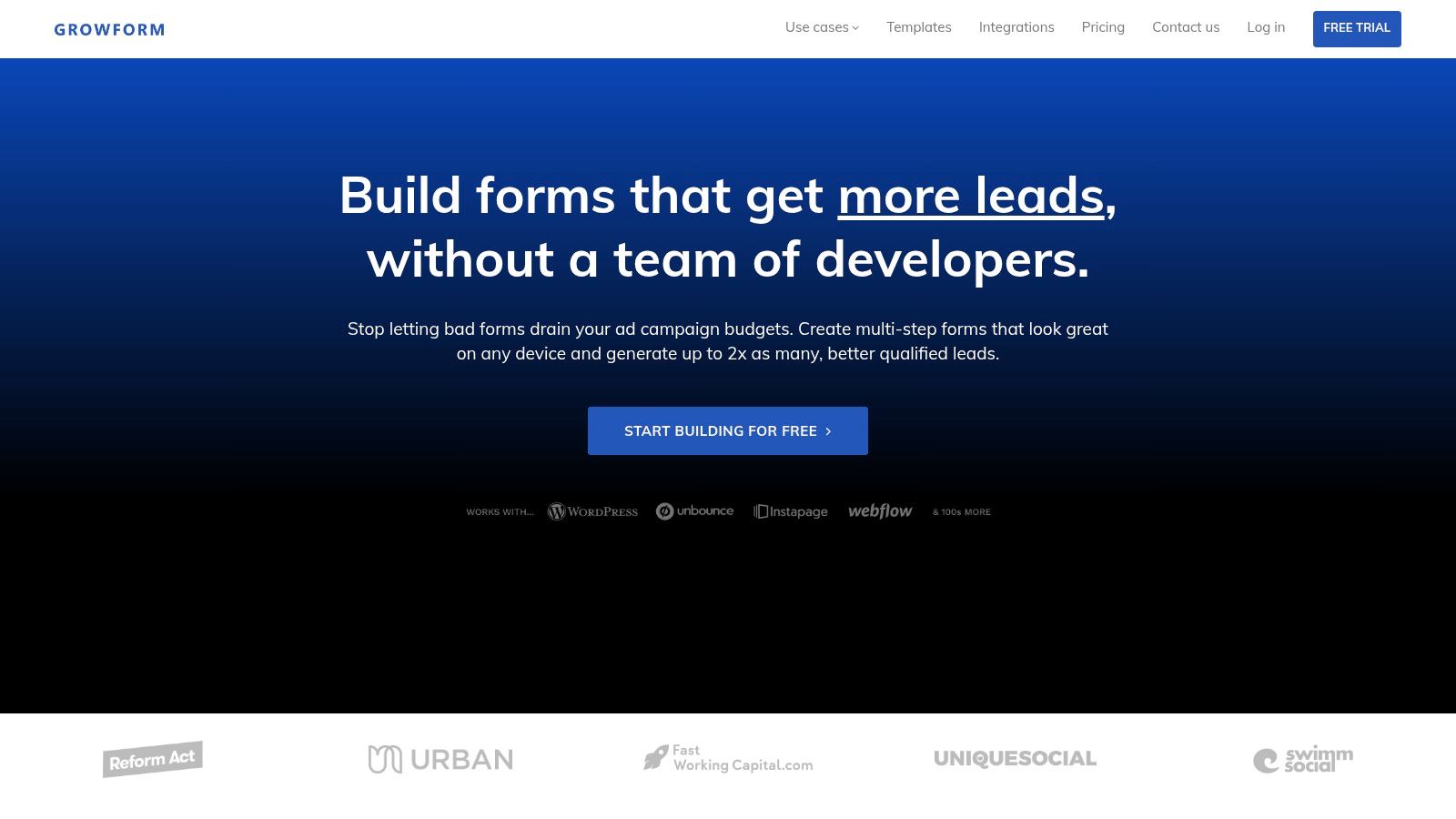
Growform is the strongest pick when the form itself has to do real lead-gen work, not just collect answers. It's built for multi-step qualification, clean handoff, and the kind of attribution plumbing that paid traffic lives or dies on. If you're running Meta, Google, or native and need every UTM, click ID, and consent signal to survive the journey, this is the most purpose-built option in the group.
Built for the lead stack, not just the page
The practical difference shows up after submit. Growform supports hidden-field pass-through, one-click pixel firing, GTM, and server-side CAPI support, plus native TrustedForm and Jornaya integrations for consent evidence. That makes it a better fit for lead buyers, GoHighLevel agencies, and teams selling into compliance-sensitive verticals like legal, solar, mortgage, and home services.
Practical rule: if a form needs to qualify, verify, and route a lead in the same flow, the builder has to protect attribution and consent as carefully as it protects conversion rate.
The other reason it stands out is speed. Growform includes 100+ UX-informed templates and 25+ lead-focused components, including progress bars, address lookup, inline validation, and subtle animations. That means a marketer can ship a new funnel quickly, then keep testing the offer without waiting on engineering or rebuilding the same logic in a landing page tool.
For teams using lead distribution stacks, the delivery side matters just as much. Instant webhooks, native CRM integrations, and 300+ Zapier connectors keep speed-to-lead intact, while Twilio and ZeroBounce checks help filter fake or uncontactable submissions before they create downstream waste. Cloudflare hosting across 275+ locations also matters when paid traffic spikes and load speed starts affecting completion.
You can see how the product frames the conversion problem in its own guide on how multi-step forms can increase conversion rate.
Best fit and trade-offs
Growform is the best multi step form builder for high-volume lead generation, especially when the funnel is judged on CPL, buyer acceptance, or booked appointments. It displaces native forms in Unbounce, Leadpages, Instapage, Typeform, Jotform used for lead gen, and even the more limited end of GoHighLevel forms.
- Use it when: you need mobile-friendly multi-step funnels, conditional qualification, real-time delivery, and compliance evidence.
- Skip it when: you want a generic survey tool, an HR intake form, or an e-commerce checkout experience.
- Watch for: no public pricing in the supplied materials, so exact cost needs a sales conversation.
Website: Growform
2. Heyflow
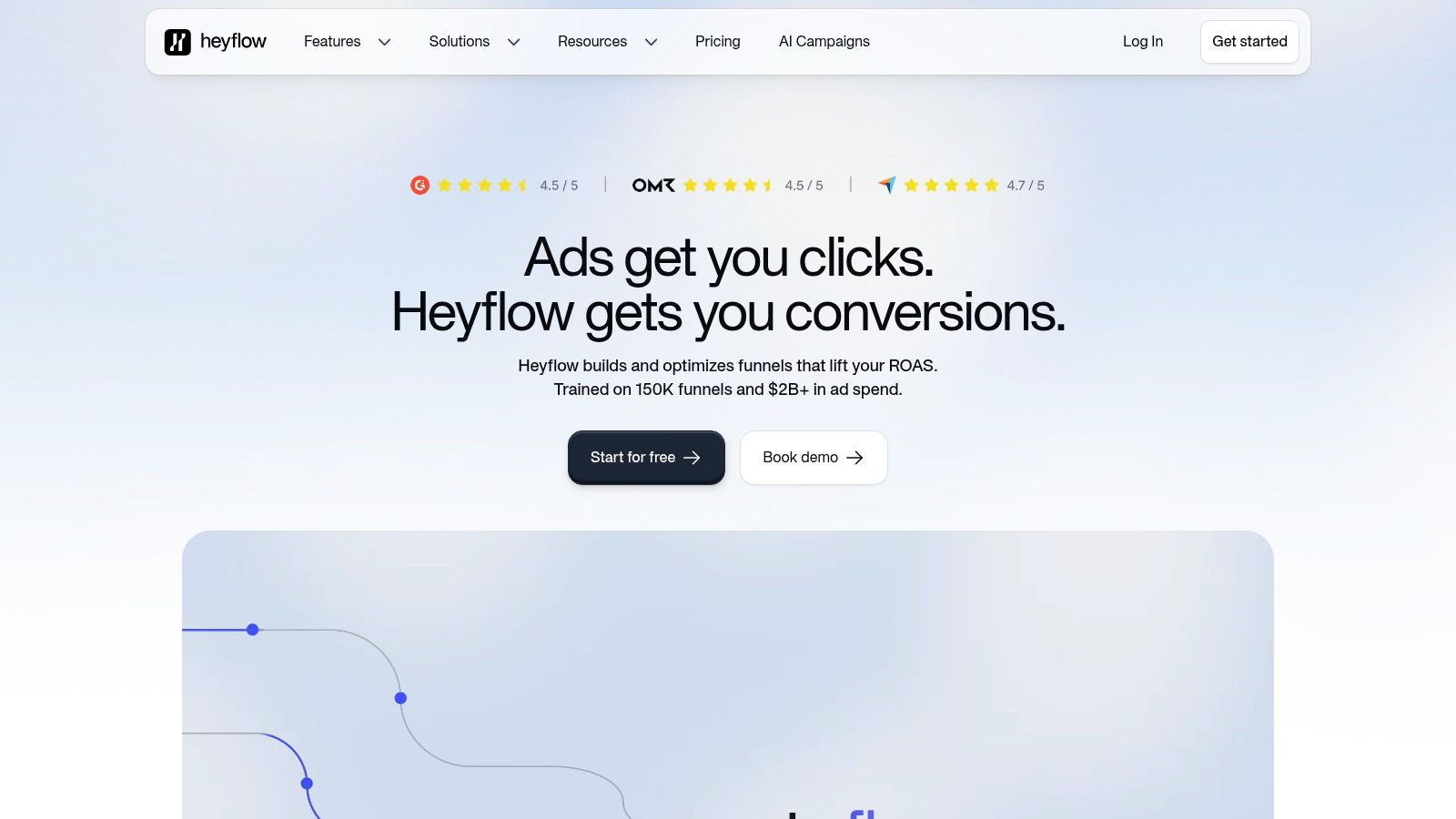
Heyflow fits teams that need a polished, mobile-first flow builder with more control than a basic form tool. It works well when branching logic and step routing matter as much as the design, because paid-acquisition funnels fall apart fast if the form feels like a static block dropped onto a page.
For teams that care about presentation and structure, it also helps to follow the right UX best practices for multi-step forms. Beautiful screens alone do not fix weak routing, unclear qualification, or poor handoff into the rest of the lead-gen stack.
Strong logic for paid traffic variants
The useful part here is the control surface. Heyflow gives you conditional navigation, branching rules, built-in A/B testing, analytics, custom domains, branding control, pixel support, webhooks, and integrations. That makes it a solid fit for marketers running variant-heavy campaigns where one offer needs multiple paths based on qualification or source.
The value is not only visual polish. It lets you keep one core build and fork the flow without recreating everything from scratch. For performance teams, that saves time when a campaign needs separate routing for different geos, service lines, or qualification thresholds.
If you want a broader look at how flexible form logic changes data collection workflows, this review of dynamic form builders is a useful comparison point.
Where it can get expensive
Heyflow's main trade-off is commercial rather than technical. Response-based pricing can rise quickly at higher volumes, which matters if you are buying traffic aggressively and the form is already pulling in decent volume. Some plan limits and feature details also live in help docs, so buyers often need to dig before they know what is included.
The best form builders for lead gen do not just look flexible, they make testing cheaper than rebuilding.
That is a key reason to shortlist Heyflow. It is a strong option for conversion-optimized, mobile-first flows, but you still need to model cost against response volume and make sure the routing logic does enough work to justify it. If your team is mainly focused on polished UX and fast branching, it is a credible contender. If you also need strict attribution and consent plumbing, compare it closely against tools built more explicitly for that stack.
Website: Heyflow
3. Fillout
Fillout is the practical pick when you want a modern builder with a generous entry point and enough flexibility to handle real workflows. It's less specialized for paid lead-gen than Growform or Heyflow, but it has the kind of structure that helps teams move fast without paying per seat for every collaborator.
Good value for teams that iterate
The biggest draw is the plan structure. Fillout's free tier includes unlimited forms and seats, which makes it appealing for small teams or early-stage operators who need to test multiple offers without adding friction in procurement. The Business plan then provides unlimited responses and more advanced analytics, so it scales better once a funnel starts producing real volume.
That matters because form work often starts with experimentation. A marketer needs to test step count, question order, and embedded placement before the funnel is stable. Fillout gives you room to do that without turning every test into a budget conversation.
Useful logic, but not the deepest plumbing
On the feature side, Fillout includes multi-page forms, conditional logic, calculations, scoring, hidden fields, prefill, a REST API, and more than 50 integrations. That makes it a strong fit for teams that want qualification logic and decent embedding control, especially when the form has to sit neatly inside a broader site or campaign stack.
There are trade-offs. Some conversion and analytics features, including pixels and abandonment recovery, sit in higher tiers or add-ons. Salesforce is also reserved for advanced Team or Enterprise tiers, so enterprise buyers need to check the plan matrix carefully before assuming the stack will plug in cleanly.
Best job to hire it for
Fillout is a solid answer when the job is multi-step intake with lighter operational complexity. It works well for teams that care about branded UX, logic, and integration depth, but don't need the same level of lead-verification or compliance tooling that a performance-heavy lead-gen operation requires. If your main pain is replacing clunky internal forms or speeding up collaboration, it deserves a look.
Website: Fillout
4. Typeform
Typeform still earns its place because it's one of the best-known tools for one-question-at-a-time flows that feel natural on mobile. For marketers who care about completion behavior and brand perception, it's often the first builder people think of, and that's not an accident.
Strong UX, especially for conversational flows
The core strength is polish. Logic Jumps, calculators, scoring, webhooks, and more than 100 integrations give Typeform enough flexibility to build fairly advanced flows, while the interface itself keeps the interaction lightweight. That matters when you're trying to lower perceived effort and make a lead magnet or qualifier feel less like a form dump.
The better use case here is not raw data collection, it's UX-led qualification. If a campaign depends on the feel of the interaction, such as quiz-style lead capture, conversational intake, or brand-forward forms, Typeform is still one of the smoother experiences in the market.
The pricing and branding friction
The main downside shows up quickly as usage grows. Response limits on lower tiers can become a constraint, and branding removal starts at the Plus plan, which pushes up cost once a team wants a cleaner front end. That makes it less attractive for high-volume paid traffic unless the brand effect is doing real work in the funnel.
For lead-gen operators, the bigger question is whether the aesthetics are enough. Typeform is good at making a form feel easy. It's not as focused on the full plumbing of attribution, consent capture, and lead delivery that paid teams often need.
You can also compare its UX-first approach against broader dynamic builder thinking in Growform's look at dynamic form builders.
Bottom line: Typeform is strong when completion is the problem and you're willing to pay for the experience. It's less compelling when lead quality, tracking integrity, and rapid downstream routing matter more than the interface.
Website: Typeform
5. Jotform
Jotform is the Swiss Army knife in this list. It's not narrowly optimized for paid lead-gen, but it's broad, mature, and capable enough that plenty of teams end up using it for more than one job.
Broad capability for mixed workflows
Jotform supports both classic multi-page forms and Card layout step-by-step forms, plus conditional logic with page skipping. That gives you enough structure to build a fairly clean multi-step flow without starting from scratch. The bigger advantage is the surrounding ecosystem, which includes Jotform Workflows, e-sign, PDFs, payment gateways, and more than 200 integrations.
That breadth matters in ops-heavy environments. If the form has to feed approvals, paperwork, payments, or internal routing, Jotform can sit at the center of that process rather than acting as a thin capture layer.
Strong fit for operations, not just marketing
The tool works best when multiple teams touch the submission after it arrives. That could mean sales, intake, legal, operations, or finance. Because it's built for general-purpose workflows, it's easier to justify when the lead form is only one piece of a broader process.
The downside is complexity. For simple lead-gen funnels, Jotform can feel heavier than necessary, and the free tier comes with usage caps and branding. Pricing and limits also vary enough by plan that buyers need to review the fine print before standardizing on it.
When I'd pick it over a specialist
If the workflow extends beyond front-end capture, Jotform is a reasonable choice. If the goal is pure conversion optimization on paid traffic, it's usually not the first tool I'd reach for. It's more of a generalist that happens to be good at multi-step forms than a dedicated lead-gen engine.
Website: Jotform
6. Formstack Forms
Formstack Forms fits cases where governance, approvals, and enterprise control matter as much as the form itself. It is the most ops-heavy option on this list, and that is why some teams prefer it.
Enterprise structure for controlled environments
The platform includes multi-page forms, conditional logic, prefill, dynamic workflows, approvals, admin controls, SSO, SCIM, sub-accounts, and security features. That makes it a natural fit for larger organizations where intake connects to identity management, process control, or compliance requirements.
That is a different job from a paid lead-gen funnel, and the difference matters. Formstack is strongest when the form sits inside a governed process across departments, not just on a landing page built to maximize conversions. If procurement, IT, and admin controls are involved, it offers more structure than most lightweight builders.
A better fit for process than pure conversion
The trade-off is cost and complexity. Formstack is often more than an SMB team needs if the goal is simple lead capture, and some features vary by legacy versus current plans. That can slow down buying decisions more than the actual form build.
Still, the enterprise value is real when an organization needs account controls, workflow automation, and consistent governance across teams. For those buyers, the form builder is not just a conversion tool, it becomes part of the operational fabric.
The historical benchmark tied to Formstack's research is one reason the category still comes up in CRO conversations, especially around multi-step behavior and lead-capture forms, as Static Forms benchmark summary has shown.
Best use case: pick Formstack when the form has to survive internal review, compliance, and process management. Pick something lighter when the only goal is more qualified leads from paid traffic.
Website: Formstack Forms
7. involve.me
involve.me is a strong option when you want the form, the quiz, and the first-touch nurture logic in one place. It leans more toward marketing funnels than generic data collection, which makes it appealing for teams trying to reduce stack sprawl.
Capture plus automation in one build
The core appeal is that involve.me combines multi-step funnels, scoring, branching, calculators, A/B testing, drop-off analysis, partial submission tracking, CRM features, email sequences, hidden fields, and UTM pass-through. That means a marketer can create a qualification flow and start nurture immediately without stitching together a separate automation stack.
That setup is especially useful for quiz-style lead capture. If the job is to segment prospects, guide them into the right path, and follow up quickly, the platform maps well to that workflow. It also gives you enough analytics to understand where people exit instead of guessing which question caused the drop.
Watch the plan boundaries
The main drawback is that it's more marketing-funnel oriented than general-purpose. Live-funnel and user limits vary by plan, and some martech integrations and verification features require the Scale plan. That's a real issue if the business wants one platform to handle high-volume acquisition across multiple clients or verticals.
The fit is best when the form is also part of the nurture engine. If you need to capture leads, score them, and trigger email immediately, involve.me can reduce the number of tools in the stack. If you need deep compliance evidence or rigorous downstream lead distribution, a more specialized capture layer may still be the better choice.
Website: involve.me
Top 7 Multi-Step Form Builders Comparison
| Product | 🔄 Implementation complexity | ⚡ Resource requirements | 📊 Expected outcomes | Ideal use cases | ⭐ Key advantages |
|---|---|---|---|---|---|
| Growform | Moderate, no-code multi-step funnels with advanced attribution plumbing | Paid plans; minimal dev needed; integrations and verification (Twilio/ZeroBounce) for quality | Higher mobile conversion, lower CPL, cleaner/verified leads and fast lead delivery | Performance marketers, lead aggregators, agencies buying paid traffic | Attribution & compliance plumbing, real-time verification/delivery, rich templates/components |
| Heyflow | Moderate–High, powerful step logic and branching adds configuration overhead | Subscription with response-quota pricing that can rise at scale | High-converting, highly controlled flows with granular routing | Paid-acquisition funnels needing complex branching and A/B testing | Advanced conditional routing, built-in A/B testing and analytics |
| Fillout | Low–Moderate, straightforward multi-page forms and embeds | Generous free tier (unlimited forms/seats); Business for advanced analytics | Cost-effective form delivery and on-brand embeds; scalable with paid plan | Teams needing unlimited forms/seats and easy embedding | Free unlimited forms/seats, REST API, good value at lower tiers |
| Typeform | Low–Moderate, one-question-at-a-time UX with logic jumps; easy to build | Paid tiers for higher response limits and branding removal | Polished UX driving higher completion rates and engagement | Marketers prioritizing conversational UX and high completion | Highly polished UX, mature logic tools and developer APIs |
| Jotform | Moderate–High, many features and templates can add complexity | Multiple tiers; advanced/enterprise add-ons (e-sign, HIPAA) | Versatile workflows, approvals, and enterprise-capable form processes | Workflows, approvals, HIPAA/compliance needs, broad form use cases | Extremely feature-rich ecosystem, templates and enterprise add-ons |
| Formstack Forms | High, enterprise-grade setup with governance and workflows | Higher pricing; SSO/SCIM, admin controls, security/compliance resources | Secure, governed processes and scalable cross-department automation | Ops-heavy enterprises needing identity, governance and approvals | Deep workflow/approval capabilities, enterprise security and identity |
| involve.me | Moderate, combines capture, scoring and nurture in one builder | Tiered plans; some integrations and verification require Scale plan | Qualified leads with built-in scoring plus immediate nurture and analytics | Quiz-style qualification, marketing funnels that need first-touch automation | Built-in scoring, email automation and funnel analytics to reduce stack sprawl |
Choosing the Right Form Builder for Your Funnel
The right multi step form is the one that clears the most expensive bottleneck first. If paid traffic is leaking on mobile, a specialist like Growform is the cleaner fit because it brings multi-step UX together with attribution, compliance, verification, and fast delivery in one layer. If the bigger problem is workflow control, Jotform or Formstack can make more sense because they handle approvals, governance, and operational handoff better than a conversion-first builder.
Field count also changes the decision. Multi-step forms can lose some of their edge at very short lengths, but the advantage tends to grow as forms get longer and qualification matters more than raw simplicity. That means the right tool is not the prettiest one. It is the one that matches the actual job, whether that job is lead quality, internal process, or a branded quiz funnel that still needs clean attribution.
For paid acquisition teams, I would make the call in this order. First, check whether the tool keeps UTMs, click IDs, and consent evidence intact. Then check whether it can route, verify, and deliver the lead right away. Only after that should templates and visual polish enter the discussion. If your funnel depends on buyer acceptance, speed-to-lead, or compliance, the plumbing is the product. The teardown on solve your trades website intake problem is a useful example of how intake design can change lead quality.
Related articles

7 Best Monday.com Form Builders for Lead Capture Teams
September 23, 2026

7 Best Zendesk Form Builder Options for Lead Capture
September 22, 2026

Quiz Funnels vs Multi-Step Forms for Lead Generation
Paid traffic operators usually ask the wrong first question here.
September 18, 2026