
Copy your pixel ID
You will find the pixel ID in Events Manager in your Meta account.

Feature
Growform tells your Meta pixel when a lead completes a step and when they complete the form. Your campaigns can optimize toward finished forms, or toward qualified leads only.
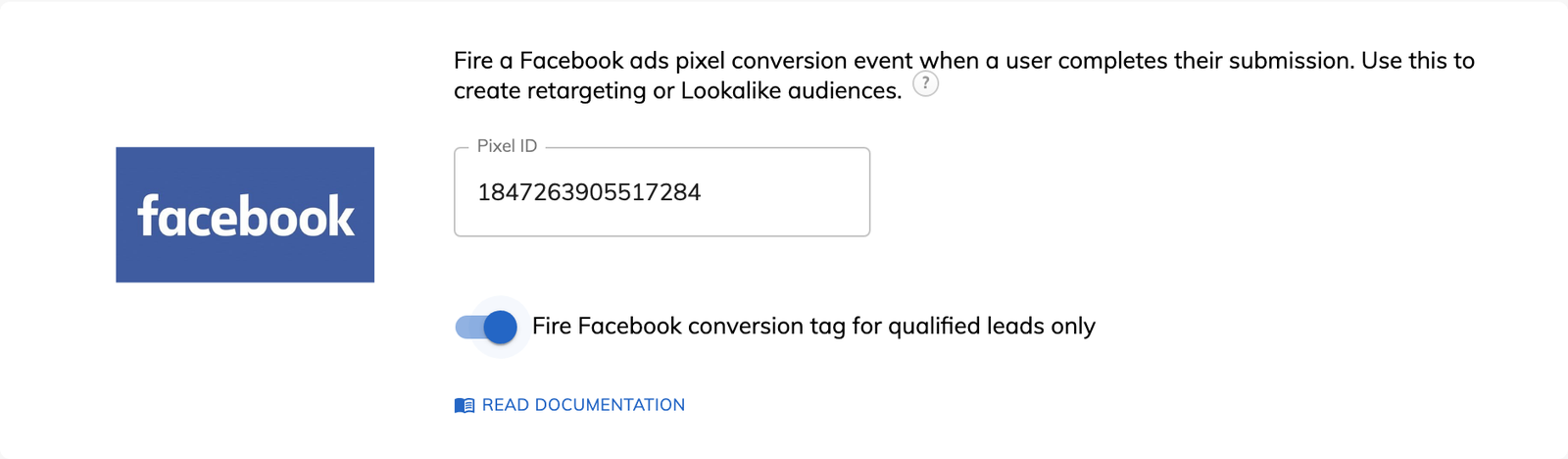
Meta Pixel tracking for forms means the form reports each completed step and each completed form to your Meta pixel, which many advertisers still call the Facebook pixel. Meta can then attribute the lead to the ad that produced it. In Growform the option is called “Facebook (Meta) Pixel”, and it needs a pixel ID and no code.
Growform sends two custom events to the pixel.
Both events carry the step number and the form ID as parameters. Because they are custom events, you map them to custom conversions in Meta before you report on them or set them as a campaign goal.
Yes, the pixel has a “qualified leads only” setting. When it is on, the completion event fires only for a lead who passes your lead disqualification rules. A debt relief form that rules out anyone owing less than a set amount stops reporting those people as conversions, and Meta stops looking for more of them.
Conversions in Meta usually fall a little short of the leads in Growform, and a variance of around 10 to 15% is normal. Ad blockers, private browsing, restrictive cookie settings and very old browsers each prevent some events from being recorded. Meta may also sample or delay its data.
Part of that gap is what the Meta Conversions API was designed to close. Growform's server-side conversion tracking is launching soon.
You can already save Meta's identifiers with each lead. Hidden fields have presets for “Facebook pixel (fbp)” and “Facebook click ID (fbc)”, and both are covered on the UTM tracking page.
You will find the pixel ID in Events Manager in your Meta account.
In the settings for your form, open “Tracking & tagging” and paste the ID into “Facebook (Meta) Pixel”. Choose whether the pixel fires for qualified leads only, then save.
Complete the form a few times and look for the two Growform events in Events Manager. Meta sometimes blocks events from a domain it has not seen before, and you must allow them if it shows a warning.
In Meta, open “Custom conversions” and create a conversion from the growformCompleteForm event. Add a URL rule for the site where the form is shown.
With the pixel set to qualified leads only, disqualified submissions are never reported as conversions.
Each completed step sends an event with its step number, which you can use to build an audience.
The event fires from the form, whichever ending or redirect the lead is sent to.
The URL rule on a custom conversion lets you create one conversion for each domain the form runs on.
The Meta Pixel option is part of every plan, including Basic.
No. Growform fires the events from the form, so the lead does not have to reach a separate page for the conversion to be recorded.
They are custom events, so Meta needs a custom conversion first. Create one from the growformCompleteForm event, then use it in reports and as a campaign goal.
Yes. The setting only controls whether the pixel fires. Disqualified leads are still saved in Growform with their disqualification reasons.
If the _fbc cookie is missing but the URL contains an fbclid, Growform rebuilds the fbc value from it. The value is empty when the lead did not arrive from a Meta ad.
Create beautiful multi-step forms that convert, with a 14-day free trial. No credit card required.


