
Create the conversion
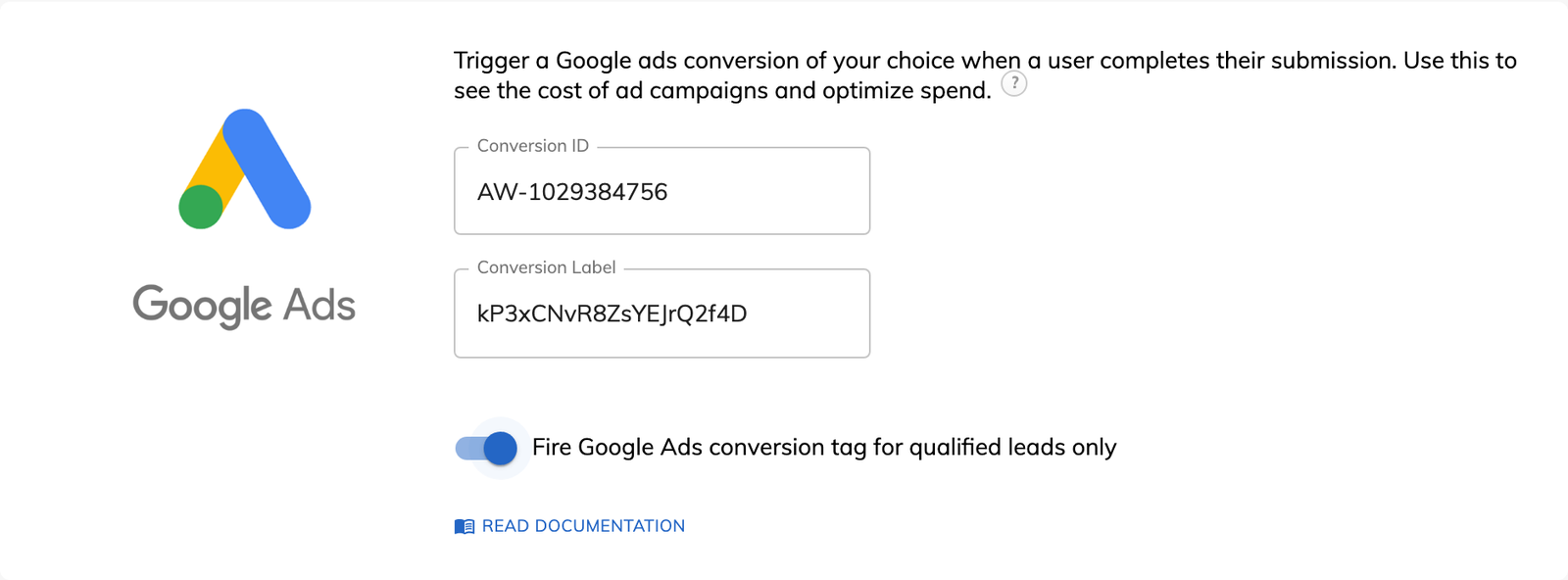
Create the conversion in your ad platform and copy its details. Google Ads gives you a Conversion ID and Label, and Microsoft Advertising gives you a UET Tag ID and an event action name.

Feature
Growform records a conversion in your ad accounts at the moment a form is completed. You paste in an ID and choose whether every lead counts or only the qualified ones.
Conversion tracking for forms means telling an ad platform that someone completed your form, so the platform can credit the right campaign and bid for more leads like that one. The usual method is a tag on a thank-you page. Growform fires the conversion from the form itself, so this kind of form tracking works whether the form ends with a message, a redirect or a different ending for each kind of lead.
Growform has five built-in options for reporting a completed form.
Three related options have pages of their own. They are the Meta Pixel, Google Analytics 4 events for step-by-step funnels and custom Google Tag Manager containers.
Yes. Google Ads, the Meta Pixel, Microsoft Advertising, X and the custom script each have a “qualified leads only” setting. With the setting on, a conversion fires only when the lead passes your lead disqualification rules.
Take a personal injury form that rules out accidents more than three years old. Without the setting, each of those submissions is reported to Google Ads as a success. With it, Google Ads only hears about claims the firm can take on.
The conversions an ad platform reports usually come in slightly below your lead count, by around 10 to 15%. Some people block ads, browse privately, restrict cookies or use a browser too old to run the tag. Their conversions go unrecorded, but their leads are still saved in Growform.
Create the conversion in your ad platform and copy its details. Google Ads gives you a Conversion ID and Label, and Microsoft Advertising gives you a UET Tag ID and an event action name.
The ad platform options are listed under “Tracking & tagging” in your form settings. Find your platform and paste the details in.
Turn on “qualified leads only” if disqualified leads should not be reported. Save your changes.
Complete the form yourself and look for the conversion in the ad platform. Some platforms take several hours to show it.
A conversion that fires for qualified leads only teaches the platform which clicks are worth paying for.
The conversion fires on completion, so it keeps working when you change the thank-you message or the redirect.
Each ad platform is a separate setting, and you can switch on several for the same form.
The custom HTML or JavaScript option runs any conversion code you paste in.
Every plan can report conversions, and the Unbounce goal conversion is the one option that needs Professional or above.
No. The conversion fires when the form is completed. You can still redirect to your own thank-you page and keep your tags there if you prefer.
Yes. One form can report to Google Ads, Meta and Microsoft Advertising at the same time.
Paste the platform's conversion code into the custom HTML or JavaScript option. You can also fire it from your own Google Tag Manager container on the Professional plan and above.
Your leads are captured by Growform and appear in your Growform account. The Unbounce option adds each completed form to the conversions count on your Unbounce page.
Create beautiful multi-step forms that convert, with a 14-day free trial. No credit card required.


