
Best Conversion Rate Optimization Software 2026
You've optimized the ads, cleaned up the landing page copy, and maybe even tightened the offer, but the lead form still leaks. The annoying part is that the traffic isn't the problem anymore, the conversion path is. That's exactly why conversion rate optimization software matters for lead generation, not just for generic website polish. The right stack helps you spot friction, test fixes, and improve cost per lead and lead quality without waiting on a dev queue. If you're still asking what the basics are, this practical overview of what is conversion rate optimization is a decent refresher, but the core issue is choosing tools that fit lead gen workflows, not e-commerce clichés.
The market reflects that shift. Future Market Insights estimates the global CRO software market at USD 1.7 billion in 2025 and projects it to reach USD 5.0 billion by 2035, with an 11.6% CAGR over the period, while also naming A/B testing software the leading segment in 2025 at 39.0% share (Future Market Insights). That lines up with what practitioners already know, conversion rates are often low enough that small gains matter, and teams need tools that can do more than guess at why a page underperforms. Benchmarks cited in 2026 put most websites in the 2% to 4% conversion range, with one report showing a median of 2.35% and a top decile of 11.45% (Contentsquare). For lead gen, that gap is where the money lives.
Table of Contents
Table of Contents
- 1. The 3 Core Types of Conversion Rate Optimization Software
- 2. Feature Comparison Matrix for Lead Gen CRO
- 3. Growform
- 4. Optimizely Experimentation
- 5. VWO
- 6. AB Tasty
- 7. Convert Experiences
- 8. Adobe Target
- 9. Dynamic Yield
- 10. Kameleoon
- 11. Hotjar
- 12. FullStory
- 13. Our Picks for Specific Lead Gen Goals
- 13 CRO Tools, Feature & Lead‑Gen Comparison
- Choosing Your CRO Stack From Insight to Conversion
1. The 3 Core Types of Conversion Rate Optimization Software
Conversion rate optimization software is really three categories of tools wearing the same label. If you buy the wrong one, you end up with prettier dashboards and the same mediocre lead flow. The best lead gen stacks usually mix experimentation, behavioral insight, and capture-layer tooling instead of expecting one platform to solve every problem.
Experimentation platforms
Tools like Optimizely, VWO, AB Tasty, Convert Experiences, Adobe Target, and Kameleoon are built to test changes. They're strong when you already know what you want to compare, such as a headline, CTA, step order, or offer framing. The catch is that testing alone doesn't fix a weak lead form, and it definitely doesn't tell you whether a higher submitting rate also means better leads.
Behavioral analytics tools
Hotjar and FullStory are the tools you reach for when the funnel is leaking and nobody can agree on why. They help you see recordings, heatmaps, funnel behavior, and user friction, which is useful when the form looks fine in a design review but fails on mobile or at a specific step. These tools are strongest as diagnosis layers, not as the place where the final conversion happens.
Lead capture and form builders
Growform sits in the most overlooked layer of lead gen CRO. A form builder built for qualification, attribution, and delivery is different from a survey tool or a generic page editor. The form itself is often the last and most valuable optimization point, especially when the goal is not just more submissions, but better submissions that sales or buyers want.
The best lead gen stack usually starts with form friction, then adds behavior data, then tests the fix.
For a deeper practitioner breakdown, the team at Growform published a useful review of the 10 best CRO tools for supercharging conversions, which is worth comparing against your current stack.
2. Feature Comparison Matrix for Lead Gen CRO
Lead gen CRO tools should be judged by what they do at the point of capture, not by generic marketing language. A lot of products can “optimize conversions,” but fewer can handle multi-step forms, conditional logic, consent evidence, and server-side conversion tracking without duct tape. That matters because a form that converts more visitors can still become a worse business asset if it hurts lead quality or breaks attribution.
What to look for
- Multi-step and quiz flows for mobile-friendly qualification.
- Conditional logic and disqualification so bad-fit leads can be filtered early.
- Tracking persistence for UTMs, gclid, fbclid, and sub-IDs.
- Consent and compliance evidence such as TrustedForm and Jornaya.
- Real-time delivery into CRMs and lead distribution systems.
- Behavioral insight from recordings, heatmaps, or funnels.
What usually gets missed
Most general CRO pages focus on click-to-submit improvement and stop there. The better question is whether the software helps you improve the downstream outcome, such as acceptance, speed-to-lead, or buyer satisfaction. That's the gap in a lot of mainstream coverage, and it's the reason a tool can look good in a demo but fail in a lead-gen operation.
There's also a mobile-first wrinkle. A 2026 benchmark cited by Contentsquare puts ecommerce cart abandonment at 70%, and mobile conversion trails desktop in the same benchmark set (Contentsquare). Lead forms face a similar structural problem, especially when they're long, static, or hard to complete on a phone. The best tools reduce friction while preserving the data you need to route, verify, and sell the lead.
3. Growform
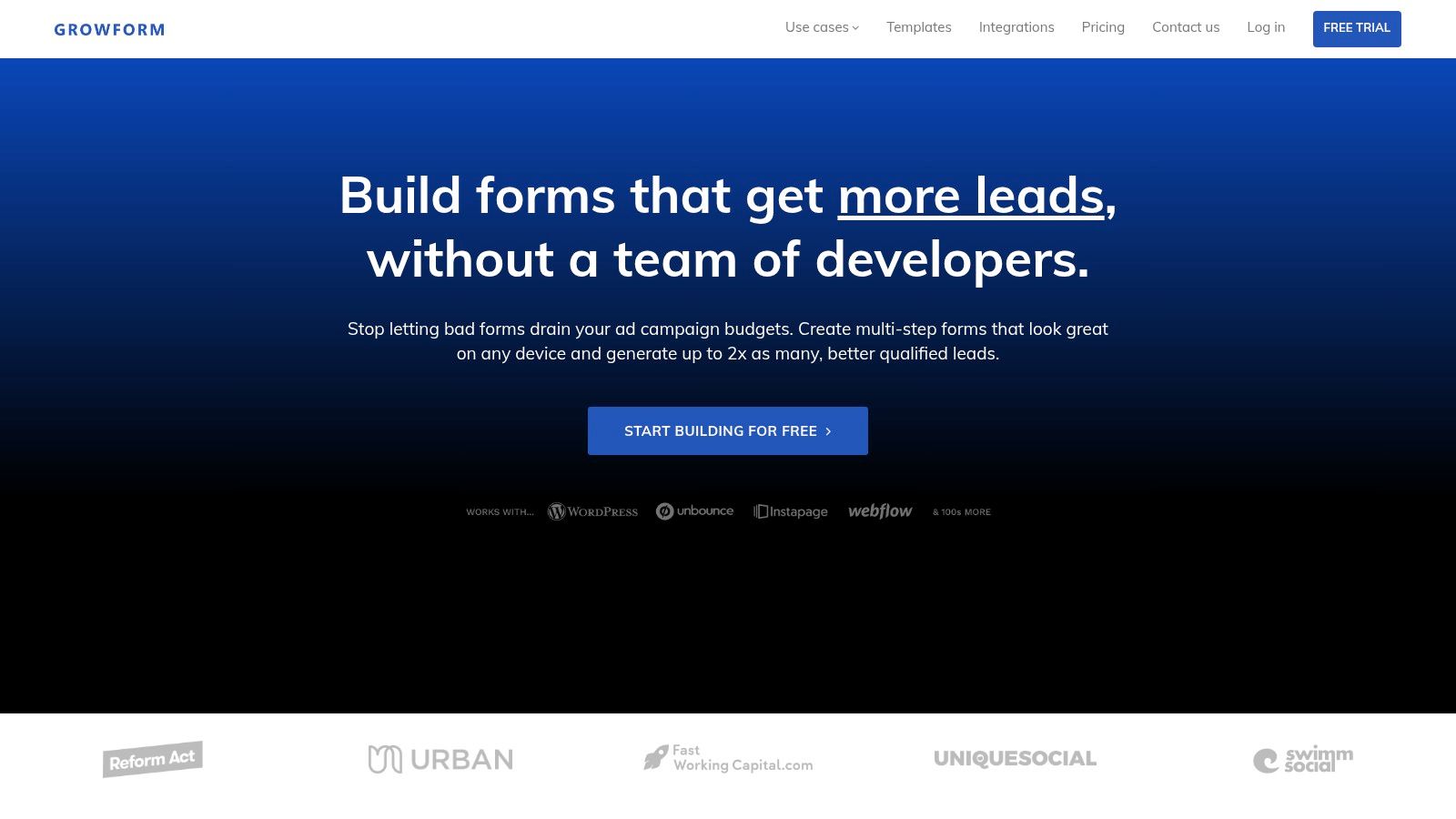
Growform is the clearest choice if your CRO problem starts and ends with lead capture. It's a no-code multi-step form and quiz builder designed for high-volume lead generation, qualification, and clean handoff into CRMs or lead buyers. That makes it a different kind of CRO software from experimentation platforms, because it focuses on the actual conversion surface instead of the research layer around it.
Why it works for lead gen
The strongest thing Growform does is reduce the gap between marketing and production. You get 100+ UX-informed templates and 25+ capture-focused components, including progress bars, address lookup, inline validation, and subtle motion, so a funnel can go live fast without engineering help. Conditional logic, logic jumps, and disqualification let you ask the tough questions without wrecking completion, which is exactly what lead gen teams need when quality matters as much as volume.
Attribution and compliance are the real differentiator
Growform also handles the plumbing that generic tools often miss. Hidden field pass-through keeps UTMs, gclid, fbclid, and sub-IDs intact across multi-step flows, and its delivery stack supports webhooks, Zapier, HubSpot, Salesforce, GoHighLevel, and distribution platforms like Boberdoo, Phonexa, LeadsPedia, and Databowl. Native TrustedForm and Jornaya integrations matter if you're operating in compliance-sensitive verticals where consent evidence affects lead acceptance and resale.
If a form builder can't preserve attribution across steps, the reporting will lie to you before the campaign even scales.
For implementation-minded teams, Growform also has practical upside. It's hosted on Cloudflare's global network with uptime monitoring, so campaign traffic doesn't fall apart when spend ramps. If you want the mechanics behind that kind of setup, this guide on how to set up Google Tag Manager is a good companion read.
Website: Growform
Pros
- Conversion-focused multi-step and quiz forms built for mobile lead capture.
- Attribution persistence for campaign data across the whole flow.
- Real-time delivery into CRMs and lead distribution systems.
- Compliance and verification support with TrustedForm, Jornaya, Twilio, and Zerobounce.
- Fast launch cycle with templates and no-code editing.
Cons
- Not a general survey tool.
- Not built for e-commerce or D2C ROAS funnels.
- Not for self-serve SaaS trial signups.
4. Optimizely Experimentation
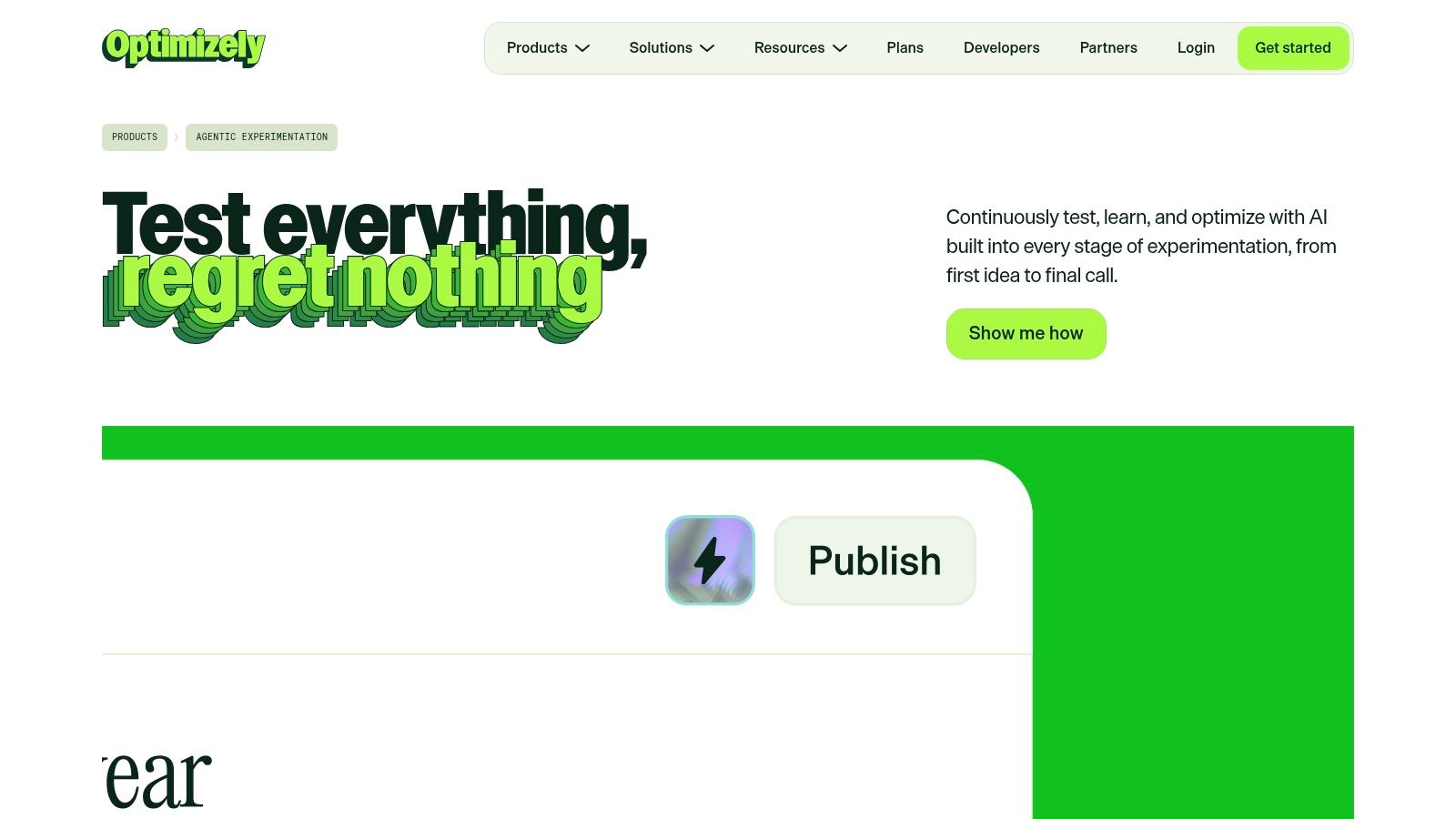
Optimizely fits teams that treat experimentation as a core operating system, not a side project. Its web A/B/n testing, server-side experimentation, and feature management give larger teams one place to control rollouts without holding together separate tools. That matters when marketing wants to test a landing page while engineering needs a safer way to release changes.
The platform is strongest in organizations where experimentation spans more than one function. Marketers get a visual editor that reduces dependency on engineering for page-level tests. Product and engineering teams can use server-side capabilities and feature flags to manage releases with more control. Optimizely also includes personalization and AI-assisted workflows, so it suits teams that already run a steady testing program and want to expand it without rebuilding the stack.
For lead generation, the trade-off is straightforward. Optimizely can support serious testing work, but it is rarely the fastest path to fixing a form that is hurting cost per lead. If the core problem is attribution, consent capture, or a broken handoff into CRM, the experimentation layer will not correct that on its own.
Attribution and compliance are the core differentiator
Lead gen teams often underestimate how much testing depends on clean tracking. If a form loses UTMs or does not pass submission data correctly, experiment results become hard to trust, especially when sales teams care about lead source and downstream quality. The safer move is to keep attribution, compliance, and capture mechanics stable before pushing harder on test volume.
That is also where Optimizely can feel like a better fit for larger organizations than for scrappy acquisition teams. It gives you the experimentation depth to compare landing page variants, but it does not replace a solid capture layer or a disciplined tracking setup. If you are wiring the measurement side first, this Google Tag Manager setup guide is a useful reference for keeping tags, events, and form tracking in sync.
Website: Optimizely Experimentation
Pros
- Broad experimentation stack for client-side testing, server-side testing, and feature management.
- Governance and release control that suits larger cross-functional teams.
- Personalization options in the same environment as testing.
Cons
- Implementation effort is high compared with lighter lead-gen tools.
- No public list pricing.
- Can be more platform than a form-focused team needs.
5. VWO
VWO is a platform many growth teams shortlist when they want testing and user insight in one place without stitching together five separate tools. It combines A/B testing, split URL tests, multivariate testing, heatmaps, surveys, and server-side feature flags in a single stack. For lead generation teams, that matters because you can test a landing page, inspect behavior, and collect feedback without forcing every workflow through a separate vendor.
For form-led campaigns, the practical benefit is speed. A team can spot where visitors drop off, test a headline or form change, then use surveys to understand why the page underperforms. That makes VWO useful for organizations that care about cost per lead and lead quality, not just click-through rate. It is a broader CRO platform than a narrow experiment runner, which is helpful when one team owns landing pages, another owns analytics, and both need the same evidence before changing the funnel.
The trade-off is that breadth brings more setup decisions. More modules mean more configuration, and sales-led procurement can slow down smaller teams that want to launch a few tests quickly. VWO fits better when the lead generation program has enough traffic and process maturity to use the research layer, not just the testing layer. If the only job is getting a form to convert better, a lighter tool can be easier to move with.
Website: VWO
Pros
- All-in-one CRO suite for testing and insight.
- Research tools like heatmaps and surveys.
- Server-side feature flags for more advanced teams.
Cons
- Pricing requires a sales conversation.
- Advanced modules can add complexity.
- Not the lightest path for quick lead-gen wins.
6. AB Tasty
AB Tasty fits teams that need marketer-friendly testing without losing the ability to run more technical experiments. It supports A/B/n, multivariate testing, personalization, and server-side release management, so a lead gen team can use the same platform for landing page optimization and product-side changes. That matters when you want one place to test copy, form behavior, and downstream experiences without splitting the workflow across separate tools.
Where it fits in a lead gen stack
For lead generation, the useful part is shared ownership. Marketing can iterate on campaign pages, while engineering can manage server-side changes and feature releases in the same environment. That reduces handoff friction, which becomes important when conversion depends on more than one page, form, or onboarding step.
AB Tasty is a better fit for teams that have enough traffic, process, and internal alignment to use both experimentation and release controls. If your funnel is simple and the main problem is getting more form completions, a lighter tool will usually get you to a result faster. If your lead gen motion touches web, product, and onboarding, the broader setup starts to make more sense.
What to expect
The trade-off is that AB Tasty sits in the enterprise lane. Pricing is not public, the sales process takes work, and smaller teams may find the buying motion heavier than the actual testing work. The platform gives you range, but that range also means more to evaluate before you commit.
Website: AB Tasty
Pros
- Balanced editor and engineering support.
- Unified UI for web and server-side experimentation.
- Enterprise-friendly release management.
Cons
- Sales-led pricing.
- Best suited to larger organizations.
- Can be more than a lean lead gen team needs.
7. Convert Experiences
A lead gen team that tests a lot of landing pages, form variants, and follow-up flows usually cares less about glossy UX and more about how fast it can learn. Convert Experiences fits that brief. It supports visual and code-based tests, multivariate setups, multi-page experiments, Bayesian statistics, and multi-arm bandits on the appropriate tiers, so performance teams can run serious experiments without jumping straight into the heaviest enterprise stack.
Pricing clarity is the first reason many teams look at it. Convert is more transparent than many large suites, which matters when you are comparing tools on speed to deploy, implementation effort, and total cost per lead rather than feature count alone. Support is part of the appeal too, because testing software only pays off if the team can get experiments live without losing time to debugging.
The product feels utilitarian, and that is a real trade-off. You give up some polish, but you gain a platform that is built for work rather than presentation. Server-side testing and feature flagging are available, yet they sit higher in the stack, so buyers need to be clear about which plan covers the lead gen workflow they want to run. If the team needs to test form behavior, page variants, and downstream steps without buying enterprise overhead, that clarity matters.
Don't buy the prettiest testing suite if your team can't launch and interpret tests fast enough to learn from them.
Website: Convert Experiences
Pros
- Transparent pricing approach.
- Advanced testing methods for serious experimentation.
- Good fit for cost-conscious teams.
Cons
- More utilitarian interface.
- Server-side tools require higher tiers.
- Less ecosystem breadth than some enterprise suites.
8. Adobe Target
Adobe Target fits teams that already run on Adobe Target and need experimentation tied to the rest of Adobe Experience Cloud. It covers A/B testing, multivariate testing, automated personalization, recommendations, and multi-channel experimentation across web and app environments. For large lead gen programs, that matters when experimentation has to sit inside the same stack as analytics, audience data, and campaign operations.
Where it makes sense
Enterprise teams use Adobe Target because it can handle more than simple page testing. It gives them the ability to run personalization logic against known audiences and coordinate tests with broader customer experience work. That is useful when CRO is part of a larger operating model and the team already has the people and processes to support it.
Where it becomes harder to justify
The trade-off is implementation and licensing complexity. Adobe Target is not a quick win for a smaller lead gen team that wants to improve form completion, test landing page variants, and preserve clean attribution without a heavy services lift. In that case, the platform can be more system than solution.
If your real job is lead capture, speed to market matters as much as feature depth.
Website: Adobe Target
Pros
- Advanced personalization at enterprise scale.
- Strong fit inside Adobe Experience Cloud.
- Multi-channel testing across web and app.
Cons
- Implementation-heavy.
- Opaque pricing.
- Best suited to large enterprises.
9. Dynamic Yield
A paid media team can do everything right on the landing page and still lose conversions if the offer, message, or product path does not match the visitor's intent. Dynamic Yield is built for that problem. It is strongest in commerce-heavy environments where personalization and recommendation logic drive conversion, and it combines testing, recommendations, and journey orchestration across web, app, and email, with targeting based on user affinity and real-time decisioning. For retail teams, that can be the difference between a generic optimization program and a merchandising engine.
Lead gen teams can learn from that model, but they usually need to be selective about where it fits.
What makes it useful
Dynamic Yield gives teams control over what people see, when they see it, and on which channel. That matters when conversion depends on product relevance, sequencing, or audience-specific messaging rather than a single form interaction. It can support broader journey design, which is useful for businesses that sell across multiple steps and need the optimization program to influence more than one touchpoint.
It also brings together testing and personalization in one place, which reduces the need to stitch together separate tools for different stages of the path. For organizations that already have the traffic volume, content, and operational setup to support that kind of orchestration, the platform can do real work.
Where lead gen teams should be careful
For pure lead generation, Dynamic Yield can feel like a lot of platform for a narrow job. It is enterprise-focused, sales-led, and usually needs more analytical or engineering support than a form-first operation wants to spend. If your main problem is lead qualification, compliant capture, or improving form completion without adding process overhead, the platform is better treated as a personalization layer than the main conversion engine.
That trade-off matters for cost-per-lead. If the team cannot move quickly, or if the setup effort slows down testing on landing pages and offers, the extra capability may not pay back cleanly. The right fit is a team that has enough volume and complexity to use the orchestration layer, not a small lead gen group trying to get faster wins.
Website: Dynamic Yield
Pros
- Deep personalization and merchandising controls.
- Multi-channel orchestration.
- Strong commerce use case fit.
Cons
- Enterprise buying motion.
- Needs technical support to implement well.
- Less natural for form-led lead gen.
10. Kameleoon
Kameleoon works well for lead gen teams that need experimentation, personalization, and feature management in one platform. It supports client-side and server-side testing, AI-driven personalization, flexible APIs, and Prompt-Based Experimentation, so marketers and product engineers can work from the same system instead of splitting testing across separate tools. That matters when landing page optimization, product-led capture, and release decisions all affect cost-per-lead.
The practical advantage is coordination. A B2B growth team can test form changes on a campaign page, while a product team runs server-side experiments on the signup path or qualification flow. Kameleoon gives both groups a shared place to manage tests without forcing lead gen operators to wait on a separate stack for every change.
For teams that run both acquisition and product experiments, that can reduce handoff friction. The trade-off is that the platform is built for organizations that already have enough traffic, governance, and internal process to use it well. If your lead gen motion is still focused on quick landing page iteration and simple form improvement, Kameleoon may cover more surface area than you need.
Where lead gen teams should be careful
The pricing model needs internal explanation before anyone can judge fit. Credit-based packaging and custom quoting can make early evaluation slower than a simpler flat-rate setup, especially for teams comparing tools on a tight buying cycle. For lead gen operators, the main question is whether the platform helps improve capture and qualification, or whether it mostly improves experimentation around those steps.
That trade-off shows up in implementation as well. Kameleoon can be a strong choice when optimization is part of the release process, but it asks for more planning than a lighter form-first tool. If the team needs fast wins on landing pages, offers, and form completion, make sure the added flexibility is paying back in better lead quality or lower cost-per-lead, not just cleaner test management.
Website: Kameleoon
Pros
- Client-side and server-side experimentation.
- Flexible APIs.
- Useful across marketing and product teams.
Cons
- Custom quoting required.
- Credit-based packaging needs explanation.
- Probably more platform than a small team needs.
11. Hotjar
Hotjar is often the first tool I'd add when a lead gen page is getting traffic but the conversion rate does not match the effort behind it. Session recordings, heatmaps, funnels, surveys, and feedback widgets make it straightforward to see where people hesitate, where they drop off, and which part of the page is creating friction, without asking engineers to instrument every minor interaction upfront.
Why it matters for lead gen
Lead generation teams usually feel Hotjar's value on landing pages and forms that look fine in review but underperform once real visitors arrive. Heatmaps can show whether the call to action is being seen at all, recordings can surface hesitation around a field or dropdown, and feedback widgets can expose objections that never show up in analytics.
That makes it useful for narrowing down what deserves a test. If the problem is unclear, Hotjar helps you identify whether the issue sits in the offer, the page layout, the form flow, or simple user confusion. It gives you the evidence to build a better experiment backlog, while another tool handles the actual A/B test.
Where the trade-off shows up
Hotjar is an insight layer, not a native experimentation platform. It will help you understand behavior, but it will not run the full test loop on its own, so teams still need a separate CRO tool to validate a variation and measure the result. Pricing also depends on usage, which means lead gen teams need to check volume and scope before assuming fit.
That trade-off matters if speed to market is the priority. Hotjar is fast to install and easy for non-technical teams to use, which is why it works well for quick diagnosis and hypothesis generation. The limitation is that it stops short of experiment execution, so the best use case is to feed a testing program, not replace one.
Website: Hotjar
Pros
- Fast to install.
- Easy for non-technical teams.
- Strong for hypothesis generation.
Cons
- Not a full experimentation platform.
- Usage-based pricing can vary.
- Best paired with another CRO tool.
Use Hotjar when you need to see what users are doing on the page. It will not tell you, by itself, which variation will produce the better lead outcome.
12. FullStory
A lead gen team usually reaches for FullStory once the problem is no longer “Do people visit?” but “Why are qualified leads dropping out?” Its high-fidelity session replay, funnels, rage-click detection, and product analytics give a clearer view of where the journey breaks, especially when the failure is buried in a specific device, browser, or form interaction. That makes it useful for debugging issues that heatmaps miss, like a field that appears normal in QA but behaves differently in real traffic.
For CRO work, the value is in diagnosis, not guesswork. You can watch the moment a prospect hesitates, backtracks, or abandons a form, then decide whether the fix belongs in the offer, the layout, the field logic, or the handoff between steps. That is a better starting point than arguing over a dashboard.
The catch is that FullStory still sits on the insight side of the stack. It helps explain behavior, but it does not replace an experimentation platform or the form layer that changes the conversion path. If you need to instrument the capture layer or connect replay data to a broader lead gen stack, this guide on how to fire a screen recording tag or similar in GTM is a useful implementation reference.
Website: FullStory
Pros
- Rich session replay.
- Helpful for funnel diagnosis.
- Good for prioritizing fixes.
Cons
- Not a native A/B testing tool.
- Paid tiers are usage-sensitive.
- Best used with experimentation software.
13. Our Picks for Specific Lead Gen Goals
There isn't one winner for every team, and that's the point. The best conversion rate optimization software depends on whether your bottleneck is form friction, user behavior blindness, or a lack of testing discipline. For lead generation, the most expensive mistake is choosing a tool that optimizes the wrong layer.
Best for maximizing lead quality
Growform is the strongest pick when the business cares about qualified submissions, not just more submissions. Conditional logic, verification, and consent evidence make it a better fit for operators who sell or route leads downstream and can't afford junk.
Best for rapid campaign launches
Growform again wins here because the form builder is fast to ship. The template library, no-code setup, and lead-gen-focused components make it easier to get new funnels live quickly, especially when the request comes from a paid media team or an agency account manager.
Best for understanding why people don't convert
Hotjar and FullStory are the most practical insight tools. Hotjar gives you the broad behavioral pattern, while FullStory gives you the replay-level detail that makes the problem obvious enough to fix.
Best for enterprise experimentation
Optimizely, AB Tasty, and Adobe Target fit larger orgs that need governance, personalization, or server-side testing at scale. If your team already has traffic, process, and technical support, those platforms can pay off. If the form itself is the bottleneck, fix that first.
13 CRO Tools, Feature & Lead‑Gen Comparison
| Tool | Core features (✨) | Quality (★) | Price / Value (💰) | Target & USP (👥 / 🏆) |
|---|---|---|---|---|
| Growform 🏆 | Multi-step & quiz forms, conditional logic, UTM/gclid persistence, CAPI & pixel support, TrustedForm/Jornaya, webhooks | ★★★★★ Mobile-first, Cloudflare-hosted, high lead quality | 💰 Sales‑led; ROI-focused for high-volume lead gen | 👥 High-volume lead aggregators, performance marketers, agencies, 🏆 Built for lead quality, attribution & compliance; rapid funnel launches |
| Optimizely Experimentation | Web A/B/n, multivariate, server‑side flags, personalization, AI-assisted workflows | ★★★★★ Enterprise-grade, robust governance | 💰 Enterprise / quote-based | 👥 Enterprise product & marketing teams, 🏆 Best for full‑stack experimentation + feature flags |
| VWO (Visual Website Optimizer) | A/B, MVT, heatmaps, surveys, FullStack server-side | ★★★★☆ End-to-end CRO for mid-market | 💰 Sales‑quote; modular add-ons | 👥 Growth teams & mid-market, 🏆 All‑in‑one testing + research tools |
| AB Tasty | Visual web testing, MVT, rules-based targeting, server-side Flagship | ★★★★ Balanced marketer/engineering feature set | 💰 Sales‑led, predictable enterprise model | 👥 Enterprise marketers & product teams, 🏆 Marketer-friendly with engineering controls |
| Convert Experiences | Visual & code experiments, MVT, Bayesian stats, multi-arm bandits | ★★★★☆ Privacy-first, fast support | 💰 Published plans + free trial; flat-rate options | 👥 Cost-conscious testing teams, 🏆 Clear pricing + high-volume testing focus |
| Adobe Target | A/B, MVT, automated personalization (Sensei), recommendations, multi-channel | ★★★★★ Enterprise personalization at scale | 💰 Volume-based (annual page-view licensing) | 👥 Adobe-centric enterprises, 🏆 Advanced cross-channel personalization & recommendations |
| Dynamic Yield (by Mastercard) | A/B testing, algorithmic recommendations, journey orchestration, affinity targeting | ★★★★ Commerce-focused, real-time decisioning | 💰 Sales‑led enterprise pricing | 👥 Retail & ecommerce teams, 🏆 Deep merchandising controls + journey orchestration |
| Kameleoon | Client & server testing, AI personalization, feature management, PBX | ★★★★ Performance & security oriented | 💰 Custom pricing / credit-based packaging | 👥 Marketer + engineering teams, 🏆 Flexible APIs & prompt-based experimentation |
| Hotjar | Session recordings, heatmaps, funnels, on-site surveys & feedback widgets | ★★★★ Quick to install; qualitative insights | 💰 Tiered by sessions/responses | 👥 Product, UX & growth teams, 🏆 Fast insight layer to uncover "why" users drop off |
| FullStory | High-fidelity session replay, funnels, rage-click detection, product analytics | ★★★★ Deep diagnostics & replay fidelity | 💰 Free tier; paid tiers sales-led | 👥 Product & UX teams, 🏆 Rich session-level analytics to prioritize fixes/tests |
Choosing Your CRO Stack From Insight to Conversion
The right conversion rate optimization software isn't one product, it's a stack that matches the job. If visitors abandon the form, start with a capture tool like Growform. If you don't know why they're dropping off, use behavioral analytics like Hotjar or FullStory. If you already know the problem and need to validate the fix, bring in a testing platform like VWO, Convert Experiences, Optimizely, AB Tasty, or Adobe Target.
The lead gen lens changes the buying decision. A generic CRO setup can improve click-through or page engagement and still leave you with worse lead quality, broken attribution, or slow delivery to the sales team. That's why form structure, compliance evidence, tracking persistence, and handoff speed matter just as much as A/B testing. In lead generation, the form isn't a minor component, it's the conversion event.
The market data backs up the need for a more deliberate stack. CRO software is growing into a major category, with Future Market Insights projecting the market to reach USD 5.0 billion by 2035 (Future Market Insights), while benchmark conversion rates remain low enough that even modest gains matter (Contentsquare). That means the teams that win won't be the ones with the most tools, they'll be the ones that connect insight to action quickly and keep the lead path clean end to end.
For most lead gen operators, the smartest move is to start with one bottleneck, master that layer, and then expand. Fix form friction first, add behavioral insight second, and scale testing only when the capture path is solid. That sequence keeps you from paying for advanced optimization tools while your lead form is still doing the opposite of what you want.
If your lead gen team is still fighting mobile abandonment, poor lead quality, or broken attribution, Growform is built for that exact job. It gives you multi-step forms, conditional qualification, and real-time delivery so you can improve conversion without sacrificing downstream quality. Visit Growform to see how a capture-first CRO stack can help you turn more traffic into qualified leads.