
Find your Jornaya details
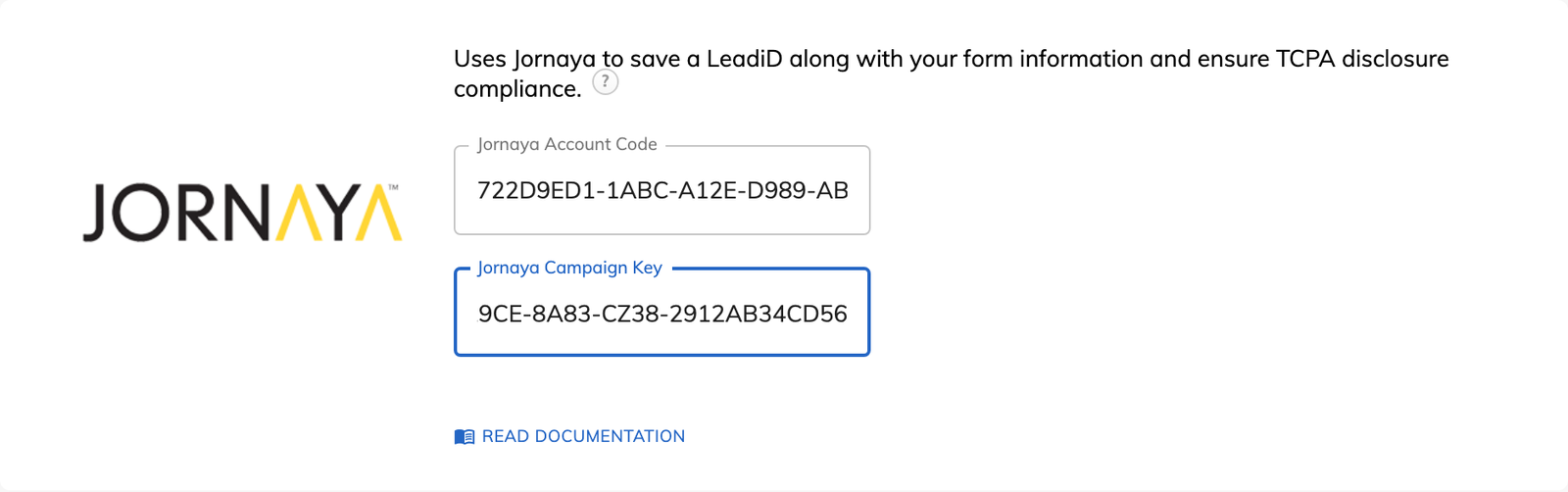
In Jornaya, copy your account code from the “My account” screen and your campaign key from My Campaigns.

Feature
Growform captures a Jornaya LeadiD for each lead and saves it with the answers from your form. You can hand buyers the identifier they ask for without installing a script.
Jornaya LeadiD is an identifier created for each lead that documents their journey through your form. Jornaya is now part of Verisk, so you will also see it called Verisk LeadiD. It works in the background while the form is filled in, and it helps you show buyers that each lead was captured in a compliant way.
Growform adds Jornaya to your form and stores the LeadiD next to the lead's answers. The integration uses your own Jornaya account code and campaign key, so you need a Jornaya account. Jornaya runs alongside the other options in Tracking & tagging, including TrustedForm, which lets you supply both records when a buyer asks for both.
The “Jornaya TCPA Disclosure” field is an optional field that places your TCPA disclosure on the form. It becomes available once your account code and campaign key have been saved. Use the wording your buyer or legal advisor has approved. Consent wording of your own can sit in a separate consent checkbox.
The LeadiD is sent in the same way as every other field on the lead. It leaves Growform with the form data through webhooks, Zapier or email alerts. Your lead distribution platform or buyer receives the identifier together with the contact details.
In Jornaya, copy your account code from the “My account” screen and your campaign key from My Campaigns.
Open “Edit form settings”, select “Tracking & tagging”, paste both values into the Jornaya option and click “Save form settings”.
Add a “Jornaya TCPA Disclosure” field to your form if your buyers require one. This step is optional.
Complete the form as a lead would, then open “View leads” to see the LeadiD stored with the submission.
Each lead carries the LeadiD that insurance, mortgage and solar buyers use to audit their sources.
Growform saves the LeadiD on the same record as the form data.
The LeadiD is included in your webhooks, Zaps and email alerts like any other field.
The optional disclosure field shows your TCPA wording on the step where the lead submits.
Jornaya LeadiD is offered on Professional, Scale and Custom plans.
Yes. The integration runs on your own Jornaya account code and campaign key.
Jornaya creates a LeadiD for each customer and session. Several submissions with one LeadiD were made in the same browser session.
No. Jornaya should not interfere with the other scripts offered in Tracking & tagging.
The LeadiD appears in “View leads” beside the answers from that submission.
Create beautiful multi-step forms that convert, with a 14-day free trial. No credit card required.


