
Open the tracking settings
Open your form, go to Form Settings and select “Tracking & tagging”.

Feature
One toggle adds TrustedForm to your form and saves a certificate URL with every lead. Your buyers receive independent evidence of consent with each lead you send them.
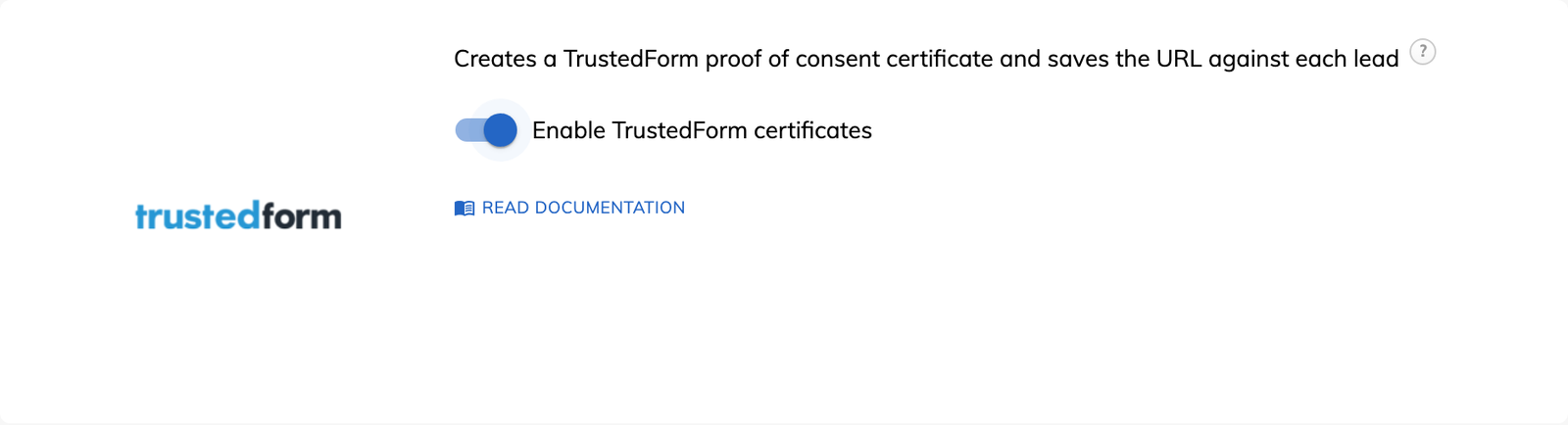
TrustedForm is a service from ActiveProspect that creates an independent certificate for each form submission. The certificate documents how the lead interacted with your form and records their IP address and system information. Each TrustedForm certificate has a unique URL that serves as proof of consent, which is why lead buyers ask for it and why it supports TCPA compliance work.
Growform loads TrustedForm on your form and stores the certificate URL with each lead. You do not install a script, and you do not need a TrustedForm account, an account code or an API key. The certificate records the session, while the consent itself comes from your form, so place your wording in a consent checkbox.
The certificate URL is a standard field on the lead, so it is delivered with the rest of the data.
A certificate has to be claimed after it is generated. When you sell leads, you pass the URL to the buyer with the other fields, and the buyer claims it from their own system. When TrustedForm supports your own compliance, you claim the certificate yourself. Buyers who also ask for a LeadiD can be served by running Jornaya LeadiD on the same form.
Open your form, go to Form Settings and select “Tracking & tagging”.
Find TrustedForm, switch on “Enable TrustedForm certificates” and save your form.
Complete the form once, open “View leads” and follow the link in the “Trusted Form Cert URL” field. Confirm that the certificate shows everything you expect, because features such as consent wording capture may need extra setup.
Include the certificate URL in the webhook or Zap that delivers leads to your buyer or CRM.
The certificate URL is saved on the lead at the moment the form is submitted.
A debt relief or insurance buyer can claim the certificate and review the session behind the lead.
The certificate documents the interaction, the IP address and the system information for that submission.
Growform adds the TrustedForm script for you when the toggle is switched on.
TrustedForm certificates can be switched on from the Professional plan upward.
No. Growform generates the certificate URL without one. Your own TrustedForm account is needed only for advanced features such as custom certificate retention or API access.
Yes. TrustedForm works independently of Google Analytics, the Meta Pixel and Jornaya LeadiD, and several can be enabled together.
No. TrustedForm documents what happened on your form, and your buyer or legal advisor decides whether your consent wording meets their requirements.
Create beautiful multi-step forms that convert, with a 14-day free trial. No credit card required.


