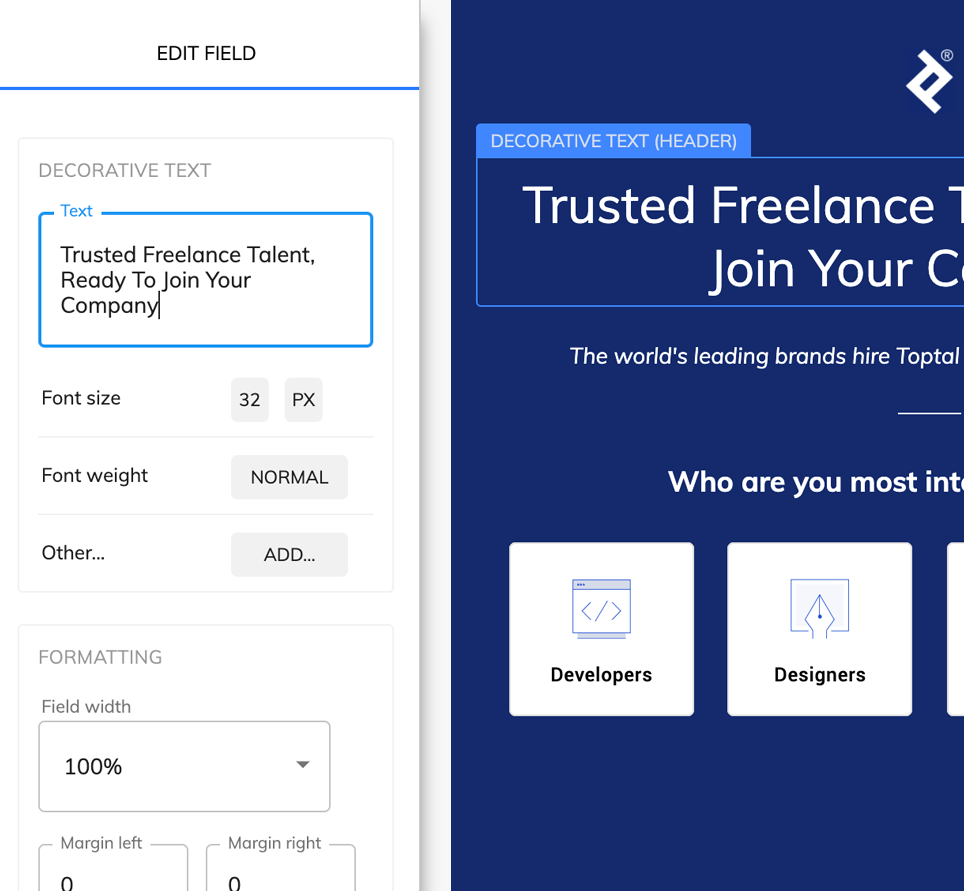
A capable Paperform alternative built to get you more leads

Paperform is a great form builder, but requires a Pro plan to get rid of their branding, and holds back many features for higher plans. Why not try something more flexible?

Paperform vs Growform

Paperform tends to hold back some features that we really think should be available for all plans – branding removal, webhooks and CSS to name a few!

Paperform (Essentials plan)Growform (Startup plan)
Create single or multi-step formsYesYes
Embed forms on your websiteYesYes
Custom style & designYesYes
Form views allowed10,000Unlimited
Multiple questions per page on multi-step formsNoYes
Custom CSSNoYes
Hide tool brandingNoYes
WebhooksNoYes

What makes Growform so different?

Paperform is a great general-use tool, but Growform does one thing very well: it lets you build beautiful forms that generate more leads.

Founded by a marketer tired of poor-converting that looked out of place, Growform is rapidly gaining traction as a best-practice in landing page design.

It contains 20+ best-practices templates built in, allows for complete customization and works beautifully on all devices.

Let us know how it stacks up a Paperform alternative - there's a 14 day free trial with no credit card required.


Built for conversion rates

Create a lead capture form that really converts

We’ve taken years of experience in conversion rate optimisation & landing page best practices and distilled our learnings into one, simple to use lead generation form builder.

  • 53% of mobile users abandon forms that take over 3 seconds to load
  • Creating a form with a simple question upfront increases the % of users who will start the form
  • Multi-step forms are hugely effective due to the "sunk cost" fallacy - people naturally feel compelled to finish what they started.
Embed anywhere

Choose from 3 simple embedding options

No need to mess about with code - you can embed on WordPress, Unbounce, Wix - or pretty much any landing page / website HTML editor out there:

  • Embed inline with other content (HTML snippet)
  • Show growform as an overlay when somebody clicks a button (advanced HTML snippet)
  • Link to growform from an email, social post or website (simple link)

Start building better forms today

We think Growform is a great addition to your toolbox and works nicely as a Paperform alternative - why not try it out today?

Frequently Asked Questions (FAQs)

What makes Growform a better alternative to Paperform?

Growform is built specifically for lead generation. Unlike Paperform, it allows full customization, unlimited form views, multi-step forms, custom CSS, webhooks, and branding removal on all paid plans. This makes it easier to create forms that capture more leads without restrictions.

Can I remove Growform branding from my forms?

Yes. Growform allows you to hide its branding on all paid plans. This ensures your forms look professional and align perfectly with your brand identity, without distracting users.

Do I need coding skills to use Growform?

No. Growform is fully designed for non-technical users. With drag-and-drop functionality, visual styling, and pre-built templates, anyone can create high-converting, multi-step forms without touching a line of code.

How do Growform’s multi-step forms improve lead conversion?

Multi-step forms increase lead quality and completion rates by asking questions gradually. Users feel invested as they progress, reducing form abandonment and capturing more qualified leads than traditional single-step forms.

Can I embed Growform forms on any website?

Yes. Growform offers three simple embedding options: inline embedding with HTML, overlay triggered by buttons, or direct links. It works on WordPress, Unbounce, Wix, and most websites that allow custom HTML.

What integrations does Growform support?

Growform integrates with over 300 destinations via Zapier. You can send leads directly to your email, CRM, SMS, Google Sheets, or use webhooks for advanced integrations. This ensures seamless lead management across platforms.

How does Growform help improve lead quality?

With conditional logic, hidden fields, and multi-step designs, Growform lets you ask relevant questions based on user responses. This not only improves lead qualification but also provides deeper insights into your audience.

Can I test different form variations with Growform?

Yes. Growform’s A/B testing feature allows you to show different form variants to users and determine which version performs best, helping maximize lead generation and conversions.

Are Growform forms responsive on mobile devices?

Absolutely. All Growform forms are fully responsive and optimized for any device, ensuring fast load times and a seamless experience for mobile and desktop users alike.

Is there a free trial available?

Yes. Growform offers a 14-day free trial with no credit card required. This allows you to test all features, build multi-step forms, and see how Growform improves your lead generation before committing.