
Leadgen Form Phone Verification – How to Cut Junk Leads Without Killing Conversion

Updated Published 10 min read
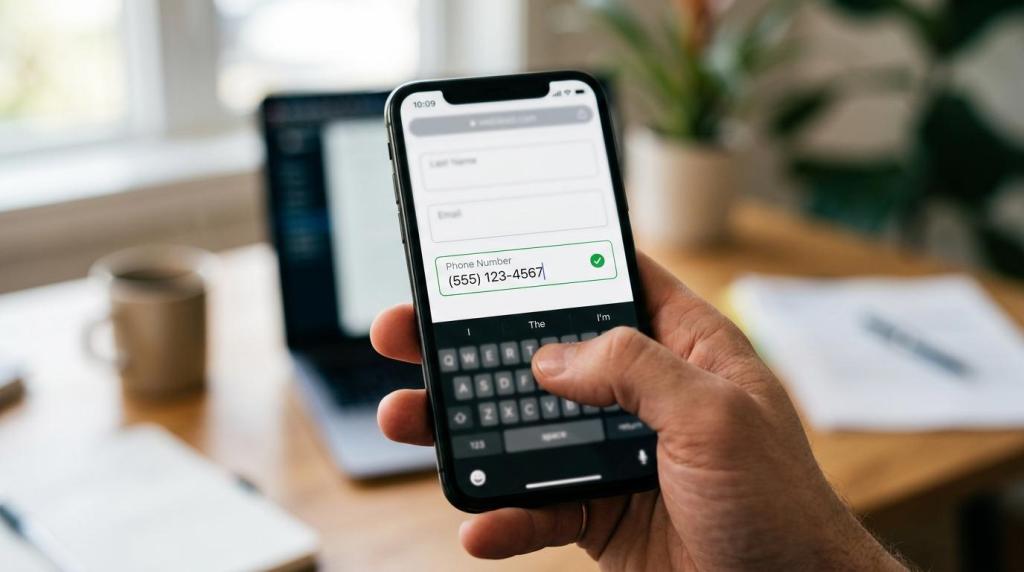
Phone verification on a leadgen form is one of the few quality controls that can cut wasted spend before a bad lead ever hits your CRM, buyer, or call center.
Reviewed September 2026 for TCPA and lead capture workflow relevance.
For high-volume consumer lead generation, the phone field is rarely just another field. It is often the handoff point that decides whether a click becomes revenue, a refund request, or a compliance problem. If the number is fake, mistyped, disconnected, or belongs to the wrong person, speed-to-lead does not save you. It just helps you call bad data faster.
The good news is that phone verification does not have to mean clunky one-time passwords on every submission. The best setups use invisible real-time checks first, then add more friction only where the economics and risk justify it.
Why phone verification matters for lead quality and compliance
Paid traffic leadgen runs on small margins. A single bad phone number can create several downstream costs at once: wasted media spend, sales labor, buyer rejection, lower EPC, and damage to partner trust. If you sell or route leads into insurance, solar, home services, legal, or finance, that damage compounds quickly.
There is also a compliance angle that operators should not ignore. The FTC's Do Not Call Registry data book for fiscal year 2025 counts more than 258 million active registrations, and the agency received more than 2.6 million Do Not Call complaints that year. Most complaint volume was driven by robocalls, but the broader message is simple: phone-based lead handling sits inside a heavily watched environment.
Phone verification does not create consent by itself. It does, however, reduce wrong-number contacts, bad records, and sloppy outreach triggered by junk submissions. That matters when your stack also includes TrustedForm, Jornaya, and clear consent language.
After a few weeks of paid traffic, bad phone data usually shows up in familiar ways.
- Buyer returns
- Call center no-contact rates
- Duplicate or recycled submissions
- Wrong-party connects
- Angry inbound complaints
Phone validation vs phone verification on leadgen forms
A lot of teams use these terms interchangeably, but they are not the same thing. That confusion leads to bad product decisions.
Validation checks whether the number looks right. Verification checks whether the person actually has access to the number, usually by responding to an OTP or code. There is a big difference in friction between those two steps, and that difference is where conversion rate lives.
| Method | What it checks | User friction | Best use case |
|---|---|---|---|
| Format validation | Length, country code, valid structure | Very low | Every form |
| Real-time phone validation | Whether the number is likely real and callable | Low to invisible | Most paid traffic funnels |
| Line type check | Mobile vs landline vs VoIP | Low to invisible | Routing and SMS eligibility |
| OTP / SMS verification | Whether the submitter possesses the device | High | High-risk funnels, repeat fraud, account creation style flows |
For most consumer leadgen forms, the sweet spot is real-time validation that is invisible to valid users. The lead gets checked before submission or at submission, and the person only sees an error if something is actually wrong. That matches how strong form UX should work. Baymard has reported that 31% of sites still lack inline validation, which helps users fix errors before final submit. Google Research also evaluated real-world form guidelines in a controlled eye-tracking experiment, reinforcing a point performance marketers already know: fewer preventable errors usually means better completion.
Twilio Verify is a different layer. Its purpose is to confirm that the user has a claimed device, phone number, or email address in their possession, usually with a one-time password. That is powerful, but it is not free from a conversion perspective.
Best phone verification setup for paid traffic lead forms
The highest-converting setup is usually staged, not all-or-nothing.
Start with the lowest-friction checks that remove obvious junk, then move toward stronger proof only when the lead economics, fraud rate, or compliance posture demand it. This is especially true on Meta and native traffic, where cold users often abandon anything that feels like account creation.
A practical stack for most operators looks like this:
- Step 1: Inline formatting and country-aware number parsing
- Step 2: Real-time validation before submit
- Step 3: Line-type detection for routing and SMS logic
- Step 4: Duplicate detection against recent submissions
- Step 5: OTP only on risky campaigns, risky affiliates, or high-value flows
This order matters. If you jump straight to OTP on every lead, you often solve a quality problem by creating a volume problem. That can work in a few verticals, but it is usually the wrong default for broad paid traffic acquisition.
Invisible phone checks before submission
This is where most volume-focused funnels should begin.
A real-time check can confirm whether the number is syntactically valid, whether it appears serviceable, and whether it is a mobile or landline number, all without interrupting a legitimate user. In a form stack built for lead generation, that check should happen while hidden fields, UTMs, click IDs, and consent evidence are also being captured.
Growform supports real-time phone validation through Twilio Lookup, and the most useful part of that setup is not the badge value of verification. It is the ability to block junk before the lead enters the database, while remaining invisible for valid users.
Most paid traffic funnels should not lead with OTP.
When OTP phone verification makes sense
There are cases where OTP is worth the friction. Final expense, mass tort, and certain finance campaigns can attract enough fake, incentivized, or competitor traffic that possession-level proof becomes valuable. The same is true if a buyer contract requires stronger verification or if your team is seeing severe wrong-number complaint rates.
OTP is also useful when the phone number is part of the actual product flow, not just sales follow-up. If the next step is an SMS appointment reminder, a login, or a quote continuation by text, proving device access can pay for itself.
Even then, many operators do better by using OTP selectively instead of universally.
- Trigger by source: Apply OTP to low-trust affiliates or placements with high fraud rates
- Trigger by risk score: Ask for OTP when a number looks unusual, duplicated, or VoIP-heavy
- Trigger by vertical: Reserve it for campaigns where a bad lead is unusually expensive
Growform's OTP phone verification through Twilio is launching soon, and it will sit behind the same invisible checks.
OTP, phone lookup and silent ping compared
Vendors sell three different checks under the "SMS verification" label, and they are not interchangeable. OTP delivery sends a one-time code that the lead types back, which proves someone received it. Phone lookup skips the message and checks the number itself, which is the fastest way to catch formatting problems, invalid ranges and low-trust number types. Silent ping tries to confirm reachability with no visible step, which suits mobile-first flows but depends on the device and the carrier.
| Method | Signal strength | Cost and friction | Integration complexity |
|---|---|---|---|
| OTP verification | Strongest proof that a human saw and entered a code | Highest friction because it adds a step | Moderate: code generation, expiry, retries and fallback handling |
| Phone lookup | Good at catching bad formatting and obvious low-trust numbers | Lowest friction, usually no visible step | Low to moderate, a simple pre-check |
| Silent ping | Reachability signal without visible user action | Very low friction, but environment-dependent | Higher than it looks, because it depends on device and carrier behavior |
For Meta traffic into a solar funnel, start with phone lookup and add OTP only on suspicious records or when buyer acceptance starts slipping. The first pass has to stay light enough that mobile completion doesn't suffer.
For a GoHighLevel booked-appointment path, OTP makes more sense. The number has to work for reminders, confirmations and follow-up, so a small friction bump is acceptable.
For a ping-tree lead going to a buyer, use the strongest signal your distribution partner will accept. Buyers don't care that your form was elegant if the number can't be contacted.
How to protect conversion rate with phone verification UX
Good phone verification is mostly a UX problem disguised as a data problem.
If the form punishes valid users, you will feel it immediately in step completion rate, submit rate, and cost per lead. If it quietly catches bad data while helping real users fix mistakes, it becomes one of the highest-ROI changes on the page.
A few rules tend to hold up across verticals:
- Put the phone field after some commitment has already been earned in the flow
- Validate inline, not only after full submit
- Preserve formatting automatically as the user types
- Explain errors clearly and in plain English
- Avoid hard stops unless the number is actually unusable
This matters even more on mobile, where most paid traffic form completion now happens. A multi-step form can help because it spreads friction across smaller asks and lets the phone request appear after early qualification. That often produces a better tradeoff than showing every field at once and asking for a phone number at the top.
The wording around the field also matters. “Best number for your quote” usually performs differently from a generic “Phone.” If SMS follow-up may happen, say so clearly and keep the consent language matched to the actual workflow.
What to send downstream to Boberdoo, Phonexa, or LeadsPedia
Verification only helps if the result survives the handoff.
Validating on the front end, then posting only the raw phone number into the CRM or lead distribution platform, throws away useful routing and QA data. If you are running ping/post or real-time lead distribution, pass the verification outcomes as explicit fields.
A simple payload can look like this:
{
 "phone": "+15551234567",
 "phone_valid": true,
 "phone_type": "mobile",
 "sms_capable": true,
 "otp_verified": false,
 "verification_vendor": "Twilio",
 "trustedform_cert_url": "https://...",
 "jornaya_leadid": "abc123",
 "utm_source": "facebook",
 "fbclid": "..."
}
Those fields give buyers and routing logic more signal. A buyer that wants mobile-only leads can bid differently. A sales team can treat OTP-verified leads as a higher-priority queue. A QA team can spot publishers sending suspicious volumes of VoIP or duplicate numbers.
If you are posting into Boberdoo, Phonexa, LeadsPedia, or a custom webhook workflow, think of phone verification as one more quality dimension alongside consent evidence, geo, and qualification answers.
Phone verification is not a replacement for TCPA compliance
This is the part many teams blur together, and it creates risk.
A valid phone number does not mean you have proper consent. An OTP-confirmed number does not mean your disclosure language was sufficient. Verification proves something about the number or the device. Compliance evidence proves what the user saw, agreed to, and when that happened.
That is why high-volume operators usually pair phone checks with a capture stack that includes:
- TrustedForm: Independent evidence of the lead capture session
- Jornaya: Lead event and consent record support
- Consent language: Built into the form flow and partner distribution rules. The FCC's one-to-one consent rule was vacated by the Eleventh Circuit on 24 January 2025 and never took effect, so check what each buyer's contract asks for (more on the TCPA)
- State review: Mini-TCPA requirements checked by geography and vertical
The value of this pairing is operational, not just legal. When a buyer challenges a lead, you want both data types available: a good number and good consent evidence. One without the other can still cost you money.
Metrics that show whether phone verification is working
Do not judge phone verification by submit rate alone. That is the fastest way to remove a useful control because it added a tiny bit of friction while saving much larger downstream cost.
The right scorecard spans conversion, quality, and economics.
- Top-of-funnel metrics: field completion rate, submit rate, CPL
- Mid-funnel metrics: contact rate, speed-to-lead connection rate, appointment rate
- Revenue metrics: buyer acceptance, return rate, EPC, margin per lead
A strong implementation may slightly reduce raw submit volume while improving contactability and buyer acceptance enough to raise margin. That is a win, especially for lead sellers and aggregators whose real KPI is accepted revenue, not vanity conversion rate.
Inside the verification layer itself, three numbers are enough. Verification pass rate tells you how many submitted numbers clear the check. The verification-to-delivered-lead ratio tells you how many of those still behave like reachable people once sales or a buyer dials them. Post-verification rejection rate at the buyer tells you whether the buyer thinks quality improved.
Problems tend to show up in the first 30 days. Carrier filtering is the most common, because networks treat sender types and routing patterns differently. International latency can make a good flow look broken when the code arrives slowly or the resend logic is too aggressive. If users hit a dead end when SMS fails, have a voice or email fallback ready before the complaints start. A silent drop in pass rate after a country or carrier policy change usually appears before anyone on the team finds the cause, so review the numbers whenever traffic sources, geographies or buyer standards change.
One useful testing pattern is to split traffic between three treatments: no phone checks, invisible real-time validation, and selective OTP. That test often makes the tradeoff visible fast. In many funnels, invisible validation wins on total margin because it removes obvious junk without changing the feel of the form.
If your current form stack cannot run those checks without custom development, that is usually a sign the capture layer is too generic for paid traffic leadgen. The form is not just collecting data. It is acting as the first quality gate in the entire revenue chain.
Related articles
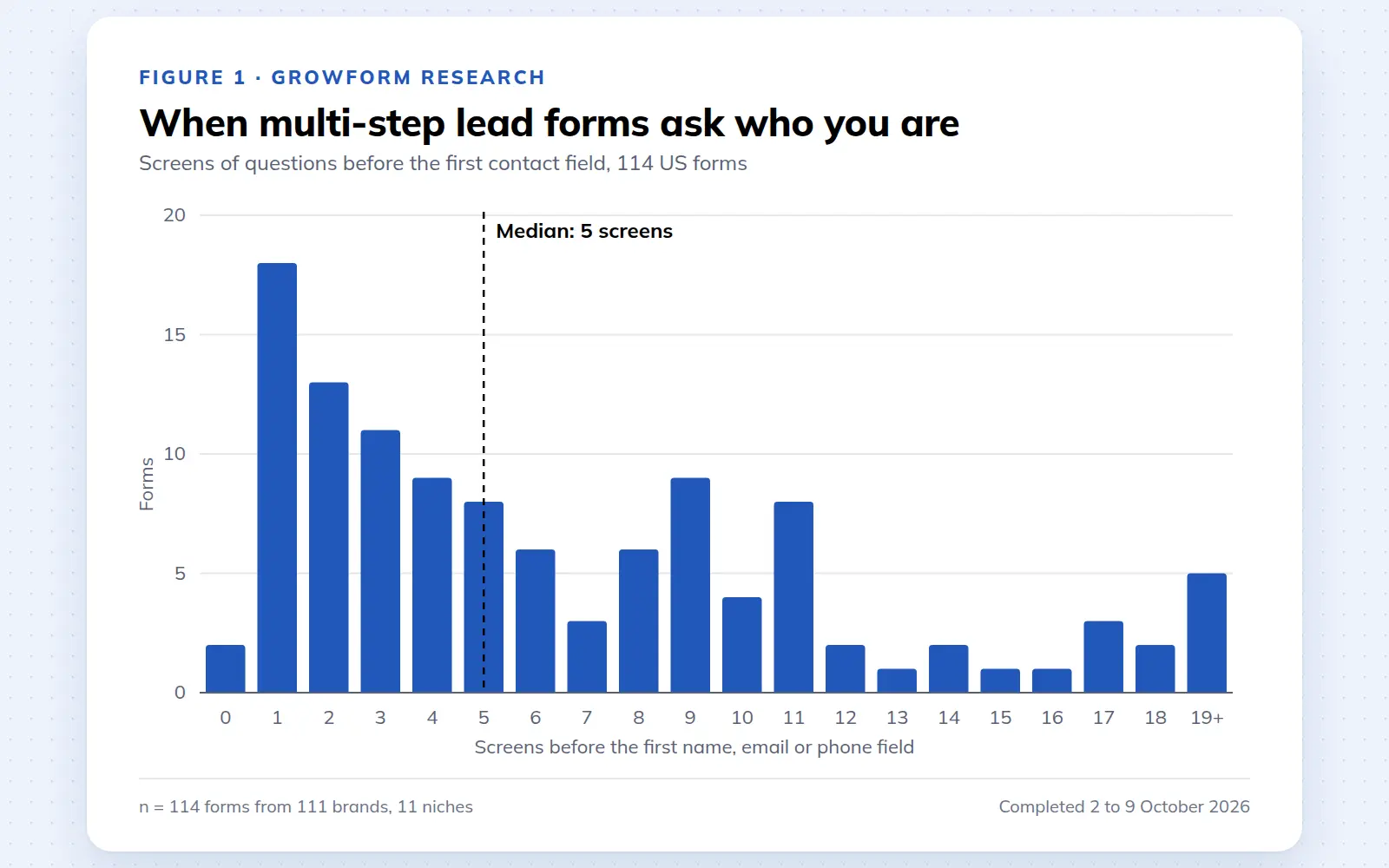
Multi-step lead forms: a 2026 study of 114 forms
We completed 114 US multi-step lead forms screen by screen in October 2026 and counted how long they are, what they ask first, how they show progress, when they ask for contact details and how they ask for consent.
October 9, 2026
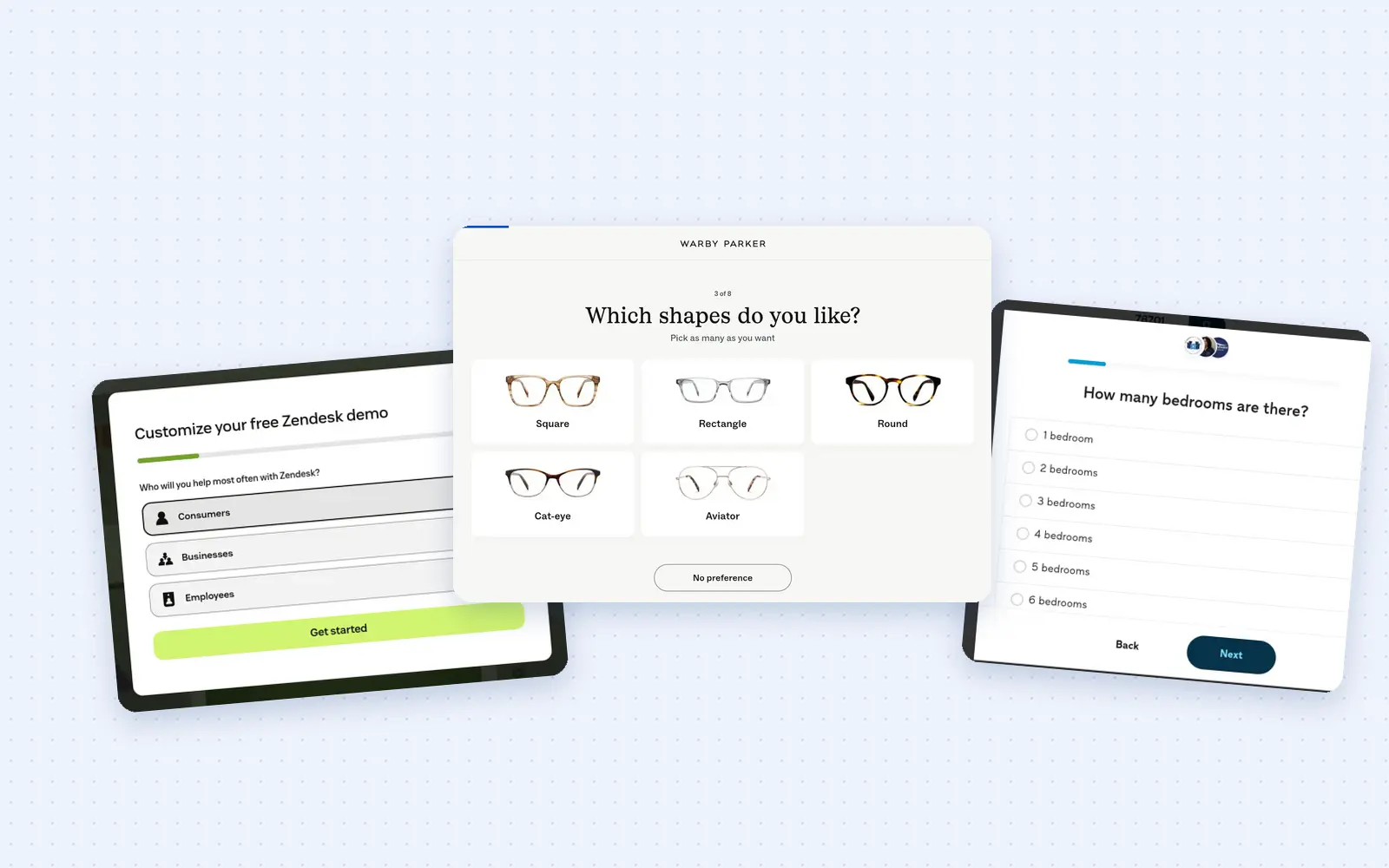
25 lead generation form examples to steal in 2026
From one-field newsletters to mortgage forms, we filled out 25 lead generation forms of every type. Here's what works in 2026, and what to learn from them.
October 9, 2026
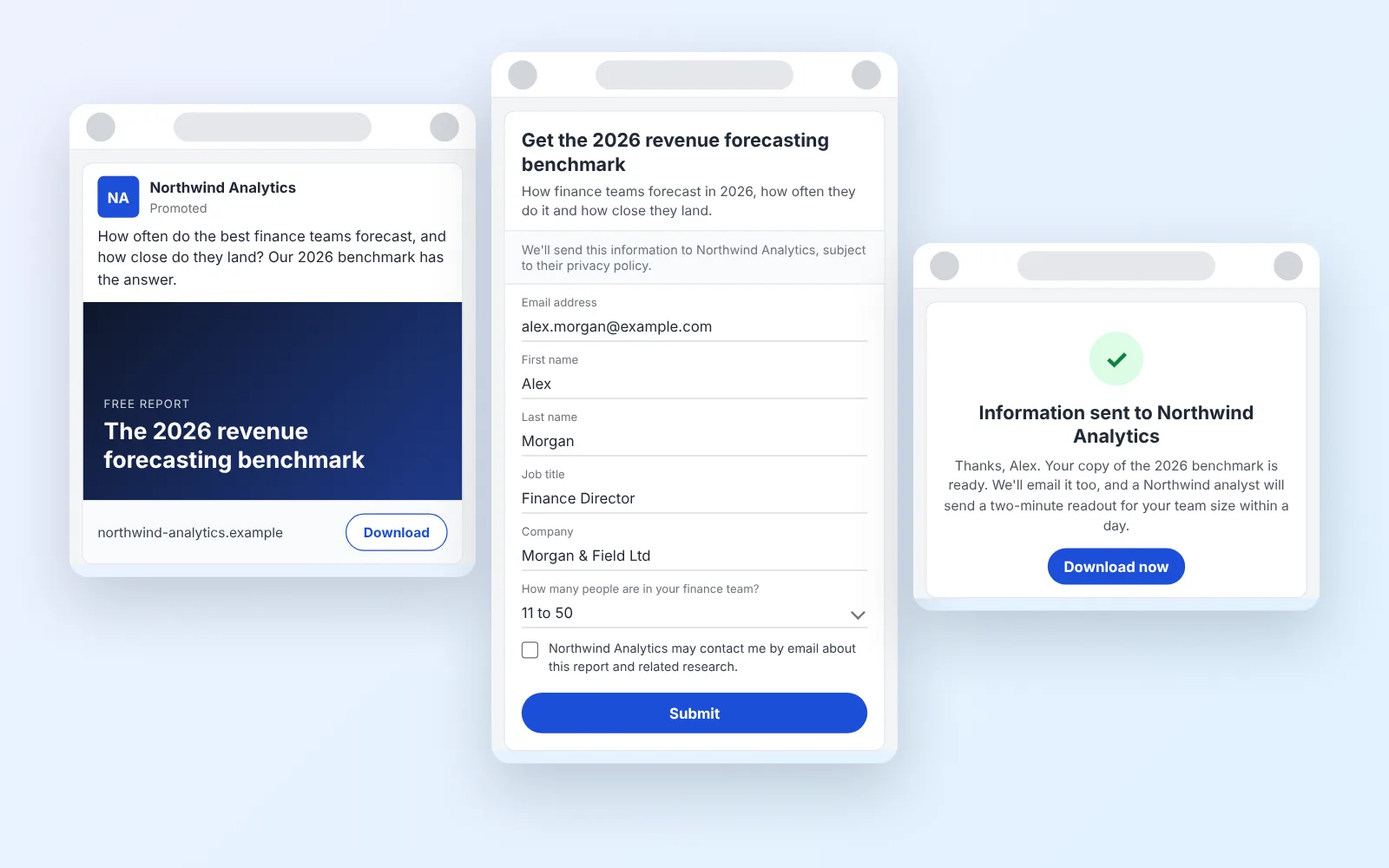
14 LinkedIn lead gen form examples worth stealing in 2026
We painstakingly searched across hundreds of LinkedIn lead gen forms, collated reams of data and worked out what's worth drawing inspiration from in 2026.
October 9, 2026