
 Harvey Carpenter
 Typeform is an undisputably great tool, and we’ve enjoyed following the company’s success over the last few years. Its user-friendly interface and simple conversational forms have made it the “go-to” tool for many use-cases.
And if you need to quickly knock together a 10 question survey for market research, we’d 100% recommend using it – the tool has a great selection of field types perfect for the job.
But in our opinion, it really isn’t suitable for serious lead generation.
Here are our 5 reasons we’d steer clear of Typeform on our landing pages and use a specialist tool instead.
5 – It doesn’t fit into seamlessly to your landing page’s design
If you just want your form to look roughly similar to its surroundings, you can use Typeform on your landing page without any problems.
But if you want a form that really fits into the design of your website, and looks like it’s part of the fabric of your page – you’re going to have a tough time.
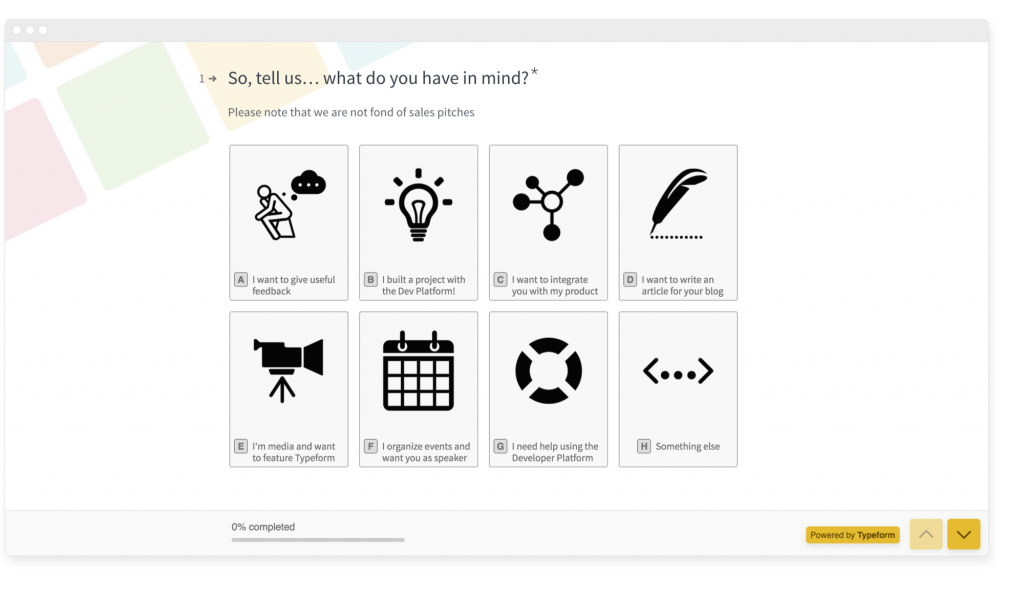
You’re basically stuck with the classic structure of “Question number”, “Question”, “Answer” – with a “Powered by Typeform” link on the cheapest plans.
That’s right – even if you’re a paying customer on the Basic plan, you’ll still have to put up with an advertisement for Typeform on your form.
4 – It comes across as lazy
Typeform has become fairly ubiquitous, which is both a blessing and a curse for the company. In 2022, it’s no longer a clever way to collect information – but something people are used to seeing everywhere.
By using a Typeform for lead generation, you’re basically saying “We don’t have the expertise or know-how to build a form”.
This may not matter too much if your users aren’t particularly tech savvy, or if it’s for a small project.
But if your users are familiar with marketing/tech, you’re probably being judged for using a Typeform.
Worse still, if you’re being paid to design websites professionally, your clients won’t be impressed if you use something they could have thrown together themselves.
3 – You need a business account to use Google Tag Manager (as well as various other limitations)
Google Tag Manager is a seriously useful piece of kit, and lets you fire tags as people interact with your website. For example, you could use it to fire a Facebook pixel and retarget users based on the answers they give as they progress through your form.
But, if you’re on any plan except for their “Business” plan at $99 per month (paid monthly), you’re out of luck – there’s no Google Tag Manager or Facebook tracking on the lower plans.
You also need to be on the top-dollar plan to see drop-off rates in the tool (a fairly essential part of conversion rate optimisation).
The basic plan also excludes the ability to redirect your users on form completion or remove their branding.
2 – It seems to be primarily built for surveys
It’s hard to find any definitive information on exactly who Typeform is built for (and we’ll happily stand corrected), but it seems to be primarily aimed at people who want to create surveys rather than generate leads:
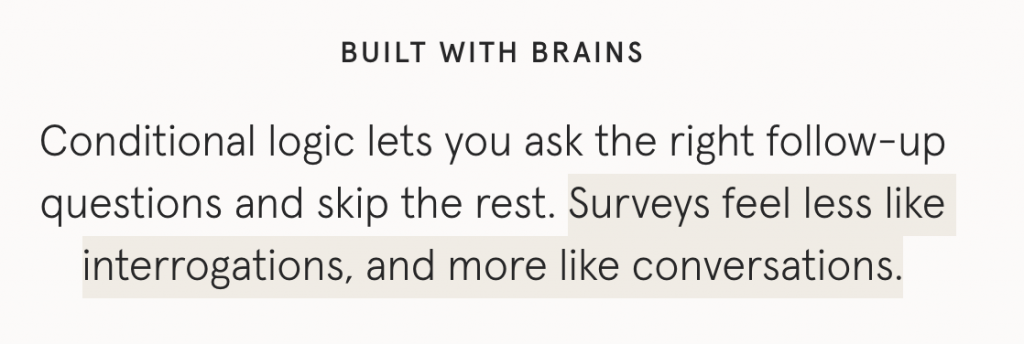
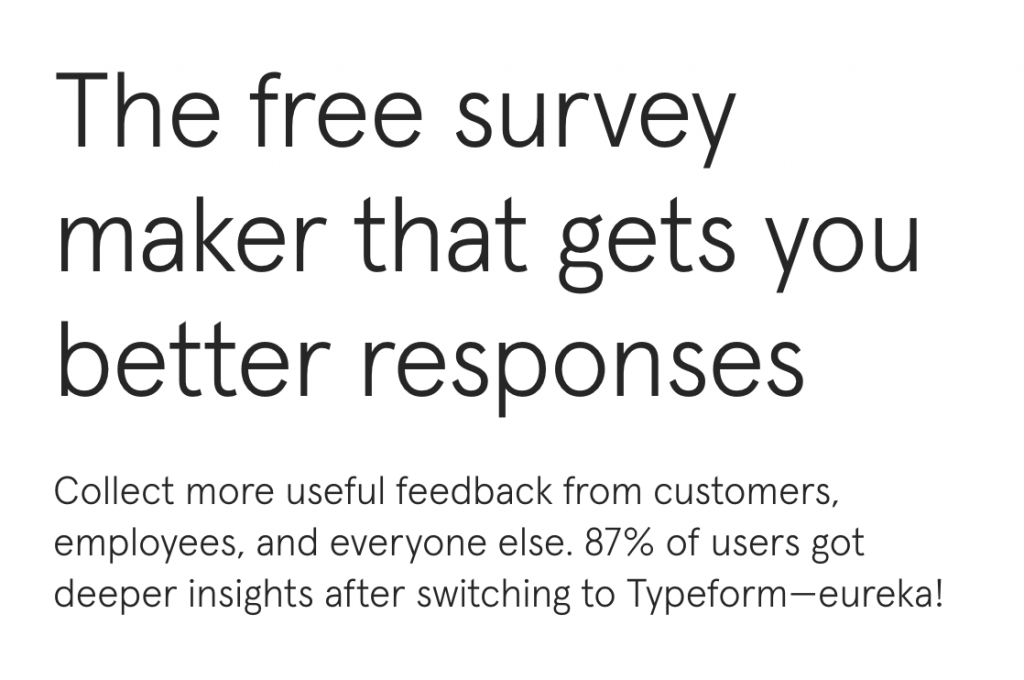

In our opinion, using Typeform for lead generation and landing pages is a bit like using mineral water as windscreen washer fluid. It’ll work, but it’s probably better to use something designed for the job.
1 – You can only have one question per step
This is probably the #1 reason Typeform on landing pages is a bad idea: you can’t add several fields one step.
Let’s say your form asks for 5 pieces of information in exchange for a free quote.
We’d typically recommend having a last step that looks something like this:
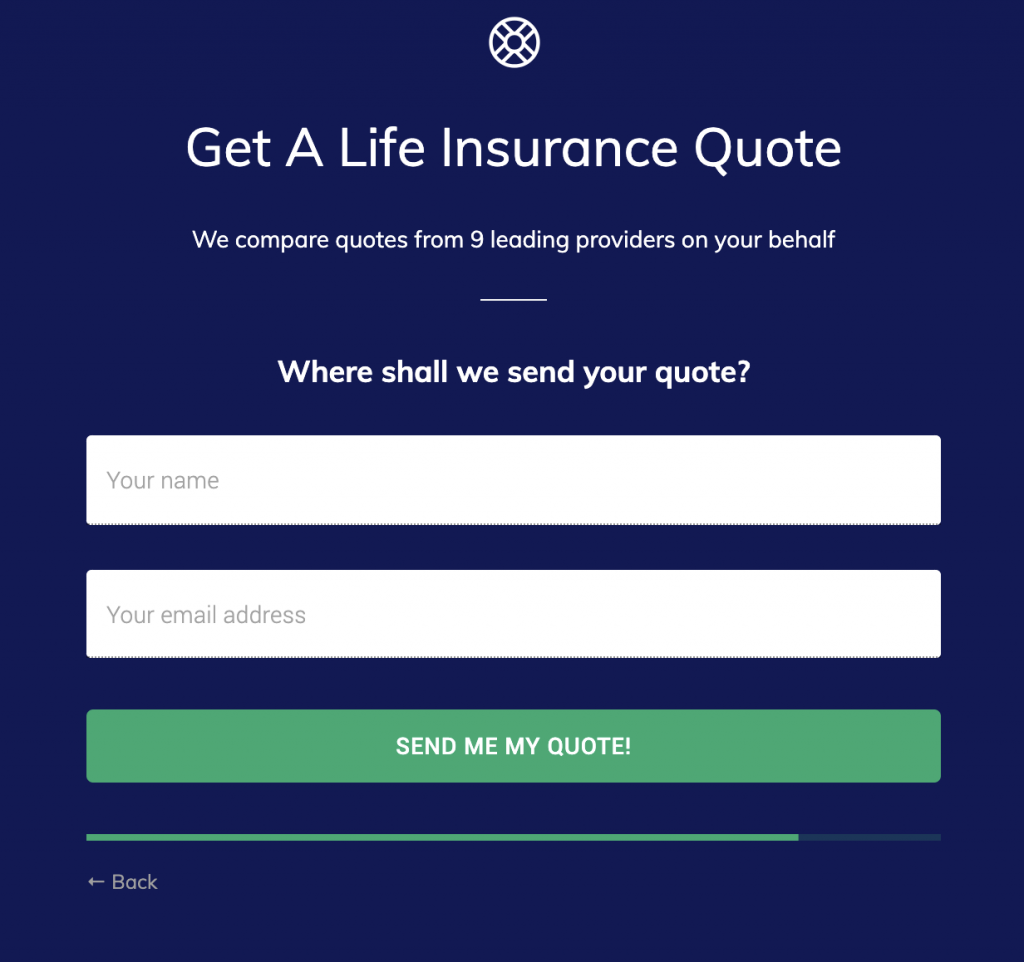
You might even want to have 3 fields on that last step. If you use Typeform, there’s no way of doing this – you’d have to add 3 whole steps to your form:
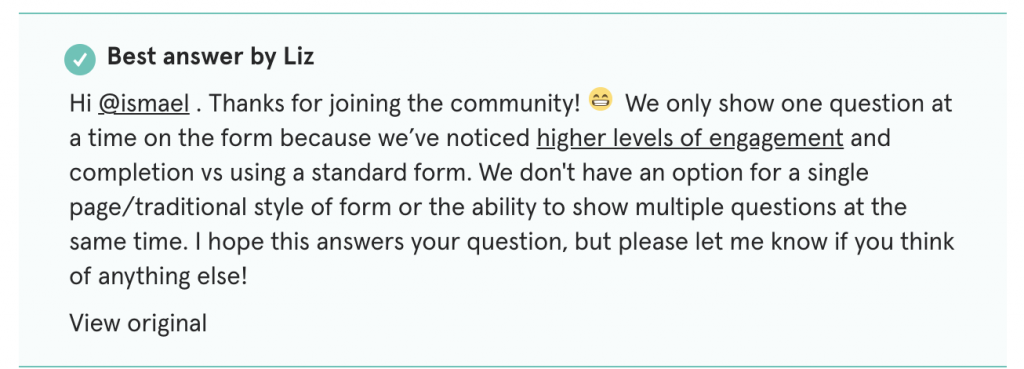
It’s true that – generally speaking, it’s a good idea to have one question per step. But when fields are closely related, it’s perfectly good practice to ask for 2-3 pieces of information on the last step.
This significant drawback – combined with the crippling limitations on lower plans and lack of layout customisation are why we’d steer clear of Typeform for landing pages and stick to using it for surveys.
Okay, so what’s the solution?
If you’re looking for a powerhouse of a form builder that was designed for lead generation and landing pages, look no further than Growform.
The tool comes with 25+ beautiful templates with lead generation best-practices baked in, just like this:

And it includes all of the features you’d expect a fully-fledged form builder to have, such as Google Tag Manager integration and no branding on all plans.
Best of all, there’s a free 14 day free trial.
Curious if Typeform is worth the cost? Check out this Typeform pricing breakdown to see what you’re really paying for.
Related articles

6 Best Form Builders for ClickFunnels Lead Funnels
September 30, 2026

7 Best Quiz Builders for Lead Qualification Funnels
Paid traffic lead funnels rarely fail because the quiz looked boring.
September 30, 2026

Typeform Free Plan Limits That Hurt Lead Gen Teams
Typeform’s free tier sounds generous at first because you can build unlimited forms, but lead gen teams usually run into the real constraint almost immediately: responses. Growform, a no-code multi-step form builder made for lead capture and qualification, sits in this conversation because teams comparing Typeform alternatives are often not asking about surveys at all….
September 30, 2026