
Check GA4 is on the page
The events go to the GA4 installation on the page that hosts your form. Install GA4 there first if it is missing.

Feature
Growform sends an event to your GA4 property each time a step or the whole form is completed. You can build a funnel in Google Analytics that shows which step loses the most leads.
GA4 form tracking means your form sends an event to Google Analytics 4 when a step is completed and again when the form is completed. A standard analytics setup records that the landing page was viewed. It does not record that a homeowner answered three questions about their mortgage and left at the step asking for a phone number.
Growform sends two events to Google Analytics 4.
Events carry a parameter called formId, which holds the 24-character ID of the form. Step events also carry stepNumber, the number of the step that was completed.
Growform sends the events to the GA4 installation that is already on the page where the form is embedded. It does not add a GA4 base tag of its own.
You build the funnel as a funnel exploration in GA4, with one funnel step for each step of your form. The report lives in Google Analytics, not in Growform.
If you track more than one form, add a formId condition to every funnel step.
Built-in form analytics is coming to Growform in 2026. Until it arrives, the step and completion events go to Google Analytics, so form abandonment is measured next to the traffic data you already use. Ad platform conversions are a separate setting, covered by conversion tracking and the Meta Pixel. For custom tags you can connect your own Google Tag Manager containers.
The events go to the GA4 installation on the page that hosts your form. Install GA4 there first if it is missing.
In GA4, open Admin and then “Data streams”. Select the web stream for your site and copy its Measurement ID.
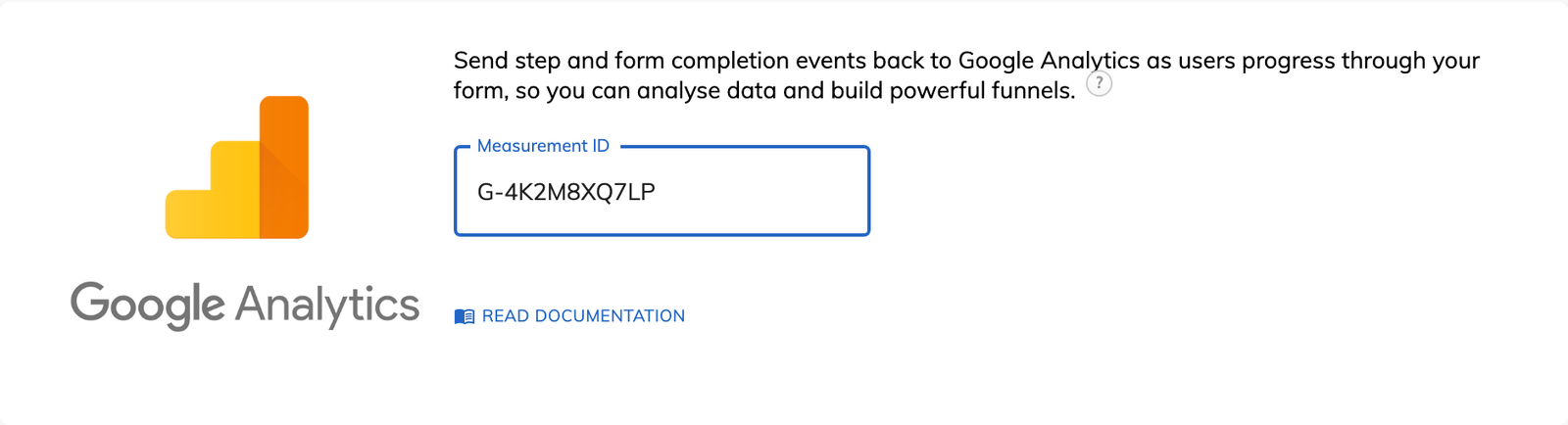
Open the form settings in Growform and select “Tracking & tagging”. Paste the Measurement ID into the Google Analytics option and save.
Fill in the form once yourself. The two Growform events should appear in the Realtime report in GA4.
The funnel shows how many people completed each step, so the largest drop is visible at a glance.
Adding a qualifying question changes the completion count for its step, and the funnel shows by how much.
Step events are recorded continuously, so you can compare the funnel before and after you reword or move a step.
The events land in the GA4 property you already use, so the funnel is read alongside your traffic reports.
You can send events to Google Analytics on any Growform plan.
No. It sends events to the GA4 installation you already have, and it does not interfere with that installation.
GA4 funnels count people, not events, so one person who completes the form twice is counted once. Ad blockers and strict browser privacy settings also stop some events from being recorded.
Yes. Every event carries the form's ID in the formId parameter, so you can filter a funnel to a single form.
GA4 needs time to process a new custom dimension. Allow 24 to 48 hours after you create formId and stepNumber before you build the funnel.
Create beautiful multi-step forms that convert, with a 14-day free trial. No credit card required.


