
Create two containers
In Google Tag Manager, create two containers with “Web” as the target. Name one the parent container and the other the child container.

Feature
Growform reports completed steps, button clicks and finished forms to Google Tag Manager containers that you own. You decide which tags fire on each event, and qualified leads are reported separately from disqualified ones.
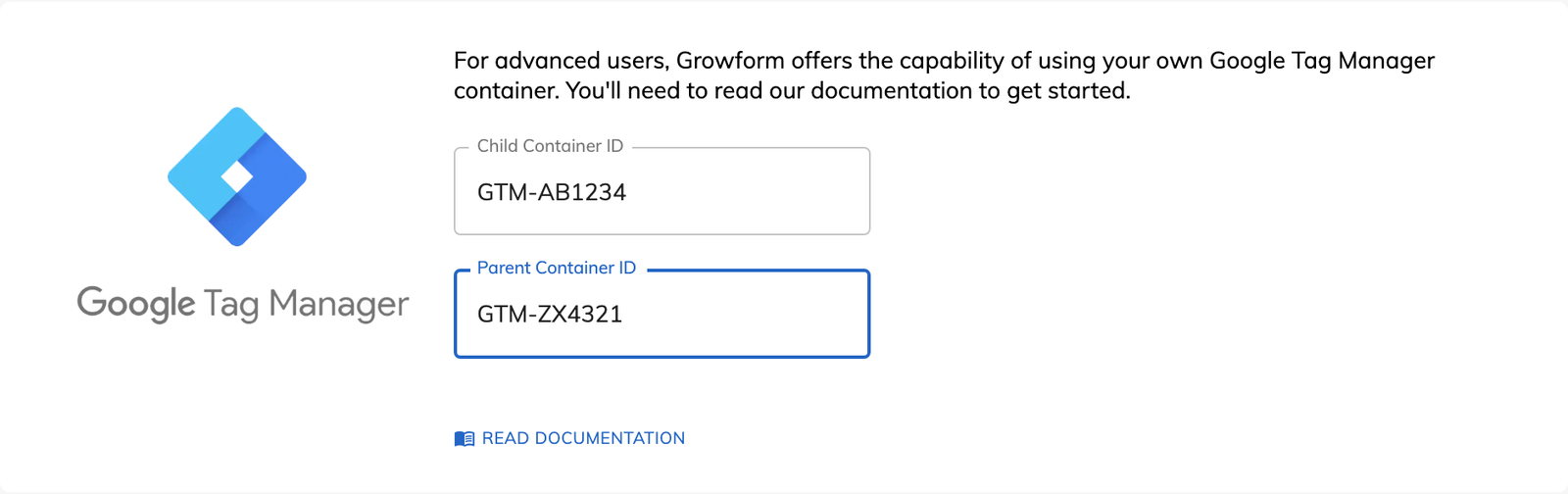
Google Tag Manager form tracking means the form reports what happens inside it to a GTM container you control. In Growform the option is called “Custom Google Tag Manager container”, and it works with two containers.
A Growform form runs inside an iframe, and the tags on your website cannot see into an iframe. The child container runs inside the form. The parent container runs on the page that hosts the form and receives the events the form sends out.
The form sends four dataLayer events, and you can build a trigger on any of them.
The child container also sends an event called growformButtonClicked each time a button is clicked. The parent container receives it as growformIframe.growformButtonClicked. The event carries the text on the button as buttonText, its position in the list as buttonId and the ID of its field as fieldId.
You can fire any tag that GTM supports on any of those events. A roofing form that asks the homeowner to choose “Repair” or “Full replacement” can add everyone who clicks “Full replacement” to a retargeting audience, even if they never finish the form. The trigger matches on fieldId and buttonId.
You can also run tags inside the form. A screen recording tag placed in the child container can see the form, which the same tag on your website cannot.
No, most advertisers never need a custom container. Growform has built-in conversion tracking for Google Ads, Microsoft Advertising and X, a Meta Pixel option and Google Analytics 4 events. Each of those takes an ID pasted into a box. Your own container is for the tag or trigger those options do not cover.
In Google Tag Manager, create two containers with “Web” as the target. Name one the parent container and the other the child container.
Download Growform’s starter parent and child containers from the custom GTM container guide. Import each one into its container under “Admin” and “Import container”.
Publish both containers. In your form settings, open “Tracking & tagging”, find Google Tag Manager and enter the two container IDs.
Open GTM's preview mode on your landing page and move through a few steps of the form. You should see growformStepCompleted events arrive as you go.
A tag can fire on the contact details step, on one high-value answer or only on a qualified completion.
Step and button events are sent as they happen, before the form is submitted.
Any tag you can add to a GTM container can fire on a form event.
Form tags live in the same Google Tag Manager account as the tags for the rest of your site.
Custom GTM containers need the Professional plan or a higher one.
No. Most advertisers use the built-in options, which need an ID pasted into a box. A custom container is for tags and triggers beyond those, and the guide and its 13-minute video cover the setup.
Yes. One parent container can serve several forms across your web properties.
Yes. Installations from before September 2025 need an update to the connection tag in the parent container. The child container only needs a change if your form uses a custom domain.
Yes. Completed steps and button clicks are reported as they happen, so a tag can fire on any step or on a single button.
Create beautiful multi-step forms that convert, with a 14-day free trial. No credit card required.


