
Get your ZeroBounce API key
Create a ZeroBounce account and copy the API key from the API page of the members' area.

Feature
Growform checks the format of every email address, and ZeroBounce can test each one in real time with your own API key. Typos and false addresses are corrected in the form, before you spend money following them up.
The check runs in the background. A valid address passes unnoticed, and an invalid address asks the lead to try again.
Real-time email validation tests an email address during the form, before the lead is saved or sent anywhere. Some teams call it real-time email verification. Growform always confirms that an address is correctly formatted. With ZeroBounce connected, it also confirms that the address is able to receive email.
ZeroBounce starts with the syntax of the address, then confirms that the domain exists and has mail servers able to accept email. It also identifies disposable addresses, spam traps and known abuse accounts. The lead receives no email as part of the check.
When the address is invalid, the lead is asked for a valid one and cannot continue without it. The same approach applies to phone numbers through phone number validation.
An address passes when ZeroBounce reports it as valid, as a catch-all, or as a role-based catch-all such as an info@ address. It also passes when ZeroBounce reports “abuse”, which describes an owner known to mark email as spam. If ZeroBounce cannot reach a decision, the address is marked “Unknown” on the lead and the form continues, so an uncertain result never costs you a genuine lead.
You can, with the “Block free email providers” option on the Email field. It suits business lead generation, such as commercial insurance or commercial solar, where a work address tells you more than a personal one. Leads that pass are delivered as usual through Zapier or webhooks.
Create a ZeroBounce account and copy the API key from the API page of the members' area.
Paste the key into your Growform account settings and click “Update”.
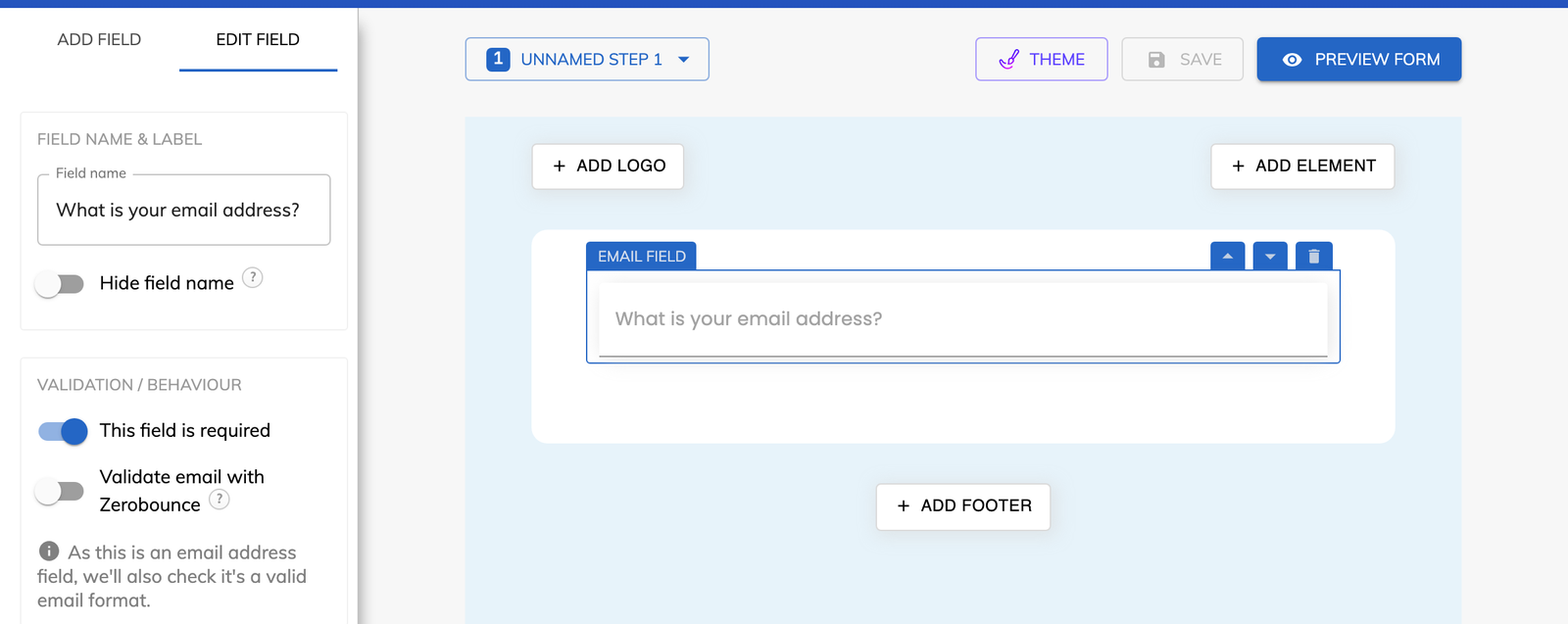
Select the “Email” field on your form and switch on ZeroBounce validation. Add “Block free email providers” if you want work addresses only.
Save the form, submit a test lead and look for the validation status in “View leads”.
Each address has been tested for working mail servers before the lead is saved.
A buyer or lead distribution platform that runs its own check receives an address that has already passed one.
Disposable addresses and spam traps are identified in the form, so they never enter your email sequences.
Catch-all and undetermined addresses are allowed through, which keeps real businesses in your pipeline.
All plans check the address format, and ZeroBounce validation is part of Professional, Scale and Custom.
Yours. Validation runs on your own ZeroBounce API key and uses your own ZeroBounce credits.
The address is marked “Unknown” on the lead, and the lead is allowed to carry on with the form.
The status of each validated address is shown with the lead in “View leads”.
Create beautiful multi-step forms that convert, with a 14-day free trial. No credit card required.


