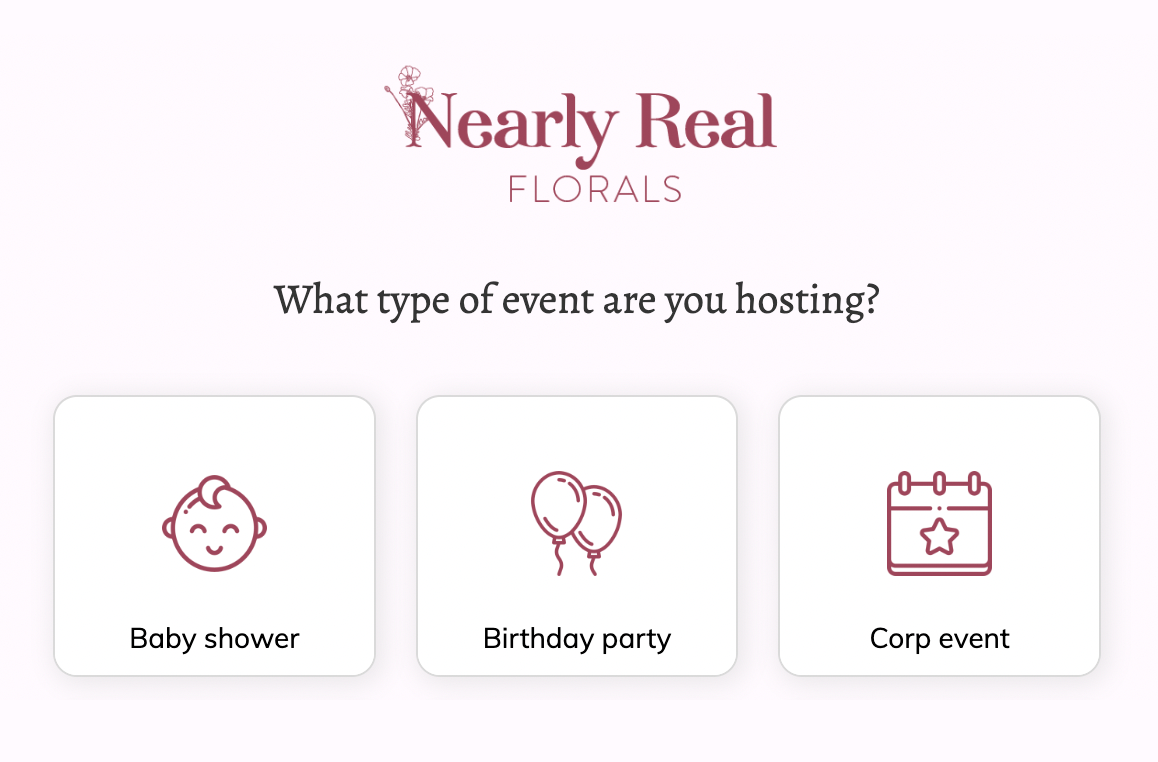
Flower wall rental inquiry form template
This six-step flower wall rental inquiry form asks the event type, the flower wall design, the event address, the date and any extras, followed by the contact details. Clone it into your Growform account and list your own stock.
What the form asks, step by step
The template is set up for a flower wall business, and it adapts to any event rental stock. Availability depends on the date and the place, so both are asked before the contact step.
-
Step 1: “What type of event are you hosting?”
Weddings, proms and corporate events each call for a different setup and price.
-
Step 2: “Which flower wall are you interested in?”
Three named designs let the customer pick the look before asking the price.
-
Step 3: “Where is your event happening?”
An address lookup shows the delivery distance before you quote.
-
Step 4: “What date is your event?”
The date can be checked against your bookings before you reply.
-
Step 5: “Is there anything else we can help with?”
Signs, matching flowers and balloons are suggested here as extra rentals.
-
Step 6: “How shall we contact you about your event?”
Name, email and phone come last.
-
After submitting
The “Get pricing & availability” button leads to a thank-you message, which you can change to say how soon you reply.
Who it’s for
Event rental companies, flower wall and backdrop businesses and party suppliers use this template in place of a generic contact form. Rentals are booked by date and place, so every inquiry arrives with the design, the delivery address and the event date, and you can reply with a price and a firm yes or no. It suits flower wall hire in the UK as well as flower wall rental in the US, and it works as an equipment rental form for any stock delivered to a venue. Planners rather than suppliers should look at the event planning inquiry form.
Why this structure converts
- The customer chooses a design on step two, which turns browsing into a specific request.
- The address and the date come before the contact details, so every inquiry can be checked against your calendar and delivery area straight away.
- The extras step suggests signs and balloons, which gives the customer a reason to spend more without a sales call.
14-day free trial, no credit card
Make it yours
-
Use photos for each design
Each button can show a photo. Show every flower wall on the second step so customers choose by look rather than by name.
-
Add setup and pickup times
Ask for the setup and collection windows after the date. Venues often restrict access, and your delivery team needs the times.
-
Rename the event types
“Corp event” is abbreviated in the template. Spell it out and add the occasions you are booked for most, such as graduations or store openings.
Send every lead where your team works
Frequently asked questions
What should an equipment rental form ask?
It should ask what is being rented, for which event, where and on what date. Those four answers settle availability and delivery, and the contact details come last.
Can I use this for other event rentals?
Yes. Replace the flower wall designs with your own stock, such as backdrops, furniture or lighting, and keep the date and address steps as they are.
Can customers see prices in the form?
Yes. You can add prices to the design options or calculate a total on the thank-you screen from the answers.
Where do rental inquiries go?
Each one is emailed to you, and it can also create a record in Booqable, HoneyBook or a Google Sheet through Growform’s integrations.
What happens next?
-
Step 1: Clone this form template
Clone this template into your Growform account (create one first if you don’t already have one). -
Step 2: Edit your form
Get creative and adjust your form's theme options, questions or layout in the Growform form builder. -
Step 3: Share or embed your form
Share a link to your form, or embed it in your existing website. Receive new submissions by email or send them to 7,000+ apps via Zapier.
Start your free trial
Build multi-step forms just like this one. 14-day free trial, no credit card required.