

Multi-step forms can convert at several times the rate of single-page forms. Venture Harbour reported up to 300% more conversions after moving its own lead forms to a multi-step layout. That sounds like an automatic win for every WordPress site. It isn't.
The result is most relevant when a form asks for substantial information, qualification details, or multiple decisions. A short contact form can gain nothing from being split into steps, because the extra click adds friction without meaningfully reducing the visitor's effort. The practical question isn't whether wordpress multi step forms work. It's when the added structure makes a demanding form feel easier without hiding problems in the funnel.
Why multi-step forms matter on WordPress in 2026
The benchmark is useful because it reframes the value of a multi-step flow. With the same 10,000 visits, a form converting at 4.5% would produce about 450 leads, while one converting at 13.5% would produce about 1,350 leads, before traffic quality or field changes are considered. That's why performance teams often test multi-step layouts on WordPress landing pages instead of accepting a long, intimidating block of fields.
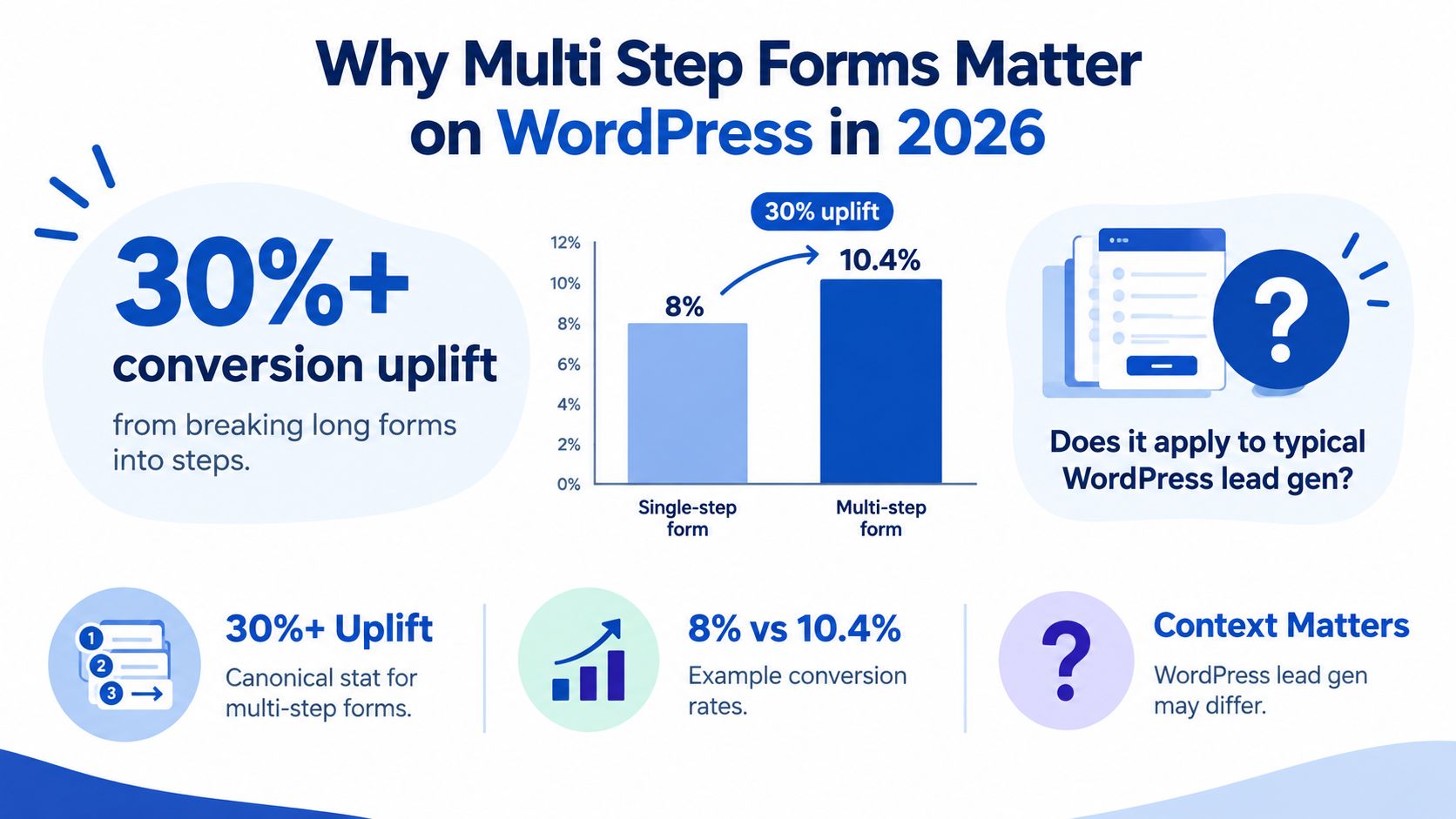
The caveat matters more than the headline. If a visitor only needs to provide a name, email address, and short message, splitting those inputs across several screens can make the interaction feel longer. The form hasn't become easier. It has acquired more navigation.
Where the format earns its place
Multi-step usually deserves a test when the form includes qualification questions, detailed project information, file uploads, or branching paths. A roofing enquiry, mortgage pre-qualification flow, insurance intake, or B2B discovery form often asks for information that can't fit comfortably into one view. Grouping related questions gives the visitor a clear next action and gives the marketer a cleaner way to measure where people leave.
The format also helps when conditional logic removes irrelevant questions. Someone selecting “commercial” shouldn't have to work through residential questions, and a low-fit answer may justify ending the flow early rather than collecting more data.
WordPress remains useful here because teams can place these funnels inside existing pages built with Gutenberg, Elementor, or Bricks while keeping the surrounding landing-page experience intact. But lead volume isn't the only outcome. As acquisition costs rise, a form that produces fewer but better-qualified records may beat one that maximizes raw submissions.
The WordPress.org ecosystem reflects that shift. Form analytics plugins now expose views, start rate, conversion rate, completion time, step performance, abandonment, and drop-off by field, device, and traffic source. That turns a multi-step form from a visual pattern into a measurable acquisition layer.
Comparing WordPress approaches for multi-step forms
The right implementation depends less on brand preference than on how quickly the team needs to ship, how much logic the funnel requires, and where attribution must go after submission. A native block can be perfectly adequate for a simple enquiry. It becomes much less attractive once marketers need branching qualification, persistent click IDs, CRM routing, and step-level reporting.
| Option | Setup Time | Conditional Logic | Hidden Fields & UTM | Mobile UX | Starting Cost |
|---|---|---|---|---|---|
| Native Gutenberg or basic WordPress block | Short for simple forms | Basic or limited | Often requires configuration or custom work | Depends heavily on theme | Varies by WordPress setup |
| WPForms with multi-page features | Short to moderate | Strong for common workflows | Available through fields and integrations | Generally responsive, requires testing | Paid feature tier may apply |
| Gravity Forms multi-page form | Moderate | Strong and extensible | Supports advanced field and integration setups | Depends on styling and configuration | Paid license may apply |
| Growform embed | Short for a dedicated lead funnel | Built for qualification paths | Designed for hidden-field and attribution pass-through | Purpose-built step interface | Product plan dependent |
Native WordPress tooling saves a subscription and keeps data inside the site. That trade-off often appears later, when someone has to hand-code progress indicators, manage validation between screens, preserve query parameters, or connect a webhook. The apparent saving can turn into a development queue.
WPForms is a sensible choice for teams already invested in its builder and notifications. Gravity Forms suits sites that need a mature WordPress-native framework with extensibility. Both can work well, but the final experience depends on the theme, CSS, field configuration, and how much tracking is added around the form.
An embedded SaaS builder such as Growform is a different operating model. The team builds the funnel outside the WordPress editor, then places it on the page with an embed. That can remove much of the frontend work involved in a custom 10-step interface, though it also introduces a dependency on an external service and requires careful attribution testing.
For a WordPress-specific implementation reference, see Growform's form builder for WordPress. The recommendation matrix is straightforward:
- Choose native tooling when the form is simple and site ownership of submissions matters most.
- Choose WPForms or Gravity Forms when WordPress-native administration and established integrations are priorities.
- Choose an embedded funnel builder when paid acquisition, branching qualification, mobile completion, and rapid iteration matter more than keeping every form control inside WordPress.
No option wins by default. The best choice is the one your team can instrument, alter, and troubleshoot without turning every conversion test into a development project.
Embedding Growform in WordPress without losing attribution
An embed is only useful if the lead arrives with the context that created it. The common failure is straightforward: a visitor lands on a WordPress page with campaign parameters, fills out a cross-domain form, and the CRM receives the email address without the source, campaign, or click ID.
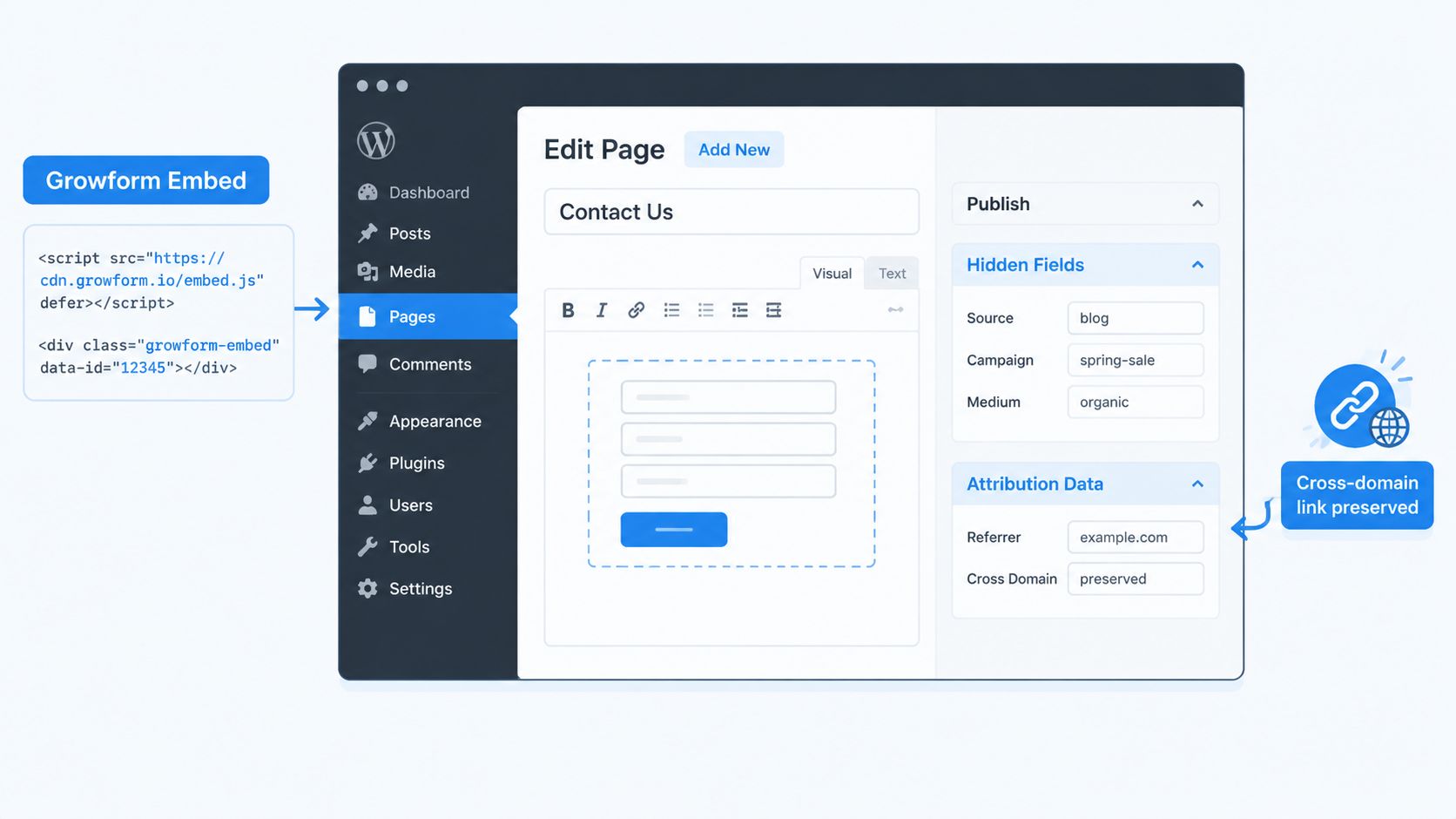
Start by creating the form in the builder, then add its official script embed or iframe to the WordPress page. Gutenberg's Custom HTML block works for a page-level placement, while Elementor, Bricks, and other builders generally provide an HTML or code element. The exact placement matters less than checking that the embed loads after caching, optimization, and consent tools have done their work.
Preserve the campaign context
Create hidden fields for the values your downstream systems use.
- Campaign parameters:
utm_source,utm_medium, andutm_campaign. - Click identifiers:
gclidandfbclid. - Internal routing values: landing-page name, campaign ID, ad ID, or partner sub-ID.
Map each hidden field to the corresponding URL parameter. Capture those values on the parent WordPress page as soon as the visitor arrives, then pass them into the form configuration. An embed can lose query-string context during navigation, especially when mobile browsers, redirects, or iframe behavior intervene.
The safer sequence is:
- Read the parameters from the WordPress page URL.
- Store them in first-party browser storage or a page-level data object according to your privacy requirements.
- Inject the stored values into the form's hidden fields when the embed initializes.
- Confirm that the submitted payload includes the same values.
- Send the complete payload to the CRM or webhook.
For the implementation details, use the Growform WordPress embed guide, then test the actual payload rather than trusting the browser view.
A practical handoff can run through a Zapier webhook. Growform posts the completed record, Zapier receives the contact details and attribution fields, and the workflow creates or updates the HubSpot or Salesforce record while sending a Slack alert to the sales channel. The thank-you page can be skipped or changed without losing the campaign data because the handoff happens from the submission payload.
The embed and attribution relationship is easier to understand in a visual walkthrough. Review the implementation, then reproduce it on a staging page before sending paid traffic.
UX patterns that lift completion on multi-step funnels
A good multi-step form doesn't merely distribute fields across screens. It gives every screen a job. The first step should feel easy enough to start, the middle should answer the visitor's next logical question, and the final step should collect information that now feels justified by the progress already made.
A practical starting structure is three to four questions per step, then a comparison against the original single-page version. Keep the opening questions low effort, such as service type, location, or contact preference. Put sensitive or effort-heavy questions later, after the progress indicator has established momentum.
Write step labels as commitments rather than database categories. “Tell us about your project” is easier to process than “Project Information,” and “Choose your coverage” gives the visitor a clear task. Conditional logic should remove irrelevant work, not create a maze of unexpected screens.
| Pattern | What it fixes | Where to apply it |
|---|---|---|
| Short grouped steps | Visual overload and long scrolling | Qualification and intake flows |
| Clear progress labels | Uncertainty about remaining effort | Any flow with several screens |
| Conditional questions | Irrelevant fields and weak lead quality | Insurance, home services, B2B qualification |
| Single-column layout | Misread field order and cramped inputs | Mobile and narrow landing pages |
| Inline validation | Late error discovery | Email, phone, postcode, and required fields |
| Back and forward editing | Fear of making an irreversible mistake | Every multi-step flow |
Use a single-column layout unless two fields belong together. Use a dropdown when the answer has a defined set of options, but don't force a dropdown for a simple either-or decision that could be handled with visible buttons or radio choices. Inline validation should confirm a valid answer and explain an invalid one without blaming the person completing the form.
The back button is part of the conversion experience, not decoration. Visitors need to correct an earlier answer without restarting, especially when conditional logic changes what they see later.
Attribution, hidden fields and conversion tracking
A completed record without source data is only half a marketing result. Multi-step funnels need to preserve attribution from landing through submission, because the person may spend time moving between steps before the final conversion event fires.
Capture UTM parameters and click identifiers on the landing page. Store them in hidden fields, retain them while the visitor moves through the flow, and include them in the final form payload. The important fields usually include utm_source, utm_medium, utm_campaign, gclid, and fbclid, plus any internal identifiers your ad platform or lead buyer uses.
Growform's hidden-field documentation is the appropriate implementation reference for mapping those values. After mapping, inspect a real test submission in the receiving system. A value visible in the browser isn't proof that HubSpot, Salesforce, a webhook, or a distribution platform received it.
Track the funnel, not only the lead
Fire an event at every step boundary. A useful abandonment calculation is:
Step abandonment = (users who started step N minus users who completed step N) divided by users who started step N.
Segment the events by device, traffic source, question type, and answer path. A final conversion event can tell you that performance changed. Step events can tell you whether the problem is a phone field, a budget question, a validation error, or a slow mobile transition.
Browser-side tracking is easy to deploy but can be interrupted by browser restrictions, consent choices, and blocked scripts. Server-side delivery through webhooks or Conversions API can improve signal continuity, but it adds payload validation, consent handling, and deduplication work.
For Meta Conversions API and Google enhanced conversions, define one submission identity and carry it through the journey. Use a stable event ID so a browser event and a server event represent one conversion rather than two. Send the same lead identifiers and campaign context to the CRM, analytics layer, and ad platform, then compare received records across systems.
Last-click reporting often undercounts paid social when the final step happens after several interactions. Keep the raw campaign fields alongside your reporting model so analysts can inspect the original acquisition context instead of relying on a single channel label.
Mobile optimization for WordPress multi-step forms
Mobile abandonment is often blamed on small screens, but the more useful diagnosis is interaction friction. Mobile checkout abandonment has been measured above 85%, and mobile completion remains materially weaker than desktop even after simplification. A shorter screen won't rescue a field that triggers the wrong keyboard, rejects valid input, or scrolls the visitor away from the action button.
Make each input fill the available width on a narrow viewport. Use native input types so phone fields open a numeric keyboard and email fields offer the appropriate keyboard controls. Enable browser autofill where it helps, and prefill non-sensitive campaign fields from the landing URL rather than asking the visitor to repeat information.
Test the points where thumbs fail
Progress indicators should remain visible without taking over the screen. Buttons need enough space to tap accurately, and the Next action should be obvious after the final field on each step. For a two-option question, visible radio buttons or segmented choices are often easier than a dropdown that requires another interaction.
Don't automatically force the desktop step count onto mobile. If two adjacent desktop steps can be combined without making the screen crowded, test that mobile variant. Conversely, a dense desktop step may need to split on a phone.
Run this checklist before buying traffic:
- Keyboard test: Confirm phone, email, and postcode fields trigger suitable keyboards.
- Autofill test: Check name, email, and address suggestions on real browsers.
- Tap test: Operate every control with one thumb.
- Error test: Submit invalid and blank values, then verify the error stays visible.
- Back-button test: Move backward without losing entered answers.
- Scroll test: Confirm focus returns to the relevant field after each transition.
- Orientation test: Rotate the device and check that the form remains usable.
- Speed test: Load the page on a real mobile connection, not only a desktop simulator.
- Attribution test: Open a tagged URL and verify hidden values in the final payload.
- Thank-you test: Make the mobile confirmation useful, with a clear next action such as tap-to-call where appropriate.
The first paid visitors should validate a finished experience, not reveal basic layout and tracking defects.
Rollout checklist
A workable launch plan is small enough for a marketer to execute without waiting for a full rebuild. Create the funnel, connect the data, test the experience, and compare it with the existing form before declaring a winner.
- Build the form: Create the steps, qualification rules, validation, and confirmation path.
- Embed it: Add the embed through the WordPress editor or the relevant page builder.
- Map hidden fields: Pass UTMs, click IDs, and CRM identifiers into the submission.
- Configure server signals: Set up Meta and Google server-side conversion delivery where required.
- Test devices and traffic: Use real mobile, tablet, and desktop devices, then run a controlled comparison against the legacy form.
Run a 50/50 split against the existing form for at least 500 sessions and judge both completion and lead quality. Don't optimize only for the cheapest submission if sales rejects the resulting records.
Growform provides a no-code multi-step and qualification form builder that can be embedded into WordPress, with hidden-field pass-through and real-time delivery options for downstream systems. If your current form is difficult to test or loses campaign context, build a measurable funnel you can compare against the WordPress version. Start free trial.
Related articles
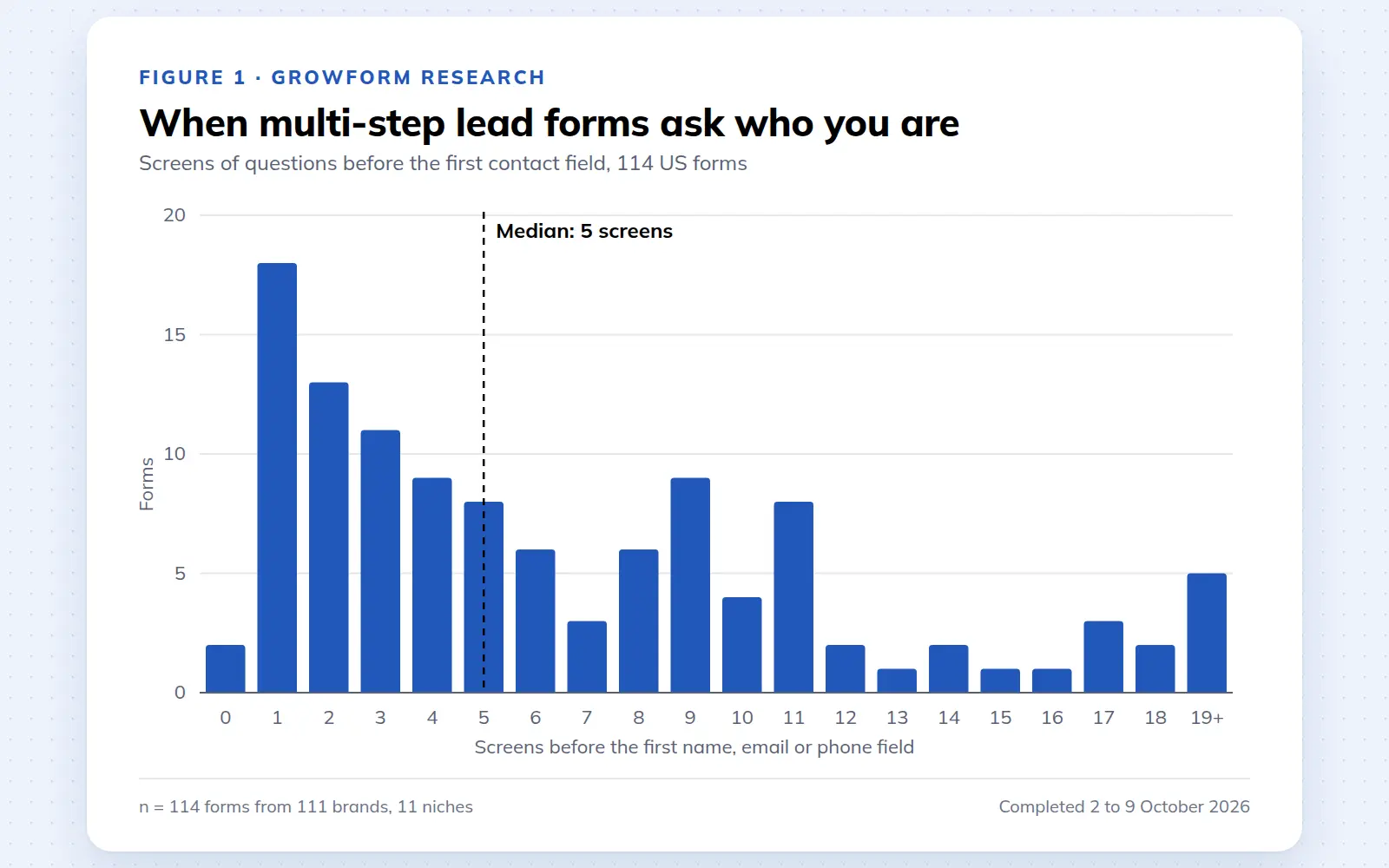
Multi-step lead forms: a 2026 study of 114 forms
We completed 114 US multi-step lead forms screen by screen in October 2026 and counted how long they are, what they ask first, how they show progress, when they ask for contact details and how they ask for consent.
October 9, 2026
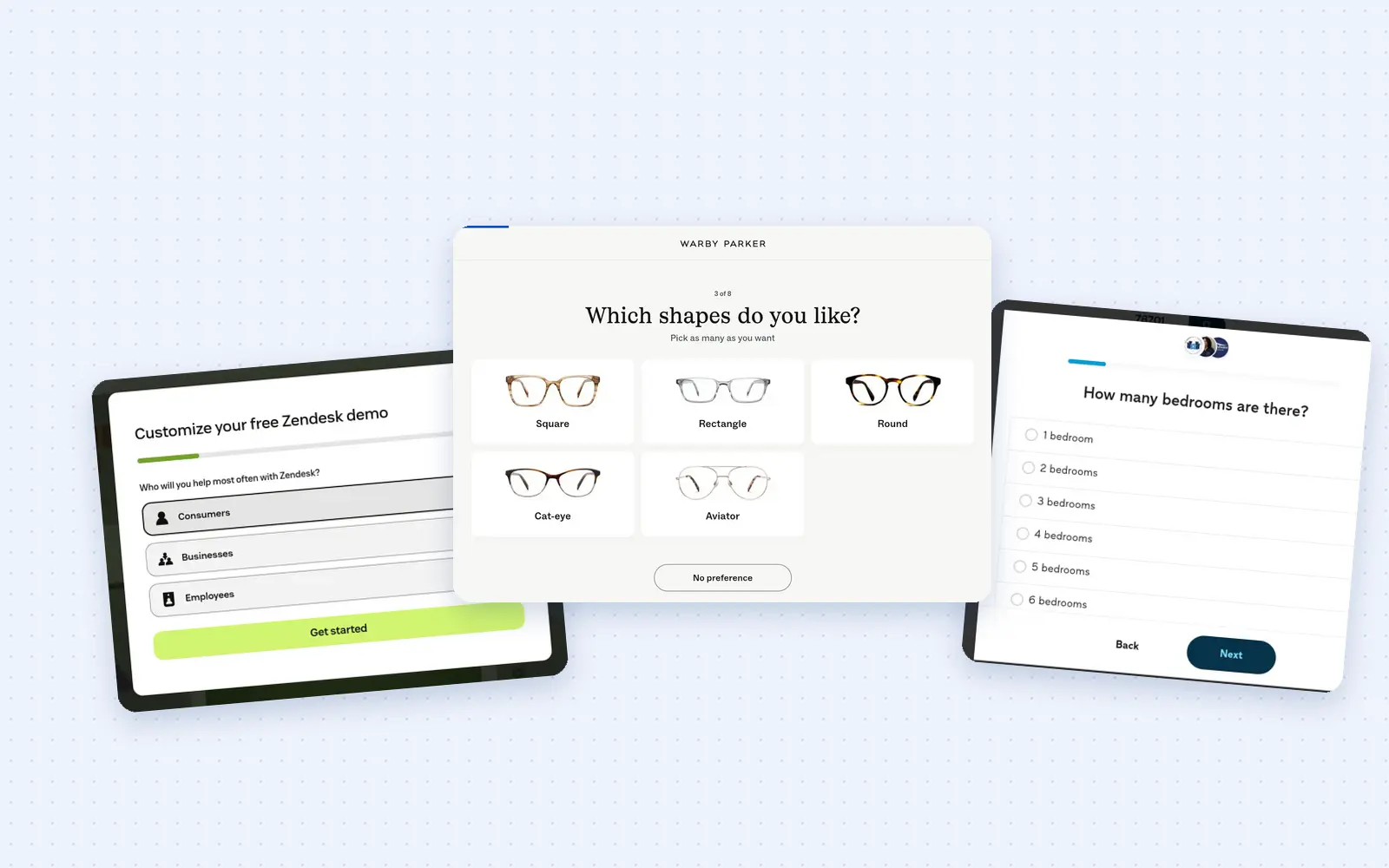
25 lead generation form examples to steal in 2026
From one-field newsletters to mortgage forms, we filled out 25 lead generation forms of every type. Here's what works in 2026, and what to learn from them.
October 9, 2026
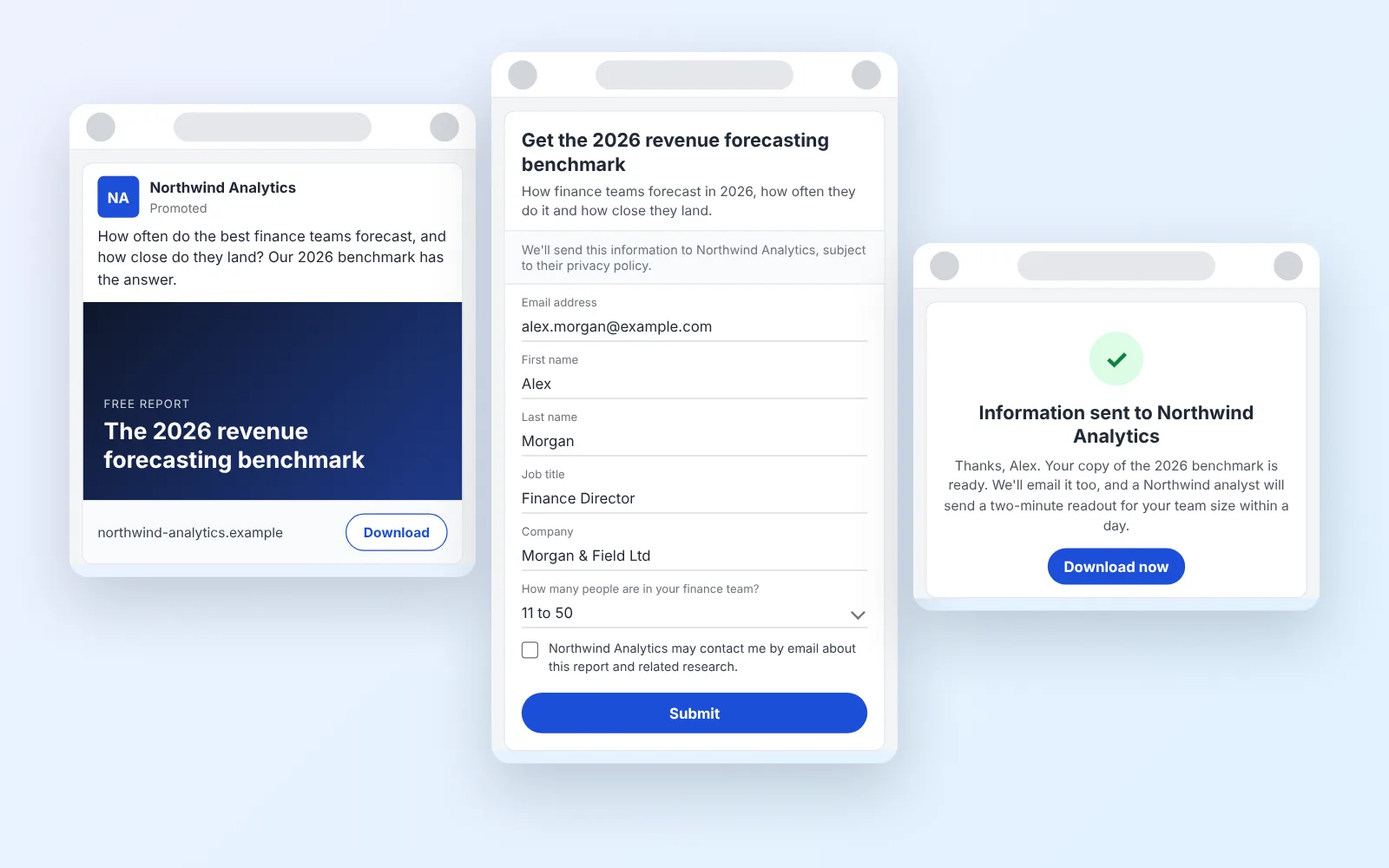
14 LinkedIn lead gen form examples worth stealing in 2026
We painstakingly searched across hundreds of LinkedIn lead gen forms, collated reams of data and worked out what's worth drawing inspiration from in 2026.
October 9, 2026