
ROAS Calculator for Lead Generation, How to Model Break Even Spend by Funnel

Updated Published 9 min read

Lead generation ROAS is easy to misread because a form submit is not the same thing as revenue. A useful ROAS calculator has to model what a submit becomes later: a qualified lead, an accepted lead, an appointment, or a closed deal.
That is the core decision: stop treating every lead as equal. Once each stage carries a value, you can calculate break-even CPL, compare channels fairly, and feed Google Ads or Meta better signals than a simple thank-you-page hit.
What does a ROAS calculator for lead generation actually measure?
A lead-gen ROAS calculator measures modeled conversion value in Google Ads or Meta against ad spend, not just raw form fills.
For e-commerce, the numerator is often direct revenue. For lead generation, the numerator is usually expected value. That value can come from closed revenue, gross profit, accepted lead payouts, or appointment value, depending on your business model.
If you sell leads, the cleanest numerator is often expected accepted revenue after rejection and refund rates. If you generate leads for your own sales team, the cleaner approach is expected gross profit from downstream sales, not booked top-line revenue alone.
Google Ads reflects this logic in its use of conversion values and the conversion value/cost column. That column is only useful if the value attached to the event means something financially.
Do not use the same value for every submit. If Campaign A sends cheap junk and Campaign B sends fewer but qualified homeowners, flat values hide the real winner.
How do you calculate break-even ROAS for a lead-gen funnel?
Break-even ROAS starts with contribution value and works backward from the closed outcome to the form submit.
Step 1 is choosing the value basis. If your ad platform uses revenue as conversion value, break-even ROAS equals 1 ÷ contribution margin. A business with a 25% contribution margin needs roughly 4.0x ROAS to break even before fixed overhead (the break-even ROAS calculator runs this for any margin). If your platform uses gross profit or contribution value as the conversion value, break-even is about 1.0x before overhead.
Step 2 is rolling that value back through the funnel. Say a closed deal produces $3,000 in contribution value, 20% of appointments close, and 40% of qualified leads become appointments. That makes a qualified lead worth $240. If 50% of form submits become qualified leads, each submit is worth $120.
Step 3 is translating stage value into spend limits. If a submit is worth $120 and you need a 20% safety margin, your maximum effective CPL is not $120. It is closer to $96. The same logic can be pushed down to CPC, CPM, or publisher payout.
If margins shift by channel, then break-even ROAS should shift too. A solar lead sold direct to an exclusive buyer does not deserve the same target as a shared insurance lead with heavy return risk.
What tools and data sources should feed a lead generation ROAS calculator?
The best lead-gen ROAS calculators pull from the capture layer, the ad platform, and the system of record.
A calculator that only reads ad spend and front-end leads will usually overstate performance. The missing data is nearly always in qualification, routing, call outcomes, or finance.
- Growform: A front-end capture layer for multi-step forms, hidden fields, UTM pass-through, pixel firing, and real-time delivery into downstream systems.
- Google Ads or Meta Ads Manager: Cost, click volume, campaign-level conversion value, and bidding strategy data.
- CRM: Qualified lead status, appointment status, sales outcomes, and revenue or profit fields.
- Lead distribution software: Boberdoo, LeadsPedia, Phonexa, and similar platforms can show acceptance, rejection, and buyer payout data.
- Call tracking: Ringba or Retreaver data can clarify when calls, not forms, are the real revenue event.
- Finance model: Refunds, cancel rates, variable fulfillment costs, and margin assumptions belong in the model, not just in accounting.
The pro move is to reconcile these sources weekly. If ad spend says one thing and buyer acceptance says another, trust the revenue path, then fix the attribution path.
Should you optimize to lead form submits or qualified leads?
You should usually optimize to qualified lead in Google Ads once the data is stable enough to support it.
Google distinguishes between a lead form submit, a qualified lead, and a converted lead. That matters because each event answers a different business question. A submit tells you who raised a hand. A qualified lead tells you who actually fits your criteria. A converted lead tells you who reached the business outcome you care about, like a sale or funded loan.
Shallow events are faster and give bidding systems more volume. Deep events are slower but financially truer.
If your funnel has heavy junk traffic, optimizing to submits can drive the algorithm toward the cheapest low-intent users.
Deeper optimization does not always win immediately. If qualified-lead feedback arrives too slowly or inconsistently, you may need a hybrid model: optimize on submits with stage values attached, then graduate to qualified leads or converted leads once offline signals are dependable.
How do you assign dollar values to each funnel stage?
Stage values come from historical conversion rates and one clear business value at the bottom of the funnel.
Start with the deepest event you can defend financially. That could be closed gross profit, net lead sale revenue, or accepted lead payout. Pick one and keep it consistent.
Next, calculate stage-to-stage conversion rates from recent data. A basic chain might be submit to qualified, qualified to appointment, appointment to close. Multiply the close value by each downstream rate to get the expected value of the earlier stage.
Example: a closed deal is worth $2,500 in contribution value. If 10% of appointments close, an appointment is worth $250. If 50% of qualified leads book, a qualified lead is worth $125. If 40% of submits qualify, a submit is worth $50.
Then adjust by channel when needed. If Google Search closes at a higher rate than Meta, do not force identical values across both. If one buyer in a ping-post setup accepts more aggressively than another, then your front-end stage value can differ by traffic source or state.
Review values on a rolling basis. Many operators use trailing 30-day and 90-day views side by side. The 30-day view catches drift. The 90-day view smooths noise.
ROAS vs CPL: which metric should guide budget decisions?
CPL is useful for front-end efficiency, but ROAS is the stronger metric for budget allocation when lead quality varies.
CPL tells you what you paid to create a lead event. It does not tell you whether the lead is insurable, financeable, reachable, or profitable. ROAS, when based on meaningful values, can.
Here is the trade-off. CPL gives faster feedback and is easier to read in daily pacing. ROAS is slower and can be wrong if the value model is weak. That means the smartest operators use both. They manage creative fatigue and landing-page friction with CPL, then decide scale and bid targets with ROAS or expected margin.
If two campaigns are within about 10% on CPL, compare qualified-lead rate next. If qualified-lead rate is similar, compare accepted revenue or close rate. Cheap leads are only better when quality holds.
How should you set up tracking so your ROAS model is usable in Google Ads?
Usable ROAS tracking requires clean identifiers, conversion values, and offline feedback loops into Google Ads.
Step 1 is capturing identifiers at the form layer. Keep UTMs, gclid, fbclid, source, campaign, ad set, keyword, and sub IDs attached to every submission. If those fields break between click and CRM, your model will under-credit winners.
Step 2 is sending the right front-end events. Fire the form-submit event, then store the lead record with the same identifiers. If you use server-side tracking through CAPI or Google tagging, keep the event names and timestamps consistent.
Step 3 is importing deeper outcomes back into Google Ads. Google explicitly supports offline goal types for qualified leads and converted leads. That is where value-based bidding starts to become useful.
Step 4 is waiting for enough data before trusting automation. Google Ads says Target ROAS requires conversion values, and Search and Shopping campaigns generally need at least 15 conversions in the last 30 days at the conversion tracking level. Search Ads 360 guidance also points to having more than 4 weeks of conversion value data, with longer windows when volume is low.
A quiet failure point is duplicate or stale values. If a lead becomes qualified twice in the CRM, or if the sale value changes after upload, then your bidding logic can drift fast.
What changes when conversion delay is long or sales happen offline?
Long conversion delay changes the cadence of ROAS decisions, not the need for ROAS modeling.
Google notes that upper-funnel actions like quick lead forms have lower conversion delay than lower-funnel actions like purchases or closed deals. Lead generation lives inside that gap. The submit happens today, the qualification may happen tomorrow, and the sale may not appear for 30 to 90 days.
If your delay is long, use interim value stages. A qualified lead can carry one value. A kept appointment can carry a higher one. A sale or funded deal can replace that estimate later through offline uploads or reporting reconciliation.
If you do not do this, then fast channels will look better than slow but profitable channels. Native traffic, long-form legal screening, and finance funnels often suffer from this reporting bias.
When should you use Target ROAS bidding for lead generation campaigns?
Target ROAS works best when Google Ads has stable value data and your funnel produces enough repeated signals.
Use it when you have trustworthy conversion values, consistent offline feedback, and enough recent conversions. It is a poor fit when values are guessed, qualification is manual and delayed for weeks, or lead volume is too low to train bidding.
There is also a sequencing issue. Many operators start with Maximize Conversions or Maximize Conversion Value while cleaning up the event structure. Once the qualified-lead and converted-lead imports are dependable, they move toward Target ROAS.
Be careful with bid limits. Google advises using them cautiously because they can restrict optimization. If you cap the system too tightly, you often get lower volume without better economics.
How can multi-step forms improve the accuracy of a ROAS calculator?
Multi-step forms improve ROAS accuracy by separating low-intent clicks from qualified leads before the lead ever reaches the CRM.
This matters because the value model is only as good as the data entering it. If your form collects weak contact info, no intent signal, and no compliance evidence, then the downstream revenue dataset will be noisy. Multi-step qualification, phone verification, email validation, and disqualification logic reduce that noise.
In practical terms, better capture design helps the calculator in three places: conversion rate, qualification rate, and attribution integrity. A form that converts well on mobile but still filters out junk gives you cleaner values at each stage.
There is a second-order benefit too. When the form layer can pass UTMs, click IDs, consent proof, and verified contact data into systems like GoHighLevel, HubSpot, Salesforce, or a lead router, it becomes much easier to trust the ROAS number enough to scale spend.
Growform is built for that capture layer. Its multi-step forms keep UTMs, gclid and fbclid in hidden fields through every step, verify phone numbers and email addresses in real time, and record TrustedForm or Jornaya consent on each lead. The Professional plan costs $139 a month ($109 billed yearly) and covers 1,000 leads a month with Google Tag Manager integration. Every plan comes with a 14-day free trial, so you can start a free trial and test the capture layer before you change a bid strategy.
Related articles

Step by step form UI design for better lead quality
November 5, 2026
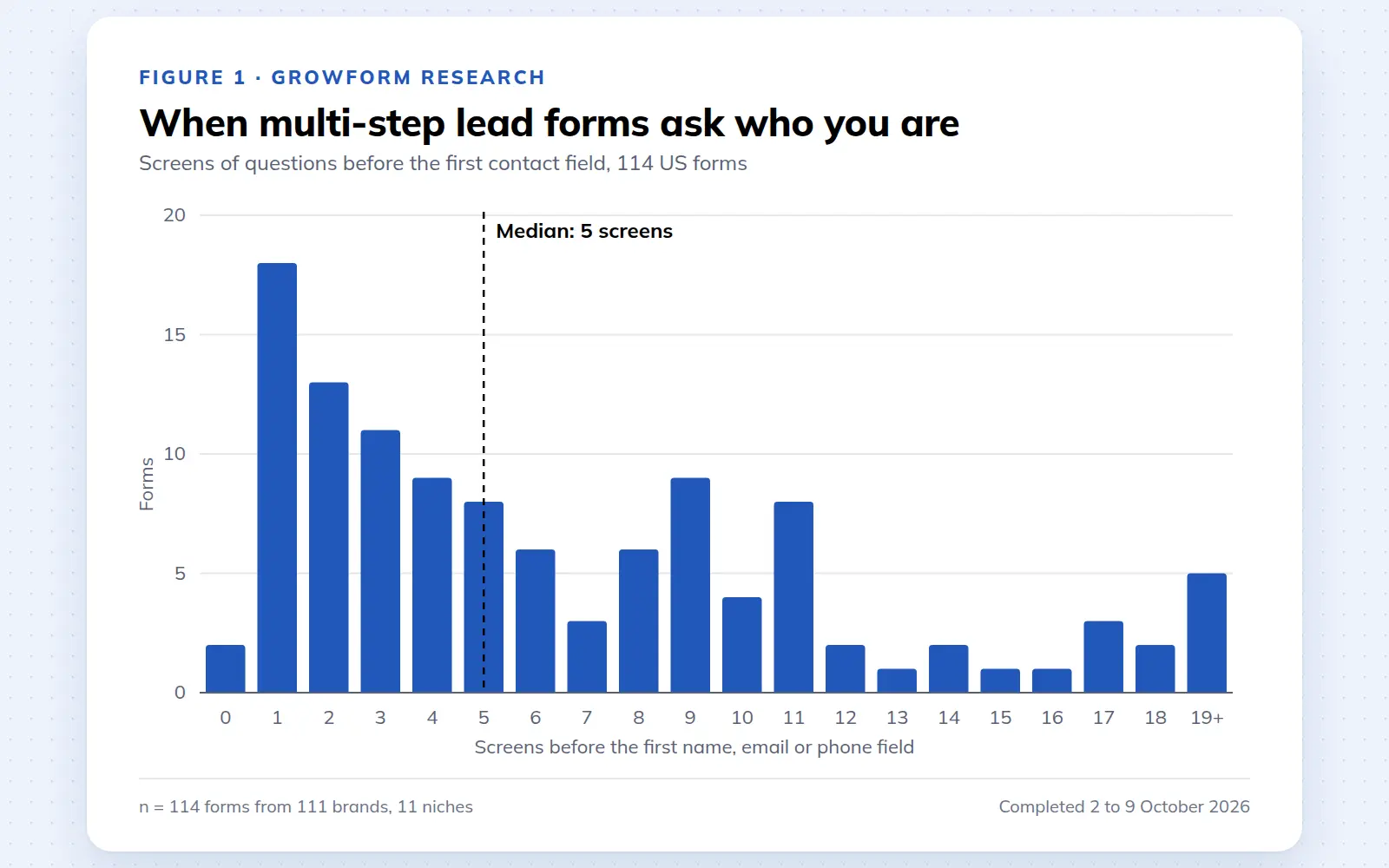
Multi-step lead forms: a 2026 study of 114 forms
We completed 114 US multi-step lead forms screen by screen in October 2026 and counted how long they are, what they ask first, how they show progress, when they ask for contact details and how they ask for consent.
October 9, 2026
25 lead generation form examples to steal in 2026
From one-field newsletters to mortgage forms, we filled out 25 lead generation forms of every type. Here's what works in 2026, and what to learn from them.
October 9, 2026