Skip to content
Growform Multi Step Form Builder

Formstack vs Growform

A Formstack alternative for lead forms, not the whole stack

Formstack sells forms, documents and e-signatures as one suite priced for workplace teams. Growform does one job well: multi-step forms for lead generation, at a fair monthly price.

Prices and limits checked on 6 October 2026

Rated 5.0 by marketers on Capterra, G2, Software Advice 5.0 5.0 5.0

What to know before you choose Formstack

Formstack scores well on reviews, but negative reviews cluster around value for money and support.

  1. 01 of 03

    A forms-only plan is $99 a month for one builder seat

    Formstack's ladder opens with Forms at $99 a month for one builder user and 25 forms, climbs to the $299 Suite for documents and e-signatures, then moves to custom pricing for its Salesforce and Enterprise plans. Growform Basic is $79 a month for 300 leads and three forms, and Professional is $139 for 1,000 leads.

    Source: Formstack pricing page, the Forms, Suite, Salesforce and Enterprise cards, read 6 October 2026

    “Definitely not for small businesses with small budgets.”

    4 out of 5 on Software Advice Jessica H., Staffing and Recruiting Software Advice, Aug 2026 Read the review
  2. 02 of 03

    UTM tracking and Google Analytics are a paid add-on

    On Formstack, UTM tracking, Google Analytics, partial submissions and field bottlenecks make up the Conversion Kit, sold as an add-on to the Forms product at a price its pages do not print. Growform captures UTMs and click IDs in hidden fields and reports conversions to Google Ads, Meta and GA4 on every plan.

    Source: Formstack feature pages for the Conversion Kit and UTM tracking, read 1 October 2026

  3. 03 of 03

    Extra users and submissions are priced on request

    Formstack's Forms plan lists 1,000 submissions per form and 2GB of storage, Suite lists 5,000, and the pricing FAQ says more users, add-on features and additional submissions are added as needed, with no price shown. Growform plans carry 300, 1,000 or 3,000 leads a month at a published price, and the limits are soft.

    Source: Formstack pricing page, plan cards and the FAQ on users and submissions, read 6 October 2026

Formstack vs Growform at a glance

  • Multi-step forms built for lead generation, not workplace workflows

    Formstack

    No

    Growform

    Yes
  • Conditional logic and multi-page forms

    Formstack

    Yes

    Growform

    Yes
  • Webhooks on every submission

    Formstack

    Yes

    Growform

    Yes
  • Custom CSS and themes

    Formstack

    Yes

    Growform

    Yes
  • UTM and campaign tracking

    Formstack

    Conversion Kit, a paid add-on

    Growform

    Every plan
  • Ad conversions and analytics events

    Formstack

    Google Analytics in the Conversion Kit

    Growform

    Every plan
  • Drop-off by step

    Formstack

    Field bottlenecks in the Conversion Kit

    Growform

    Every plan, through GA4
  • Forms on your own domain

    Formstack

    A formstack.com subdomain

    Growform

    Yes, through a CNAME
  • Usage above the plan

    Formstack

    Added on request, price not shown

    Growform

    Soft limit, an alert first
  • TrustedForm and Jornaya

    Formstack

    No

    Growform

    Yes
  • Included
  • Higher plan or paid add-on
  • Not offered

Prices and limits as of 6 October 2026. Sources: Formstack pricing page, read 6 October 2026, Formstack feature pages for the Conversion Kit, UTM tracking, subdomains, themes and webhooks, read 1 October 2026.

Start free trial 14-day free trial · No credit card required

When Formstack is the better choice

Choose Formstack when the form is one step in a regulated or document-heavy process. It signs a BAA and sells HIPAA compliance as an add-on on Forms and Suite, it is PCI compliant for payment forms, and its Salesforce plans build forms that are native to Salesforce, with dynamic prefill and Experience Cloud support. The Suite plan generates documents from the data a form collects, sends them for e-signature and routes submissions for approval.

Choose it too when a team builds 25 to 100 forms for operations, HR or finance, or when SSO, custom SLAs and a dedicated customer success manager matter more than the price of a lead. The case for Growform among Formstack alternatives is narrower and sharper. It is the choice when the form sits under paid traffic and its whole job is to capture and qualify leads at a price set by the lead, not the seat.

How to switch from Formstack to Growform

A single lead form moves in an hour. The fields map across, the tracking is a setting and the embed is one snippet.

Rebuild the form from a template

Open the life insurance, mortgage or lead capture template, paste your Formstack questions into the steps and set the conditional logic on each field. In the Theme panel, choose your colors and fonts, then add custom CSS where the theme stops.

Wire up the CRM and the ad accounts

Point a webhook or a Zap at the CRM your Formstack integration fed, add hidden fields for the UTM parameters the Conversion Kit tracked, and paste your Google Ads and Meta IDs under Tracking & tagging.

Swap the embed and export your entries

Replace the Formstack embed on the landing page with the Growform snippet and keep the page URL. Export your Formstack submissions to CSV, then unpublish the old form so it stops collecting.

Start free trial 14-day free trial · No credit card required

Growform is built for the industries that live on leads

Pick your industry to see what the form asks, how the leads arrive qualified, and about the live template you can start from today.

Finance & insurance

Qualified applicants, with the consent certificate attached.

Lead buyers want proof of consent, and call centers want fewer people who were “just researching prices”. Our best-practice life insurance template first asks about coverage, health and stage before anything personal, can verify the phone number before it’s submitted, and can record a TrustedForm or Jornaya certificate with every submission.

Live template · Life insurance
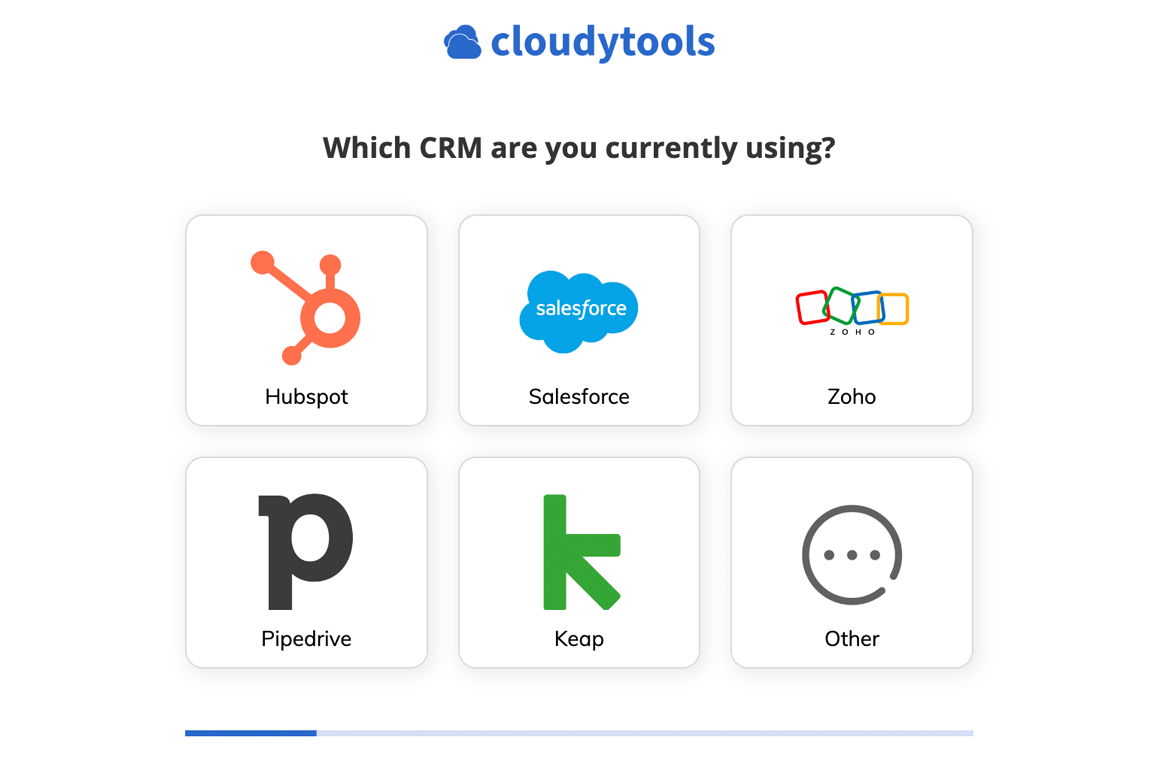
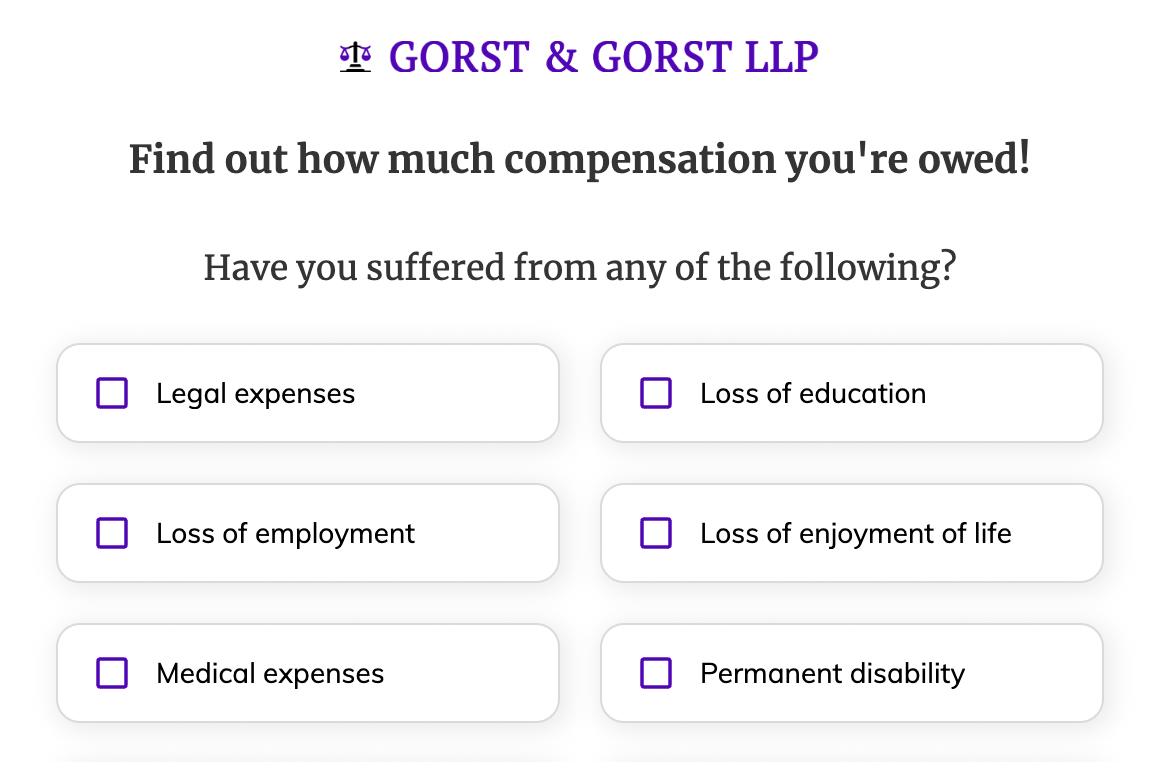
First step of the Life insurance template
  • TrustedForm and Jornaya consent certificates in one click
  • Asks about a second applicant only when there is one
  • Phone and email verified before the lead is submitted

Formstack alternative FAQ

What is the best Formstack alternative for lead forms?

Growform is the best Formstack alternative for lead forms. Formstack sells UTM tracking and Google Analytics in its Conversion Kit, a paid add-on, while Growform stores UTMs and fires ad conversion events on every plan. Formstack remains the better fit for documents, e-signatures and workplace workflows.

Among other Formstack alternatives, Jotform, Paperform and 123FormBuilder suit general-purpose forms with payments, each on its own page.

Is Formstack good for lead generation?

Formstack is built for data collection across a workplace, so a lead form is one job among many. Its UTM tracking, Google Analytics, partial submissions and field bottlenecks sit in the Conversion Kit add-on, its hosted forms live on a formstack.com subdomain, and its plans are sized by builder users and forms. Growform is built for the lead form alone, with multi-step layouts, conditional logic, UTM capture and ad tracking on every plan, and TrustedForm, Jornaya and real-time validation from Professional.

Is Formstack the same company as Intellistack?

Formstack is a product line of Intellistack, the name the company took on 25 June 2025 when it launched Intellistack Streamline, its workflow automation platform. The Forms, Documents and Sign products still sell under the Formstack name on formstack.com, and the pricing page signs off as Intellistack, LLC.

Does Growform track UTMs without an add-on?

Yes, every Growform plan captures UTMs. A hidden field records each UTM parameter and the gclid from the landing page URL and passes it with the lead to your CRM, and the ad network integrations report a conversion to Google Ads, Meta and X when the form is completed. See hidden fields and conversion tracking.

Can a Growform form live on my own domain?

Yes, from the Professional plan. A CNAME record such as form.yoursite.com hosts the standalone form on your domain or subdomain, and the embedded form runs on as many websites as you like. See custom domains.

Does Growform send leads to Salesforce?

Yes, through webhooks and Zapier, on every plan. A Zap creates or updates the lead in Salesforce and adds it to a campaign the moment the form is completed, and a webhook posts the same fields to any endpoint you own. See the Salesforce integration and webhooks.

What happens when a campaign passes its Growform lead allowance?

Every lead keeps arriving. The plan limits are soft, so passing 300 leads on Basic or 1,000 on Professional brings an alert and time to upgrade, and nothing is held back from your CRM or your inbox while you decide. On Professional, an extra $60 a month lifts the allowance to 2,000 leads.

Can Growform certify leads for a buyer?

Yes, on Professional and Scale. One toggle switches on TrustedForm and saves a certificate URL with every lead, Jornaya and Contact State work the same way, and Twilio and ZeroBounce check the phone number and email address before the lead is submitted.

Start your free trial

Create beautiful multi-step forms that convert, with a 14-day free trial. No credit card required.