


When paid traffic gets expensive, speed stops being a sales ops nice-to-have and becomes a margin variable.
That is especially true in consumer lead generation, where the lead often arrives from a mobile device, after a high-intent click, and into a stack that may include a form builder, CRM, dialer, and a routing platform like Boberdoo, LeadsPedia, or Phonexa. If that stack adds friction, your contact rate falls before the rep says a word.
The phrase time to lead usually means the elapsed time between form submission and the first real outreach attempt, or in some teams, the first connected conversation. For operators buying Meta, Google, native, or TikTok traffic at volume, the first definition matters most. You need to know how fast the lead was captured, verified, posted, assigned, and contacted.
Time to lead benchmarks for paid traffic lead forms
The benchmark data that most teams still cite is older, but the message is clear and still useful: most companies respond far too slowly, and the gap between best practice and average performance is massive.
InsideSales reported that, in a 4,723-company web-form audit, the average response time was 38.35 hours. Only 7.7% of leads received a response within 5 minutes. Half of submitted leads never got a personalized response, and 77.17% were never called.
In a separate InsideSales research set from conference audits across five years, the average company took nearly 47 hours to initially respond. That same research reported that the odds of qualifying a lead fall roughly tenfold once the first 5 minutes have passed. Harvard Business Review highlighted the same pattern years ago: most companies were simply not responding fast enough to online customer inquiries.
Newer data shows the gap narrowing without closing. Hennessey Digital's 2025 study submitted web leads to more than 1,300 law firms and found a median response time of 13 minutes. Only 25% responded within 5 minutes, up from 13% in 2021, and 26% never responded at all.
Here is a practical way to translate those findings into operating targets for high-volume consumer lead gen.
| Time to first contact | Benchmark meaning | Practical read for operators |
|---|---|---|
| Under 1 minute | Top-tier execution | Best fit for high-intent paid traffic and routed leads |
| 1 to 5 minutes | Strong | Usually enough to protect contact rate on fresh web leads |
| 5 to 15 minutes | At risk | Qualification and answer rates start slipping |
| 15 to 60 minutes | Weak | Freshness is fading, especially on mobile traffic |
| 1+ hour | Poor | You are likely paying for leads someone else contacts first |
| 38 to 47 hours | Research average from audits | A warning sign, not a target |
For lead sellers and aggregators, there is another layer here. Time to lead is not only about the call center. It starts at the form itself. If the record reaches the buyer, broker, or internal sales queue late, the first call target was already missed.
Why the first five minutes matter for contact rate and qualification rate
Fresh leads answer the phone at a higher rate because the context is still present. The ad was just seen. The landing page is still in memory. The user often still has the device in hand. In verticals like final expense, roofing, solar, debt relief, and mass tort, that short memory window matters more than most teams admit.
There is also a trust angle. A lead who submits a form and hears nothing for an hour may forget who they contacted. When the call finally lands, it feels cold. A call that arrives quickly feels like a continuation of the same action.
The research also hints at another issue: too many teams rely on email as the default response. InsideSales found email was the most common response medium at 87%, and half of all leads were answered only through email. For paid traffic web leads, email-only follow-up is often too passive, especially in categories where buyers expect a quick call or text.
If your paid campaigns look good on click-through rate but weak on contact rate, these are common symptoms:
- High form completion, low phone answer rate
- Big gaps between submit timestamp and assignment timestamp
- Good CPL, weak qualified lead rate
- Buyer complaints about stale leads
- Reps contacting leads hours after submission
- Heavy email activity, light call activity
Where time to lead gets lost in the lead generation stack
Most teams think of response time as a sales problem. In practice, it is a systems problem.
A slow stack usually leaks time in small chunks. One minute for form processing. Two minutes for webhook delay. Five minutes waiting on a queue or enrichment step. Another ten because the lead entered the wrong pipeline. By the time a rep sees the record, the lead is already aging out.
Form-side delays that hurt first contact speed
Long, static forms can reduce lead freshness before submission even happens. If the user spends too long fighting the form, intent cools off. That means the lead arrives with less energy, even if your team calls quickly.
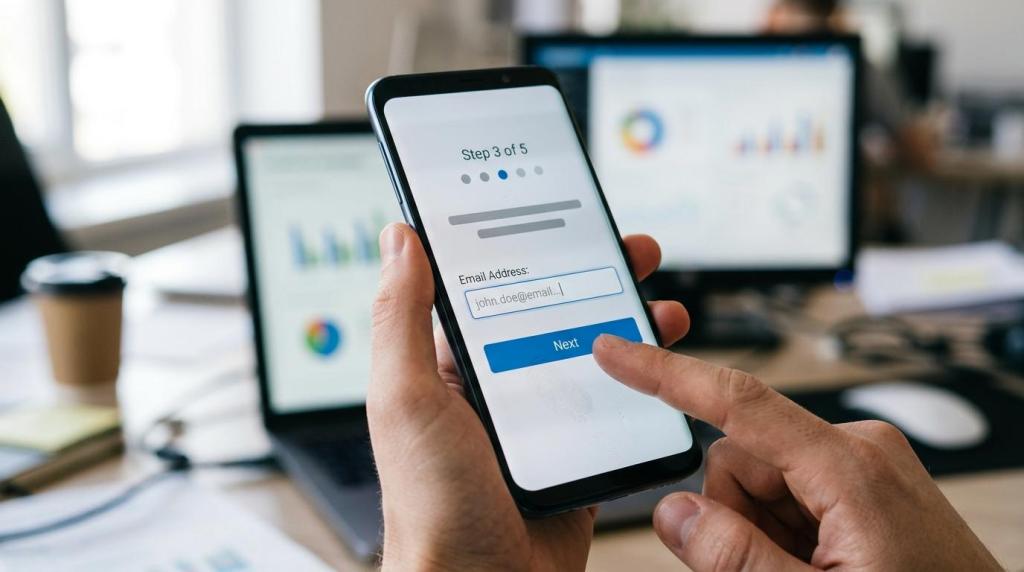
That is one reason multi-step lead forms often outperform generic single-page forms. A better flow reduces perceived friction, keeps the user moving, and can gather qualification details without crushing completion. Growform, for example, positions multi-step UX, conditional logic, and real-time delivery as tools to raise conversion rate and move submissions into downstream systems quickly.
The best capture layer also preserves attribution and routing data. Hidden fields, UTMs, gclid, fbclid, sub IDs, and source metadata should pass straight through the form into the CRM or lead distribution platform. If they do not, you may route more slowly because the lead lacks the fields needed for assignment or buyer matching.
Routing-side delays in CRMs and ping post platforms
On the backend, the biggest losses usually come from poor handoff design. A lead is submitted, but no instant webhook fires. Or the lead lands in a sheet and waits for a Zap. Or the CRM creates the record but does not trigger the dialer. Or a ping/post setup waits too long for buyer selection, retries, or manual review.
For aggregators and sellers, routing speed is part of lead quality. A clean form post into Boberdoo, Phonexa, LeadsPedia, Databowl, or a custom webhook should happen in seconds, not minutes. If your form tool is fast but your posting logic is fragile, your contact rate still suffers.
This is where operators need to separate two clocks:
- Capture-to-system time: form submit to CRM or routing platform receipt
- System-to-human time: platform receipt to first outreach attempt
- Total time to lead: the combined number that the market actually feels
Form optimization tactics that improve contact rates before dialing
Fast outreach helps, but it does not fix bad lead capture. The lead also needs to be real, reachable, and routed with enough context to act on.
A better form can lift contact rate even before sales changes anything, because fewer junk submissions enter the queue and more real users finish the process.
The highest-impact tactics tend to be these:
- Phone verification: reduce fake or mistyped numbers before submit
- Email validation: catch obvious bad addresses and disposable patterns
- Conditional logic: ask extra qualifying questions only when relevant
- Progress indicators: make longer forms feel shorter on mobile
- Hidden fields: preserve UTMs, click IDs, and buyer-routing data
- Real-time delivery: push the lead instantly into CRM, GHL, Sheets, or routing platforms
Phone verification deserves special attention. A lead you contact in 60 seconds is still worthless if the phone number is invalid. Real-time verification can cut uncontactable leads before they ever hit the sales floor. That matters a lot in paid channels where fake form fills, accidental submissions, and bot traffic can quietly drag down contact rates.
Form analytics matter too. If you can see which step leaks users, you can trim friction without guessing. Growform’s positioning around step-by-step analytics and abandonment tracking speaks to a real operator need here: you want to know whether the problem is at the phone field, the address step, the qualification step, or the consent section.
Time to lead SLA targets for consumer lead generation teams
The right SLA depends on lead type, but most paid traffic teams should aim much tighter than they do now.
A useful standard is to treat every fresh web lead as time-sensitive inventory. That means building service levels around the first attempt, not just “same day” follow-up.
After mapping the full stack, many teams settle on a simple operating model:
- Route time: under 10 seconds from submit to destination system
- First attempt: under 60 seconds for high-intent paid traffic
- Backup attempt: within 5 minutes if the first call misses
- Queue ownership: one system, one rule set, no manual re-assignment
If you sell leads rather than work them yourself, your SLA should also include post success, buyer acceptance, and fallback routing. A lead that sits in limbo after a failed post is stale before anyone gets a second chance.
For in-house teams using GoHighLevel, HubSpot, Salesforce, or a dialer stack, the principle is the same. The moment the form is submitted, the workflow should fire. No spreadsheet waiting room. No “we call once an hour.” No manual copy-paste.
How to measure time to lead without hiding problems
A single average response time can make a weak operation look fine. One rep who responds quickly can mask a queue that is failing overnight, on weekends, or in certain traffic sources.
A better reporting view breaks time to lead into operational slices and ties it to contact outcomes.
Track these numbers every week:
- Median and 90th percentile time to lead
- Contact rate by source, campaign, and form version
- Valid phone rate and invalid phone rate
- Speed to lead during business hours versus off-hours
- Contact rate by verified versus unverified submissions
That last cut is especially useful. If verified phone leads connect far better, you have hard evidence that form-side quality controls are not just a compliance or fraud feature. They directly support sales efficiency.
You should also compare time to lead against the fields captured in the form. Teams often learn that a slightly longer multi-step form with stronger qualification and verification produces better contact and qualification than a short form filled with junk. More raw volume is not always better inventory.
The best time to lead improvements usually come from form and routing changes
Many operators look for gains by rewriting scripts or increasing call attempts. Those changes can help, but the easiest wins often sit earlier in the chain.
If your stack still looks like “landing page to form to Zap to sheet to CRM to rep,” the fix is structural. Move to direct webhooks. Fire instant alerts. Pass buyer and attribution fields correctly. Verify contact details at submit. Use conditional logic to reduce junk. Then measure the full submit-to-first-attempt window, not just rep activity after assignment.
That is where lead generation form tooling starts to matter more than teams expect. The form is not just a capture widget. It is the front end of response-time performance. A fast, mobile-friendly, multi-step form with real-time delivery and verification can improve two things at once: more completed leads and better odds those leads can actually be reached.
And once both of those numbers move in the same direction, contact rate usually stops feeling mysterious. It starts looking like what it really is: an operations metric shaped by form design, routing speed, and how seriously the team treats the first few minutes.
Growform handles the capture side of that clock. Multi-step forms with phone validation and conditional logic keep junk out of the queue, and webhooks post each submission to your CRM, dialer or distribution platform the moment it arrives. Start free trial and measure your own submit-to-first-attempt time.
Related articles

7 Best Lead Routing Tools for Real-Time Lead Handoffs
October 13, 2026
Quiz Funnels vs Multi-Step Forms for Lead Generation
Paid traffic operators usually ask the wrong first question here.
September 30, 2026